

Create a booking website for your homestay, no code needed
HostBooking ·
With HostBooking you create a homestay booking website by choosing a site name, entering your homestay’s name, then adding rooms and photos. The site comes with live availability, online booking, a QR code for guests to pay the deposit, a Zalo chat button and page titles and descriptions already written for Google. No designer to hire, no code to write.
How is a homestay website different from a Facebook page?
A Facebook page helps guests find you, but they still have to message "any rooms free?", wait for an answer, then transfer money to the account you send. A booking website does that part for you: guests see free rooms, pick the hours or dates, book and pay the deposit any time, even at midnight.
What a HostBooking homestay website includes
- A home page and a page per room with photos, prices, amenities, house rules and a map.
- Live availability from real bookings; guests only see the times still free.
- Online booking by the hour, overnight or by the day.
- QR bank-transfer deposits (VietQR, Vietnam’s standard bank QR) straight into your account.
- A Zalo button floating in the corner, so guests can ask in one tap on Vietnam’s main chat app.
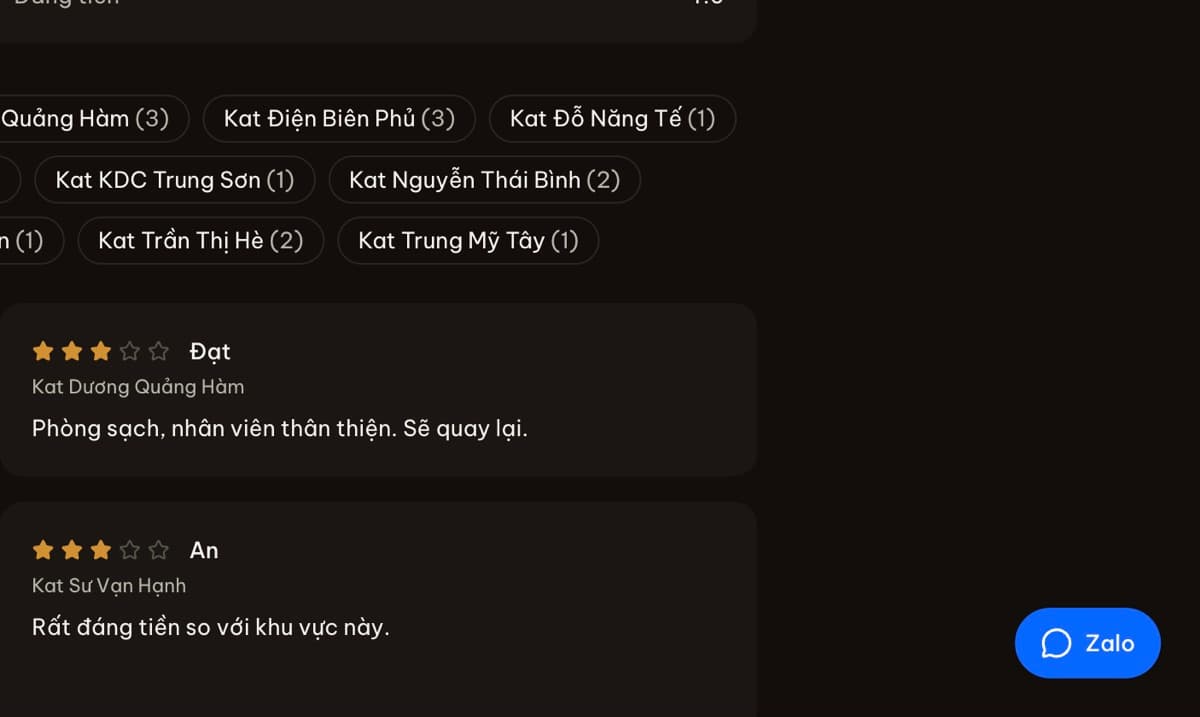
- Guest reviews, guest accounts and membership tiers (depending on plan).
- Vietnamese and English, with AI to help translate your descriptions.
- SEO built in: titles, descriptions and structured data for Google, and full previews when shared on Facebook or Zalo.
Steps to create a homestay website
- Sign up and choose a site name, for example nhamay.staycation.com.vn.
- Enter your homestay’s name, phone number and the bank account for deposits.
- Add properties, room types, prices and photos. AI can write the descriptions if you like.
- Publish. Send the link to guests on Zalo, Facebook and Google Maps.
A step-by-step guide with screenshots: how to create a homestay booking website.
Use your own domain
From the Basic plan you can connect your own domain, such as nhamay.vn. The admin walks you through pointing the domain step by step, and your original site name keeps working alongside it, so returning guests never get lost.
Build it yourself, hire a designer or use HostBooking?
| Designer / WordPress | HostBooking | |
|---|---|---|
| Time to a live site | A few weeks | A few minutes |
| Live availability, online booking | Extra plugins to buy | Included |
| QR deposits to your own account | Integrate it yourself | Included |
| Updates, security, hosting | Your job | Handled by HostBooking |
| Cost | A large upfront fee + upkeep | A monthly plan, with a free plan |
Frequently asked questions
How long does it take to create a homestay website?
Creating the site takes about 2 minutes. Adding rooms, prices and photos usually takes another 15–30 minutes, depending on how many rooms you have.
I am not a designer. Will the site look good?
The site comes with a layout made for homestays that looks good on phones. You change colours, logo and cover photo in the admin without any code.
Can the website show up on Google?
Yes. Each room page has a title, description and structured data for Google. You can verify the site with Google Search Console right in the Integrations section.
Do guests need an account to book?
No. Guests only need a name and phone number. A guest account is optional, for looking back at past bookings.