

← All how-to videosMore on this topic
Sign up and make your booking site in two minutes
Pick the site name, enter your brand and email, set a password from the confirmation link, and land in the admin with a first-steps list.
Narrated in Vietnamese, with Vietnamese captions.
In this video
- Go to the HostBooking sign-up page and type the name of your homestay.
- The site address is created from the name; to change it, click Change, and the system tells you straight away whether it is available.
- Enter your email and click Create site.
- Open the confirmation email in your inbox and click the link in it to set a password.
- Set a password, enter it again and click Create site.
- Done: you go straight into the admin, with a checklist of steps to start taking guests.
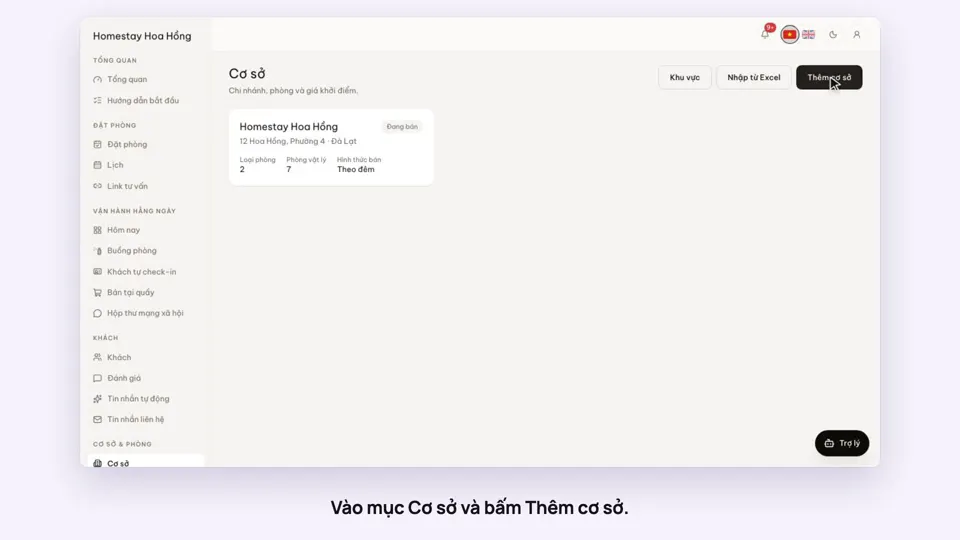 0:39Add a place, its room types and roomsGetting started
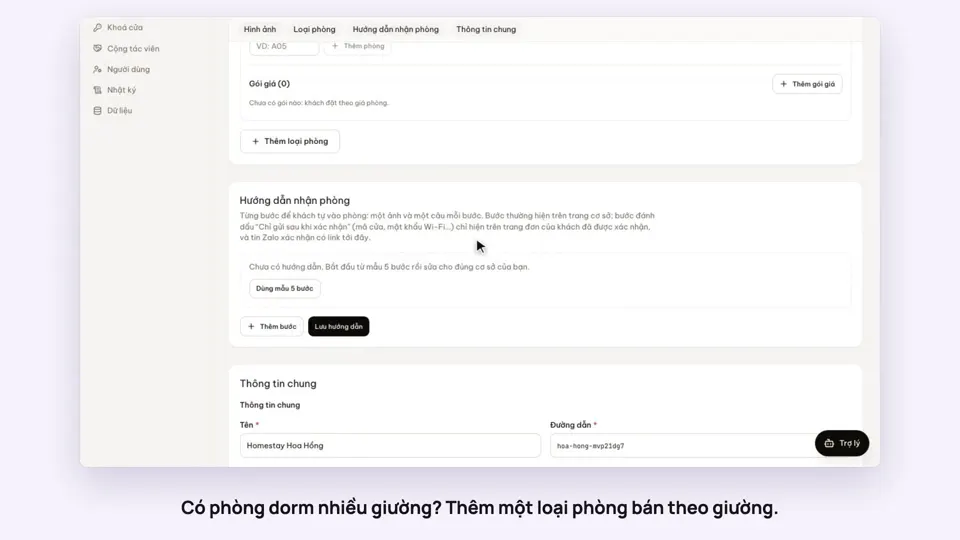 0:41Sell a dorm by the bedGetting started
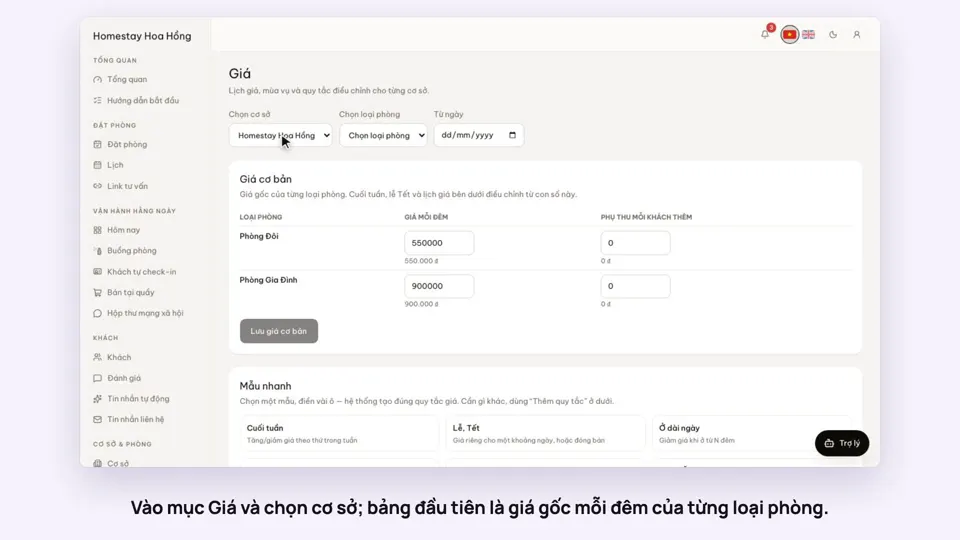 0:37Set weekend and holiday pricesGetting startedBookings
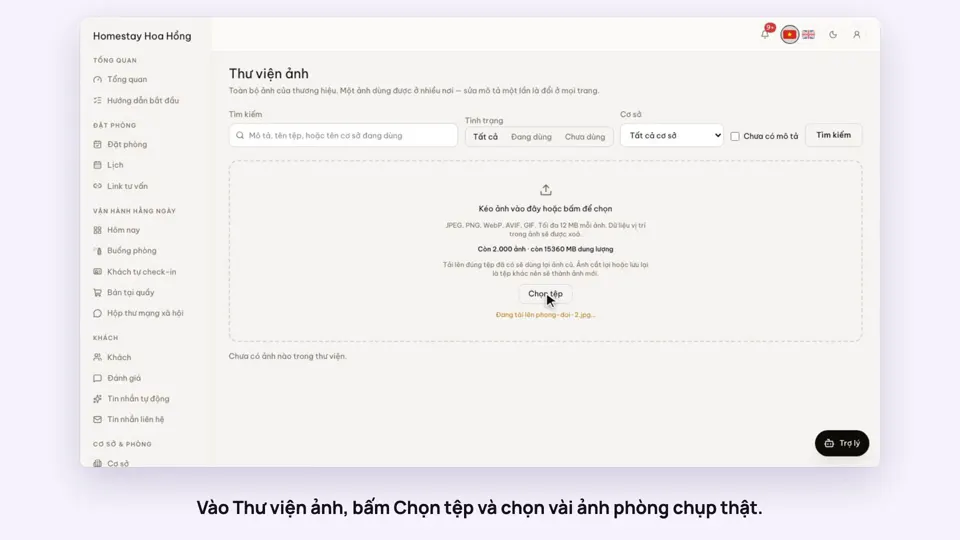 0:34Upload photos and describe your roomsGetting startedSelling
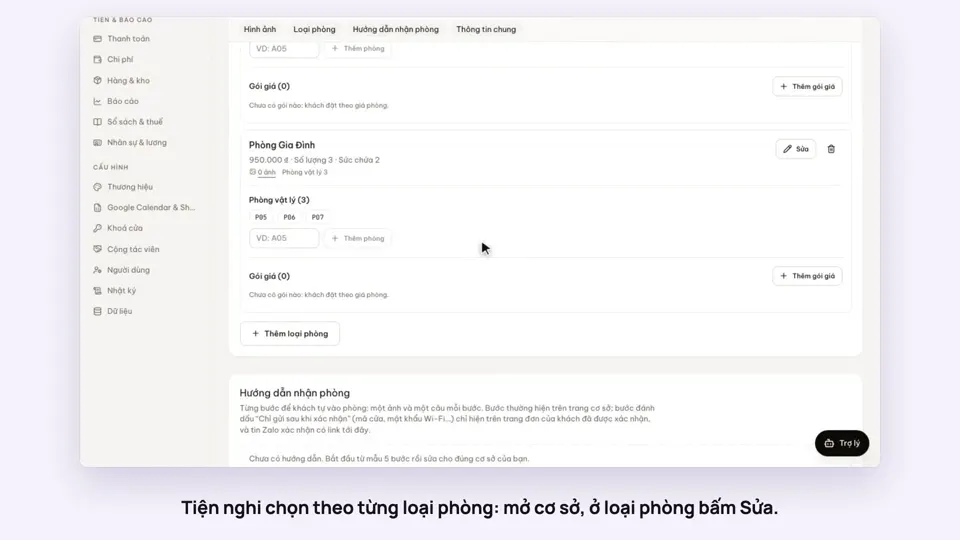 0:30Pick amenities for each room typeGetting startedSelling
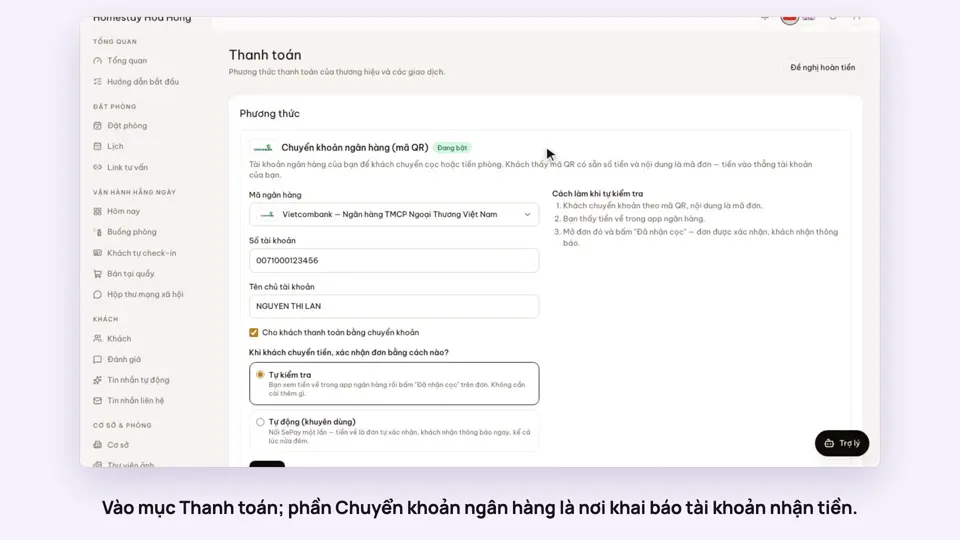 0:30Add your bank account to take payments by QRGetting startedMoney