

← All how-to videosMore on this topic
Add your bank account to take payments by QR
Enter the bank, account number and holder; every booking then has a QR code with the exact amount and reference.
Narrated in Vietnamese, with Vietnamese captions.
About VietQR payments →In this video
- Go to Payments; the Bank transfer section is where you enter the account that receives money.
- Click Choose bank and type a few letters to find your bank.
- Enter the account number and the account holder’s name exactly as they appear at the bank.
- Leave Manual check on if you check incoming money yourself, then click Save.
- From now on, guests who book see a QR code with the amount already filled in and the booking code as the message, and the money goes straight into your account.
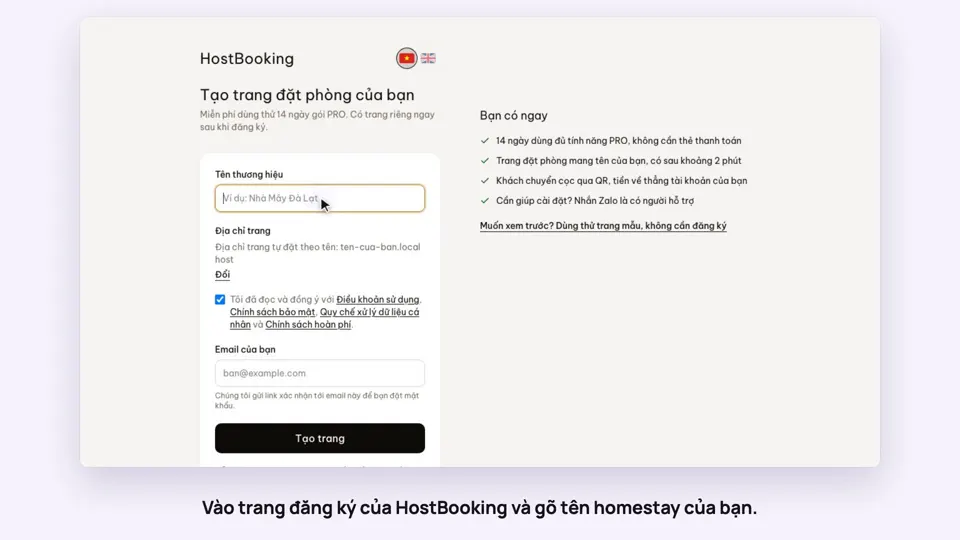 0:33Sign up and make your booking site in two minutesGetting started
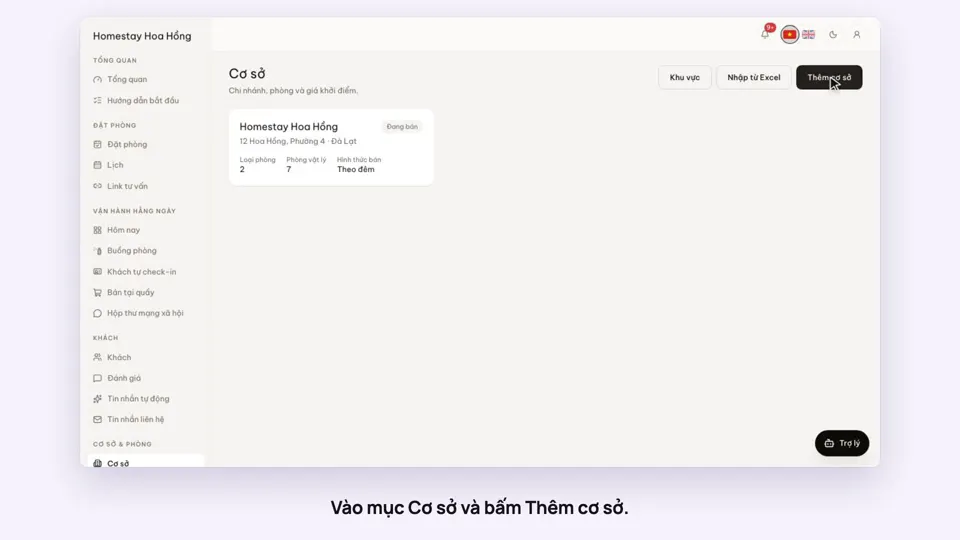 0:39Add a place, its room types and roomsGetting started
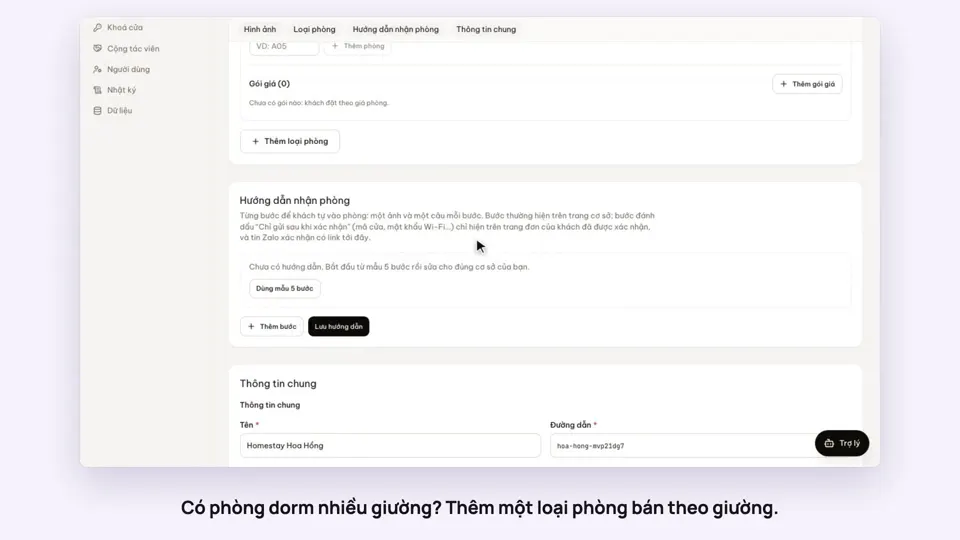 0:41Sell a dorm by the bedGetting started
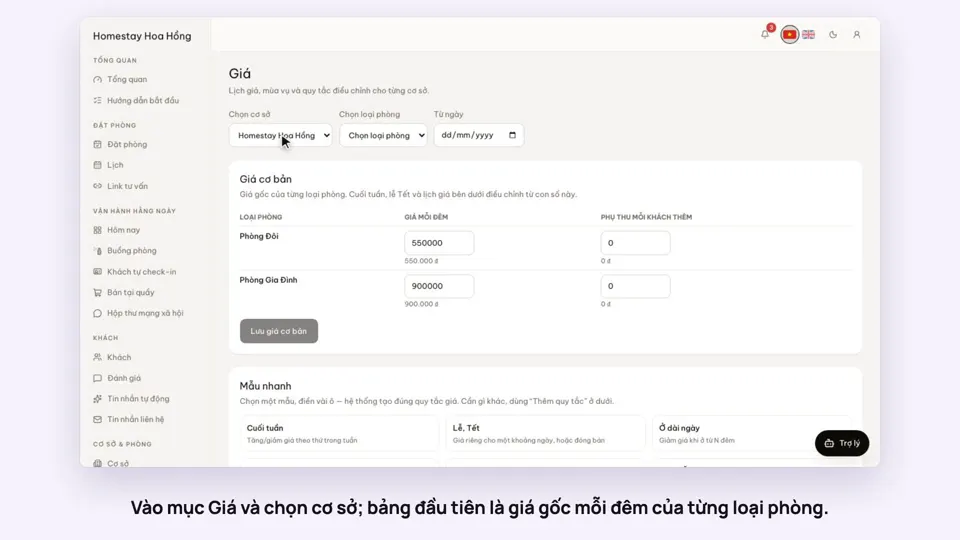 0:37Set weekend and holiday pricesGetting startedBookings
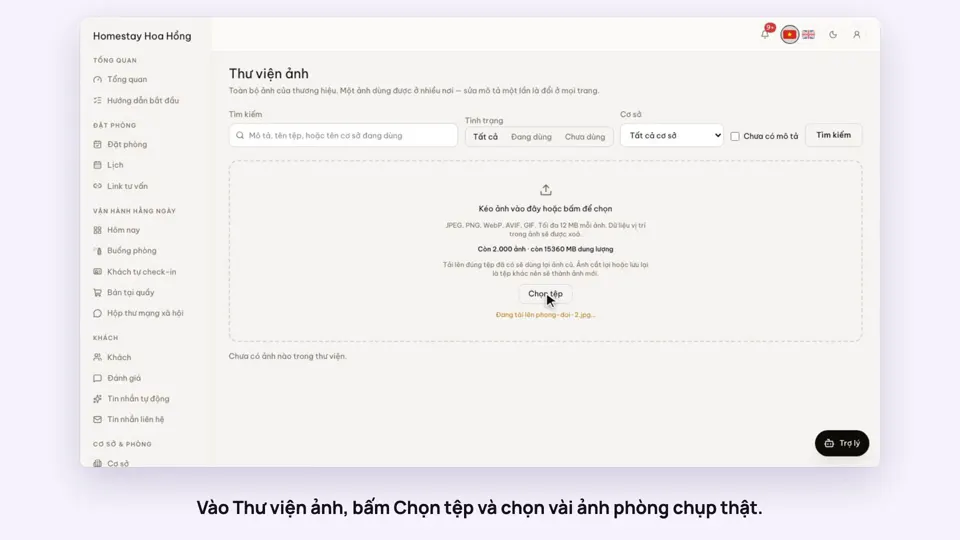 0:34Upload photos and describe your roomsGetting startedSelling
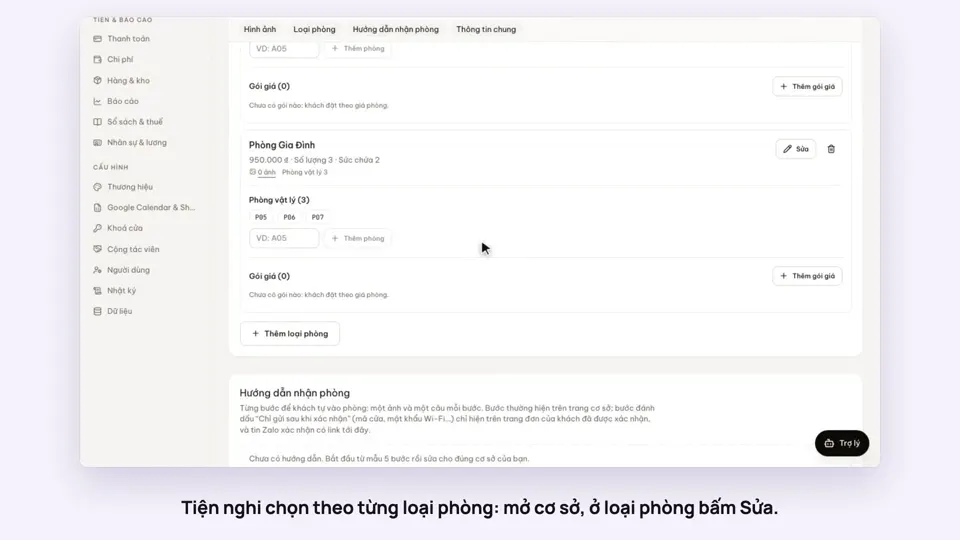 0:30Pick amenities for each room typeGetting startedSelling