

← All how-to videosMore on this topic
Pick amenities for each room type
Tick wifi, air conditioning, kitchen, parking… for each room type so guests see them on the room page, and add your own photo for each amenity.
Narrated in Vietnamese, with Vietnamese captions.
In this video
- Amenities are chosen per room type: open the property, and click Edit on the room type.
- Scroll down to Room amenities and tick wifi, air conditioning, parking.
- Add a kitchen, fridge, balcony, choosing only what this room really has.
- Click Save, and the amenities appear on the room page for guests to see.
- To let guests see a real photo of each amenity, go to Amenities and choose a photo for it.
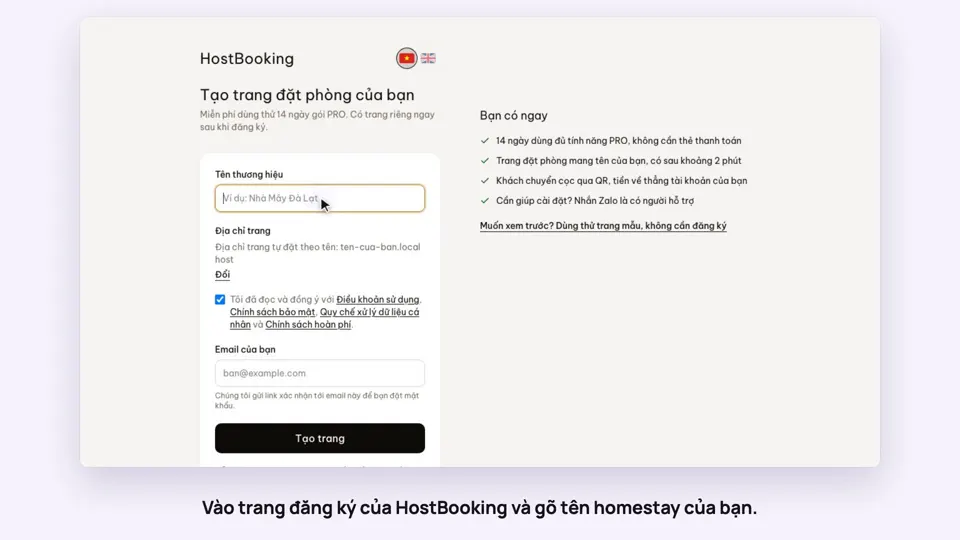 0:33Sign up and make your booking site in two minutesGetting started
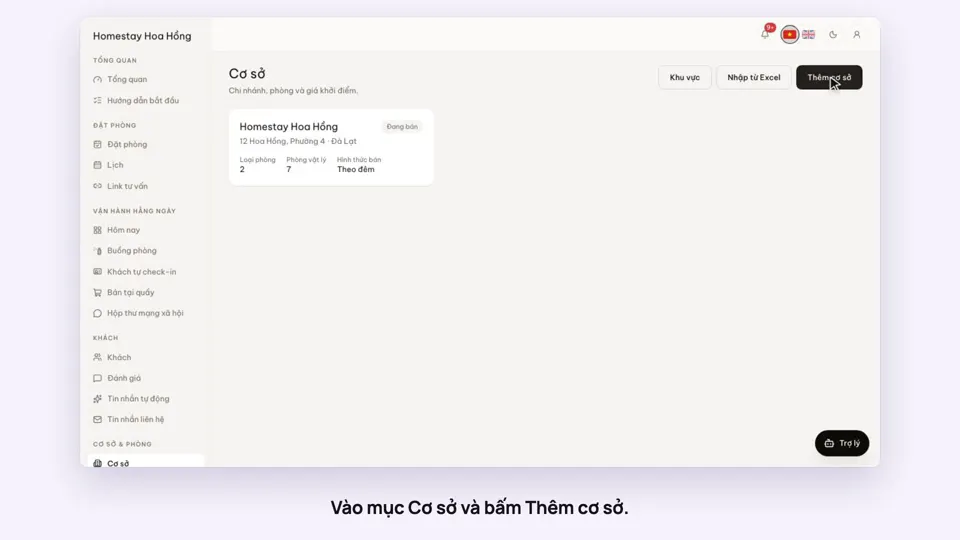 0:39Add a place, its room types and roomsGetting started
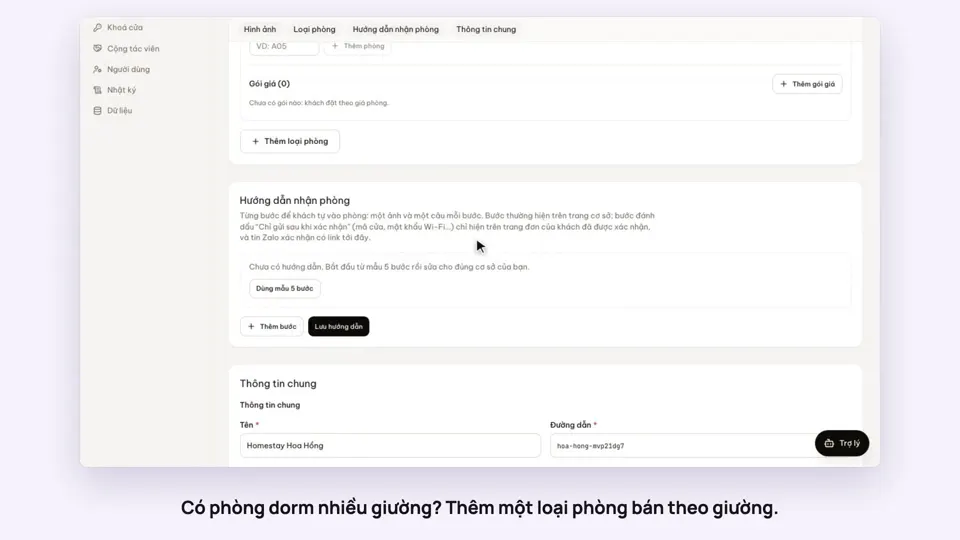 0:41Sell a dorm by the bedGetting started
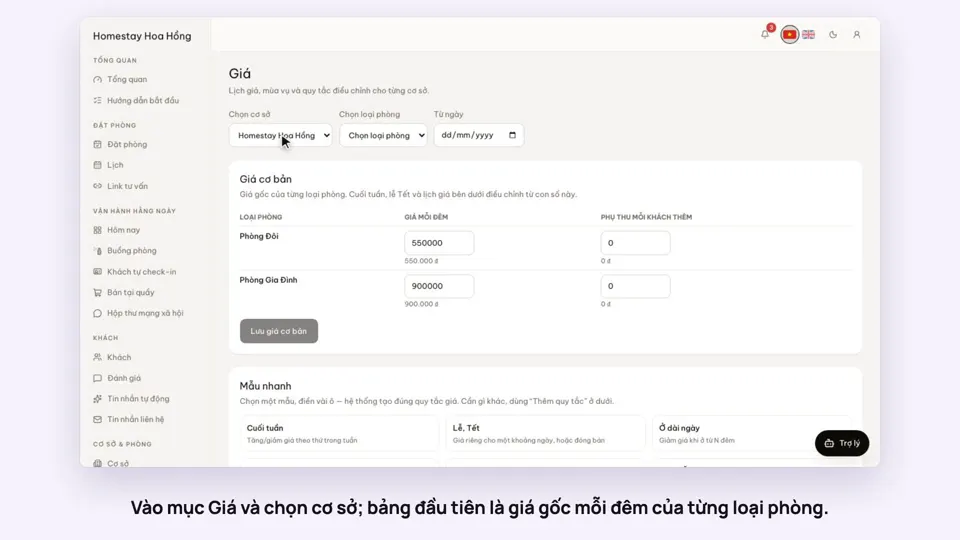 0:37Set weekend and holiday pricesGetting startedBookings
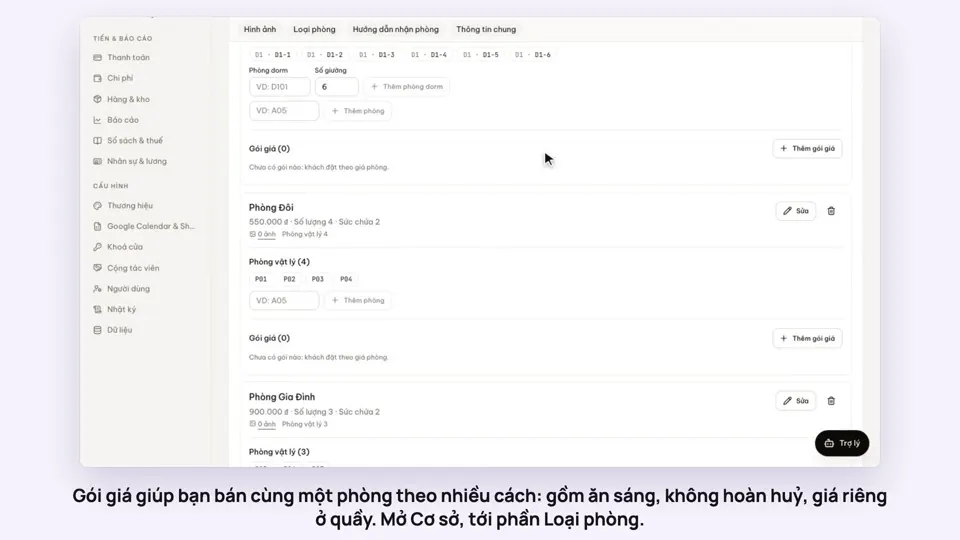 0:50Make rate plans: breakfast included, non-refundableSelling
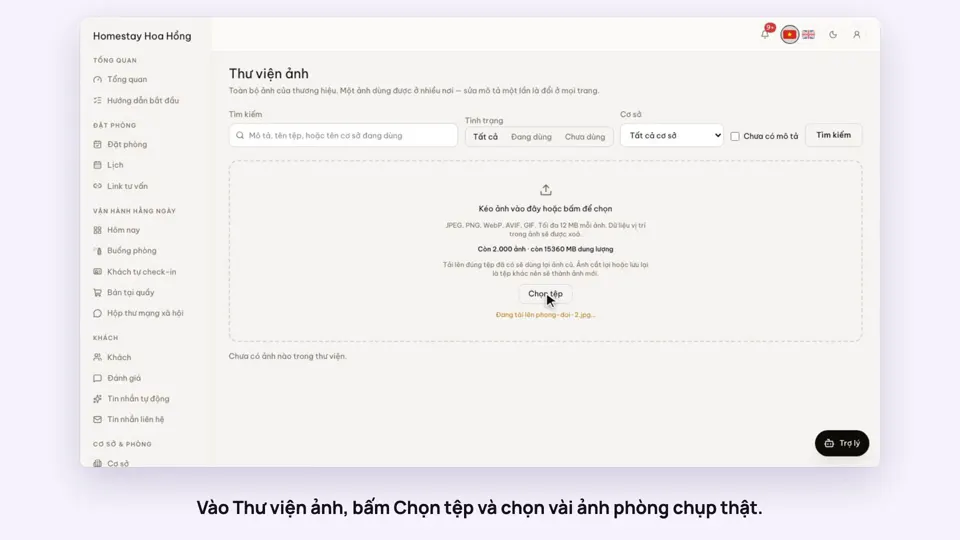 0:34Upload photos and describe your roomsGetting startedSelling