

← All how-to videosMore on this topic
Set weekend and holiday prices
Base price, a price for Friday and Saturday, and prices for date ranges such as holidays, shown on the price calendar.
Narrated in Vietnamese, with Vietnamese captions.
In this video
- Go to Prices and choose a property; the first table is the base price per night for each room type.
- To change a base price, edit the number and click Save base prices.
- Weekend prices: click the Weekend template, with Friday and Saturday already selected, and enter the increase.
- Click Create, and the price calendar below immediately goes up for the weekend days.
- For holidays: click the Holiday, Tet template, name it, choose the date range and the price per night.
- Click Create, then check the price calendar: the holiday days now have their own price.
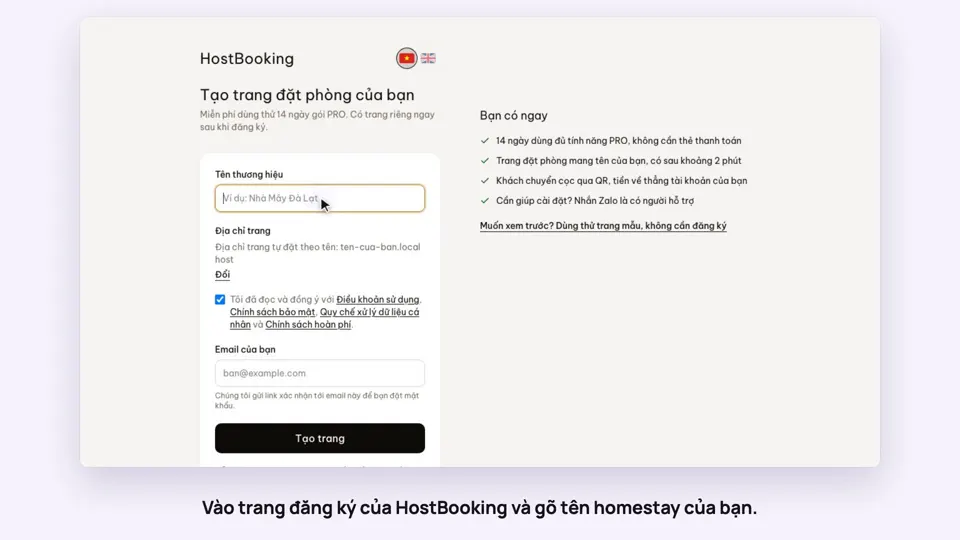 0:33Sign up and make your booking site in two minutesGetting started
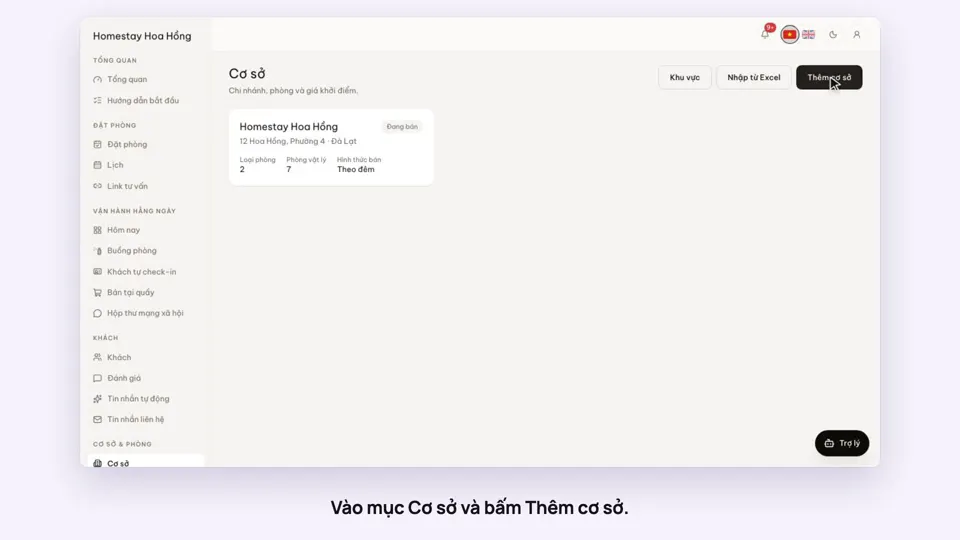 0:39Add a place, its room types and roomsGetting started
 0:41Sell a dorm by the bedGetting started
 0:34Upload photos and describe your roomsGetting startedSelling
 0:30Pick amenities for each room typeGetting startedSelling
 0:30Add your bank account to take payments by QRGetting startedMoney