

← All how-to videosMore on this topic
Loyalty tiers for returning guests
Tiers by how much a guest has spent, each with its own discount; guests move up by themselves.
Narrated in Vietnamese, with Vietnamese captions.
About Discounts and loyalty →In this video
- Loyalty tiers keep returning guests: the more a guest spends, the higher the tier and the bigger the discount.
- Click Add tier, then set the tier name, the spend needed to reach it and the discount percentage.
- Choose whether this tier stacks with promo codes or only the better deal applies, then click Save.
- Add a Gold tier for guests who spend more, with a deeper discount.
- Guests who reach the spend level move up automatically and get the discount on every booking; you can see how many guests are in each tier.
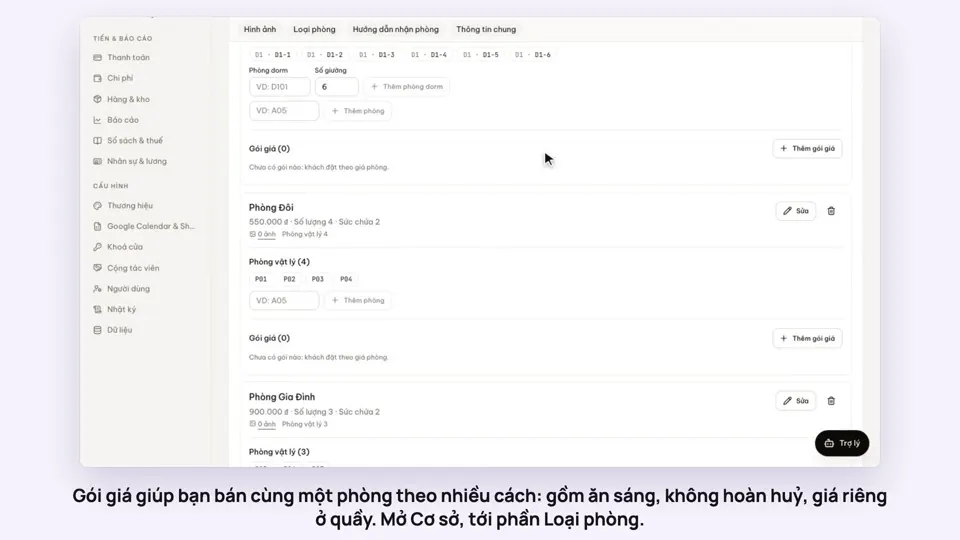 0:50Make rate plans: breakfast included, non-refundableSelling
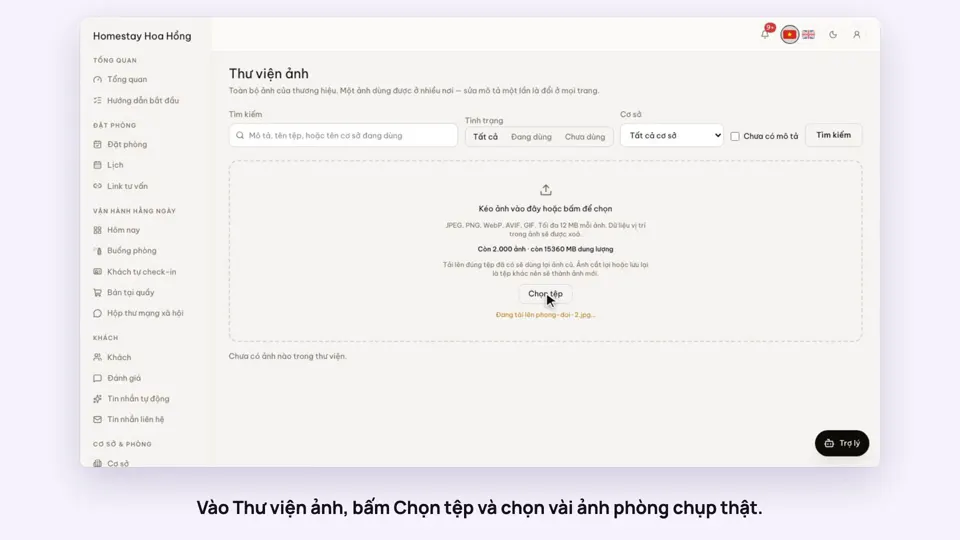 0:34Upload photos and describe your roomsGetting startedSelling
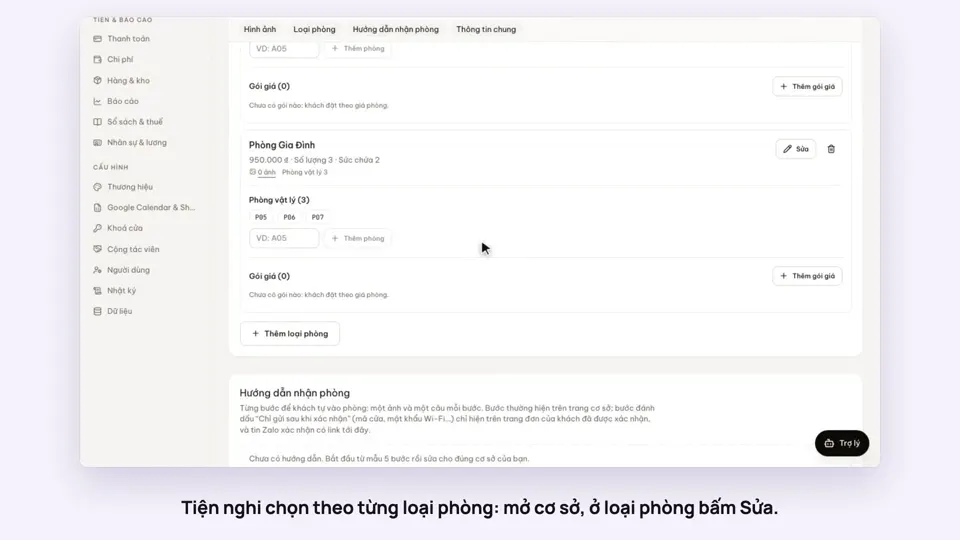 0:30Pick amenities for each room typeGetting startedSelling
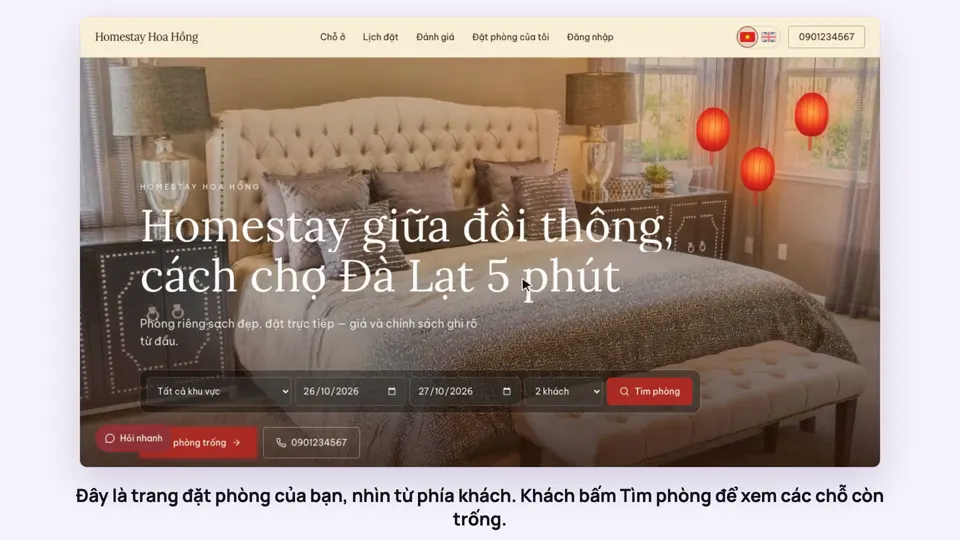 0:39A guest books on your websiteBookingsSelling
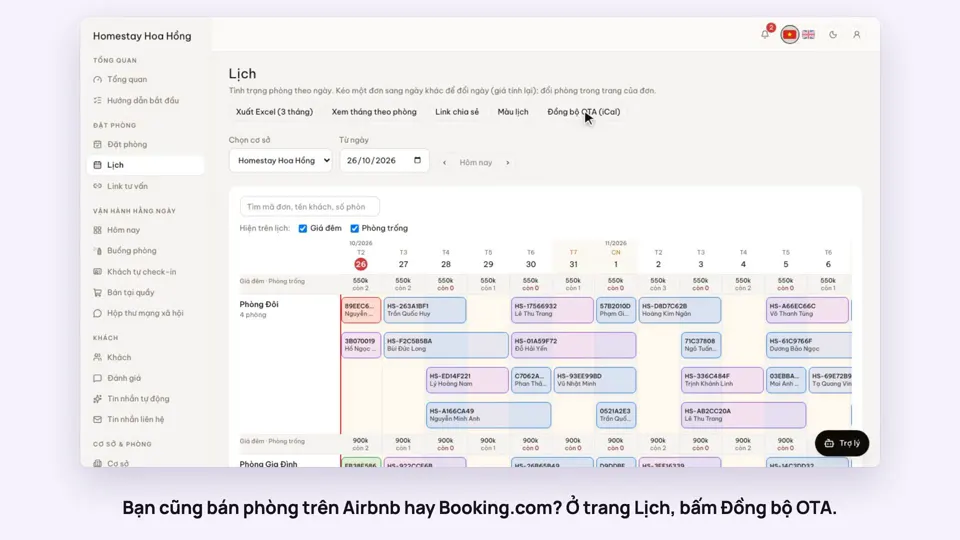 0:43Sync calendars with Airbnb, Booking.com and AgodaBookingsSelling
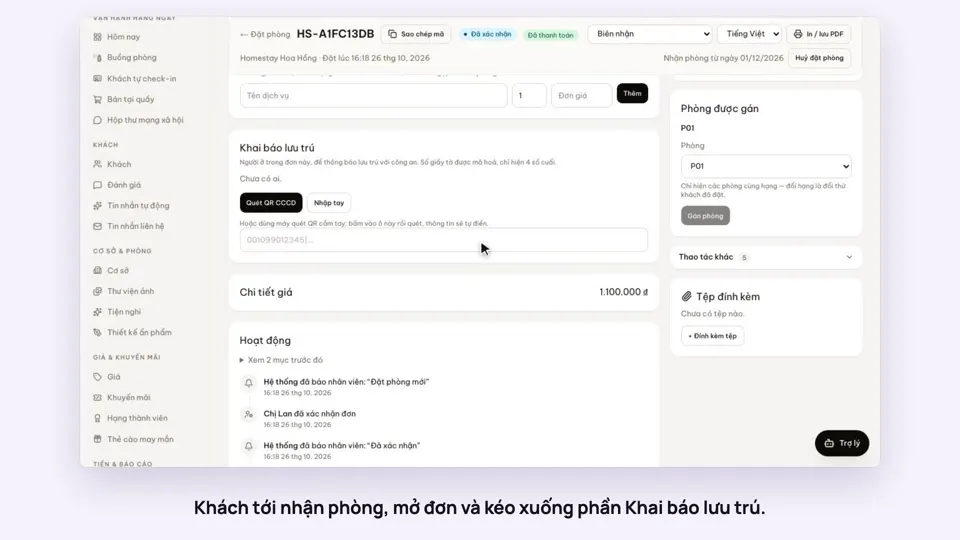 0:40Record guests by scanning their ID card’s QRToday & housekeepingGuests & alerts