

← All how-to videosMore on this topic
Make rate plans: breakfast included, non-refundable
Add plans to a room type, priced up or down from the night’s rate by a percentage or an amount, sold on the site, at the desk or on OTAs.
Narrated in Vietnamese, with Vietnamese captions.
About Booking website →In this video
- Rate plans let you sell the same room in different ways: breakfast included, non-refundable, a separate price at the desk. Open Properties and go to the Room types section.
- Click Add rate plan on the room type you want to sell, then set the plan name and an English name for foreign guests.
- The price for each night is worked out from that night’s room price, including the weekend price: here it adds 100,000 VND. You can also raise or lower it by a percentage, and set a lowest and highest price.
- Tick Breakfast included, choose where to sell: website, desk or OTA channel, then save the plan.
- When you take a booking at the desk, the Rate plan box lets you choose this plan; bookings on a breakfast-included plan automatically go onto the breakfast list for the kitchen.
- Guests booking on the website also see the plans at the booking confirmation step, and whichever plan they choose, the price is recalculated right away.
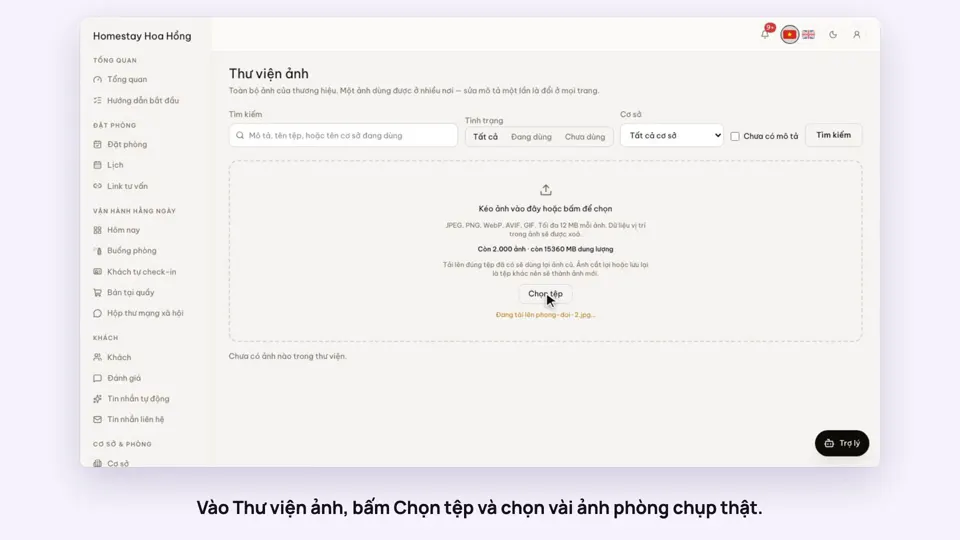 0:34Upload photos and describe your roomsGetting startedSelling
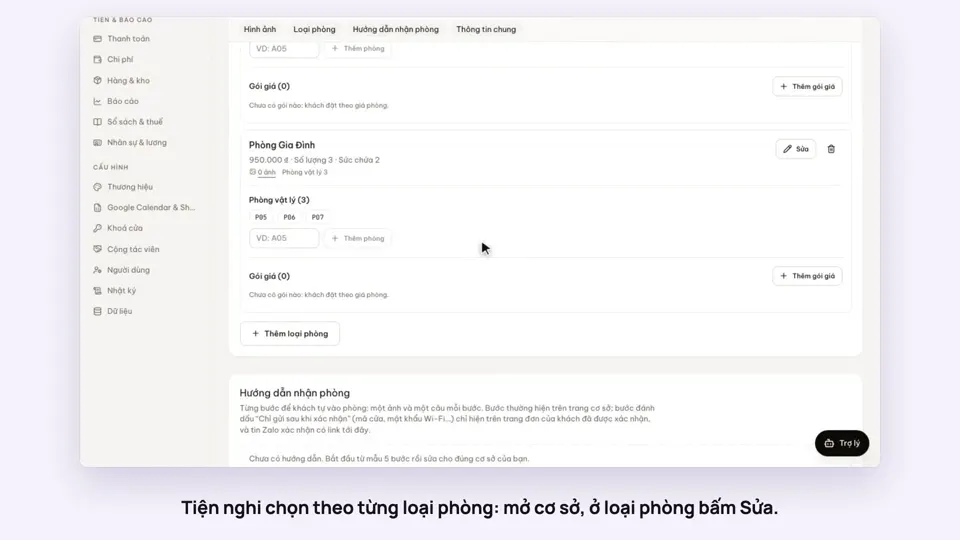 0:30Pick amenities for each room typeGetting startedSelling
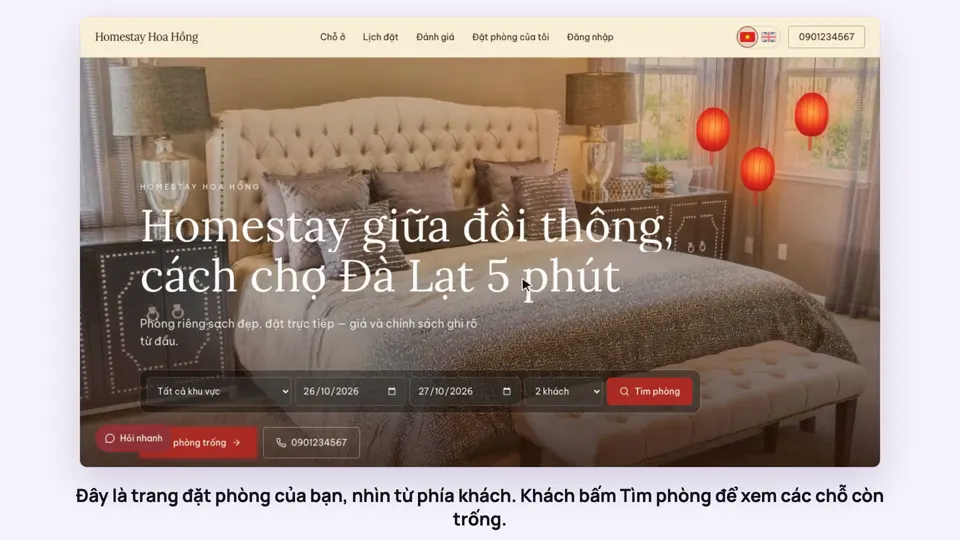 0:39A guest books on your websiteBookingsSelling
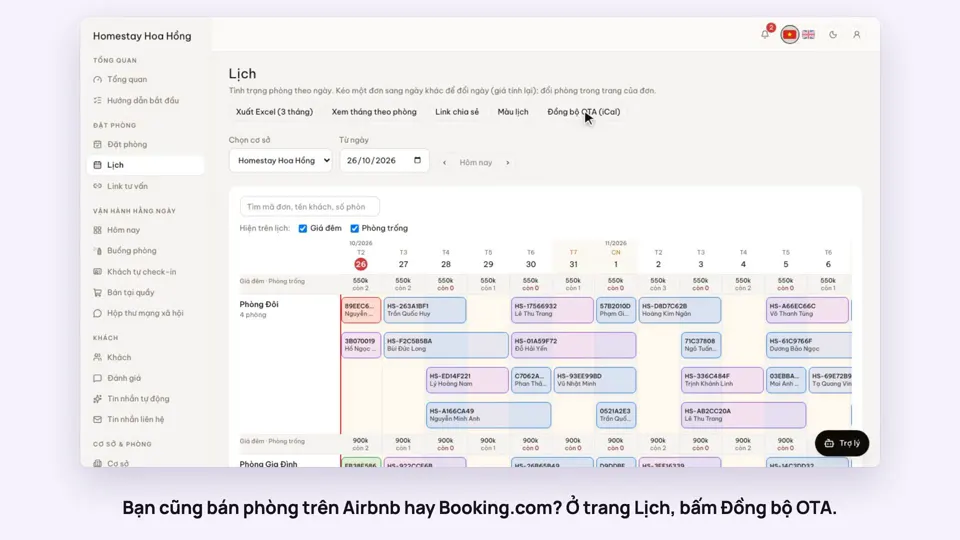 0:43Sync calendars with Airbnb, Booking.com and AgodaBookingsSelling
 0:36Edit your home page: cover, headline, styleSelling
 0:31Choose a theme and colours for your siteSelling