

← All how-to videosMore on this topic
Sync calendars with Airbnb, Booking.com and Agoda
Paste each channel’s calendar link and give them yours, so a room is never sold twice.
Narrated in Vietnamese, with Vietnamese captions.
About OTA calendar sync →In this video
- Do you also sell rooms on Airbnb or Booking.com? On the Calendar page, click OTA sync.
- Each room category is connected separately. Click Connect a channel calendar, then choose the channel name, for example Airbnb.
- Paste the calendar export link from Airbnb’s calendar settings, then click Connect and sync.
- Once connected, the Airbnb calendar is pulled in every fifteen minutes, and any day with a guest there is blocked here automatically.
- The other way round: copy your calendar link for that room category.
- Then paste it into the calendar import section on Airbnb, Booking.com or Agoda, so they block the days you have already filled and you avoid double bookings.
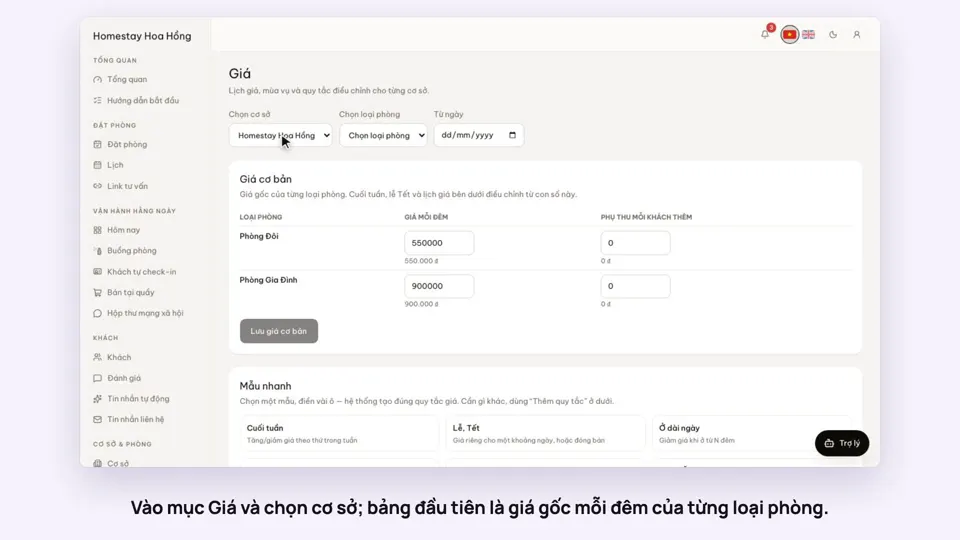 0:37Set weekend and holiday pricesGetting startedBookings
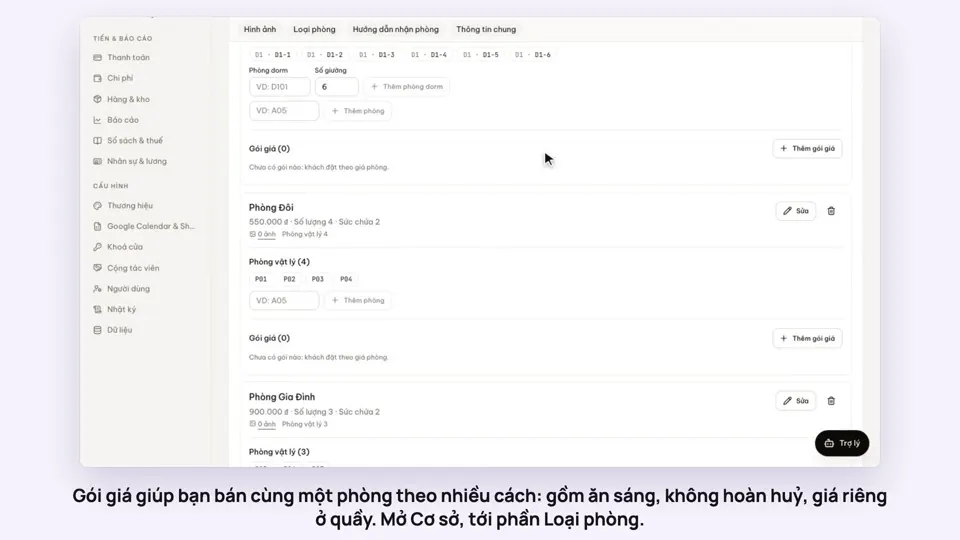 0:50Make rate plans: breakfast included, non-refundableSelling
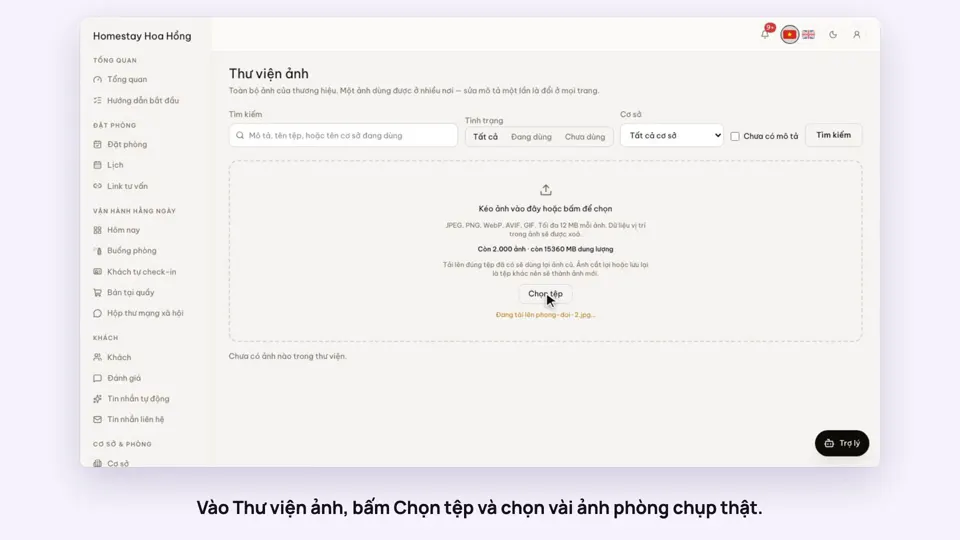 0:34Upload photos and describe your roomsGetting startedSelling
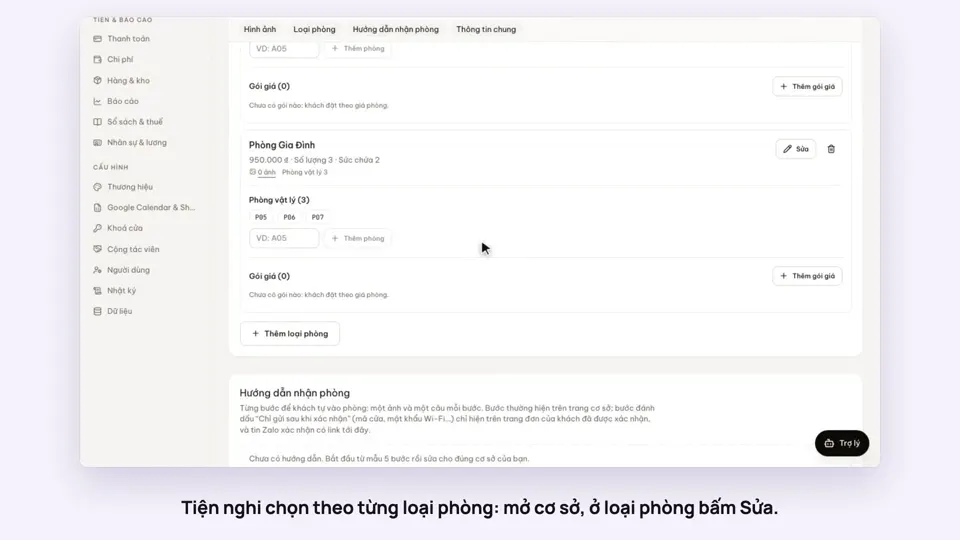 0:30Pick amenities for each room typeGetting startedSelling
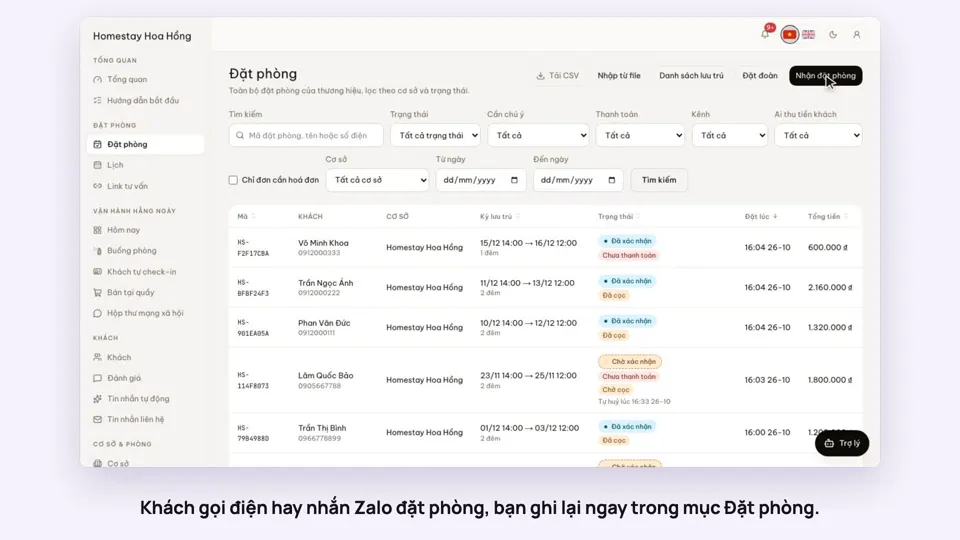 0:41Take a booking from a phone call or a Zalo messageBookings
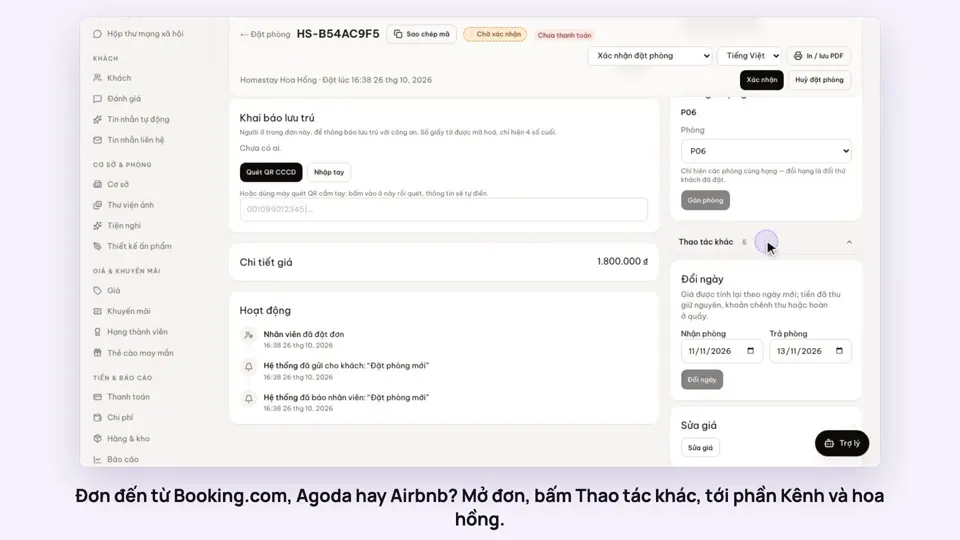 0:42Record the OTA, its booking code and commissionBookings