

← All how-to videosMore on this topic
Use your own domain name
Add your domain, create the DNS record as shown, and wait for it to be confirmed.
Narrated in Vietnamese, with Vietnamese captions.
About Booking website →In this video
- Once you have bought a domain name, go to Brand, then Domain.
- Type your domain name and click Add domain.
- The new domain row has a verification code; go to where you bought the domain and add a TXT record as instructed.
- Add one more record to point the domain to your website.
- Then click Check now; the records can take from a few minutes up to two days to take effect.
- Once verified, click Make primary so that every link you send guests uses your own domain.
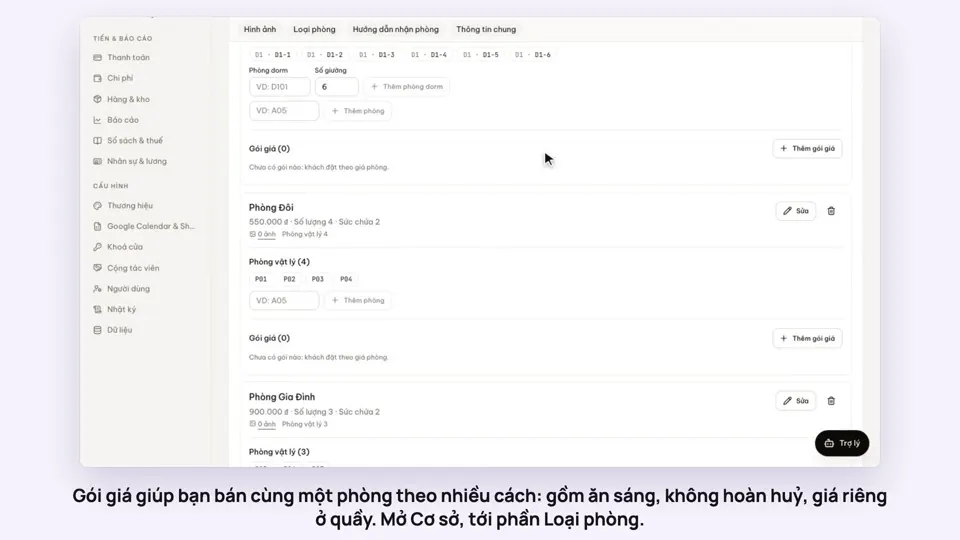 0:50Make rate plans: breakfast included, non-refundableSelling
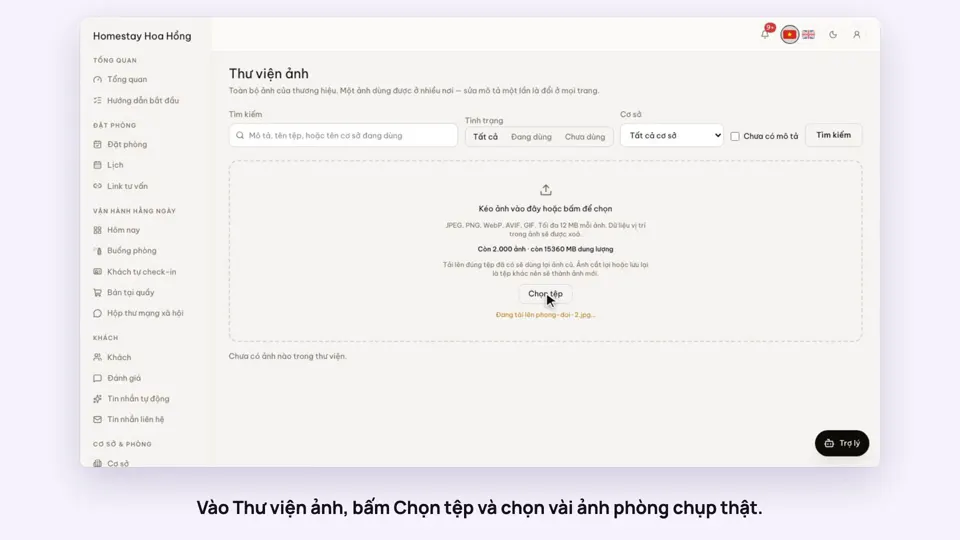 0:34Upload photos and describe your roomsGetting startedSelling
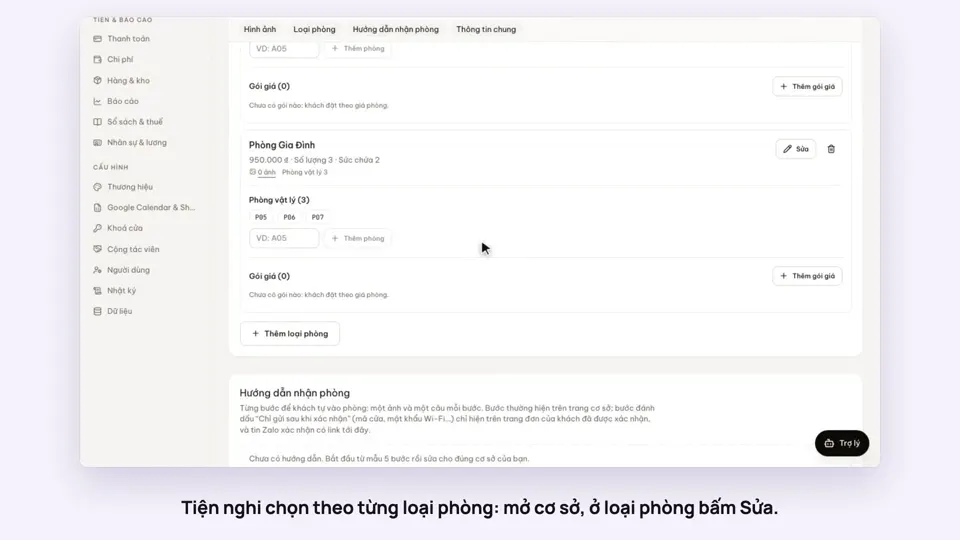 0:30Pick amenities for each room typeGetting startedSelling
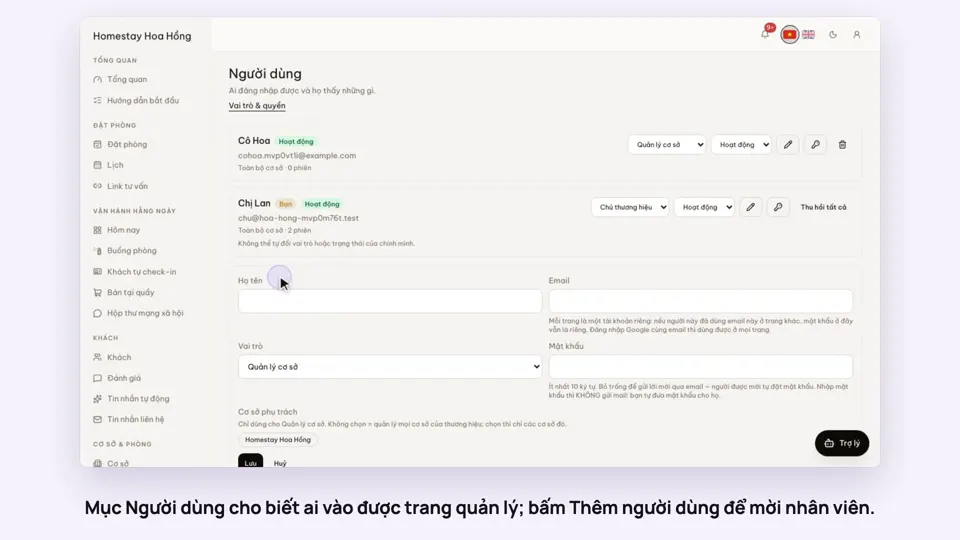 0:33Invite staff and choose what they can doGetting startedSettings
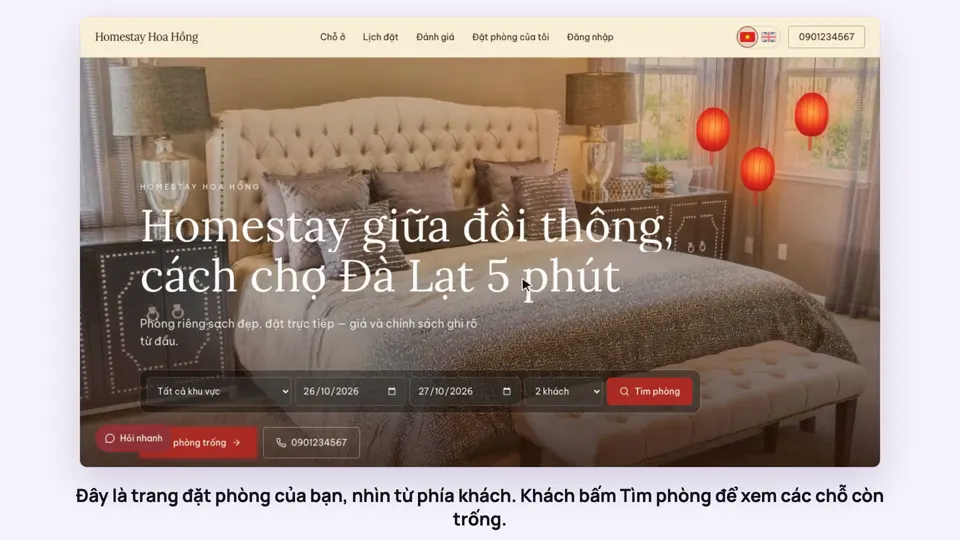 0:39A guest books on your websiteBookingsSelling
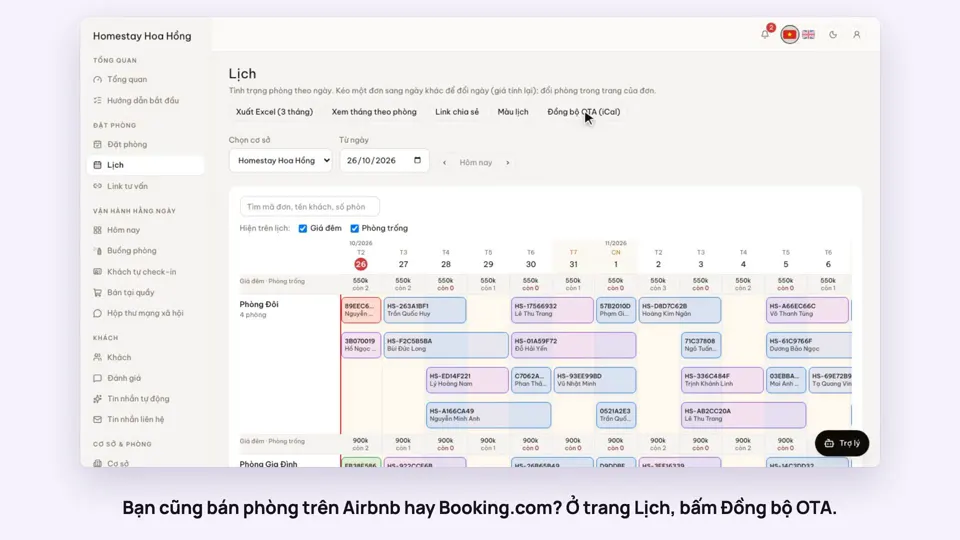 0:43Sync calendars with Airbnb, Booking.com and AgodaBookingsSelling