

← All how-to videosMore on this topic
Put the admin on your phone’s home screen
On Android and iPhone: add it to the home screen to open it like an app.
Narrated in Vietnamese, with Vietnamese captions.
In this video
- The admin can be installed on your phone like an app, with no need to download it from an app store.
- On Android, open Chrome, go to the admin and sign in, then tap the three dots in the top corner.
- Choose Install app or Add to Home screen, then tap Install.
- On iPhone, open Safari, sign in and tap the Share button, the square with an arrow pointing up.
- Choose Add to Home Screen and tap Add; from then on, tap the icon to go straight to the admin.
- It opens fast, full screen, and is always the latest version with no updates to install.
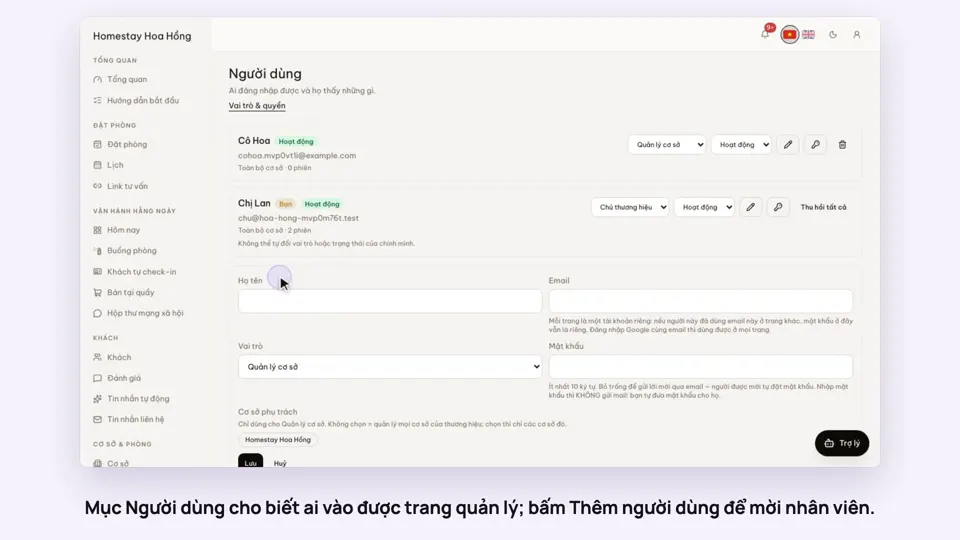 0:33Invite staff and choose what they can doGetting startedSettings
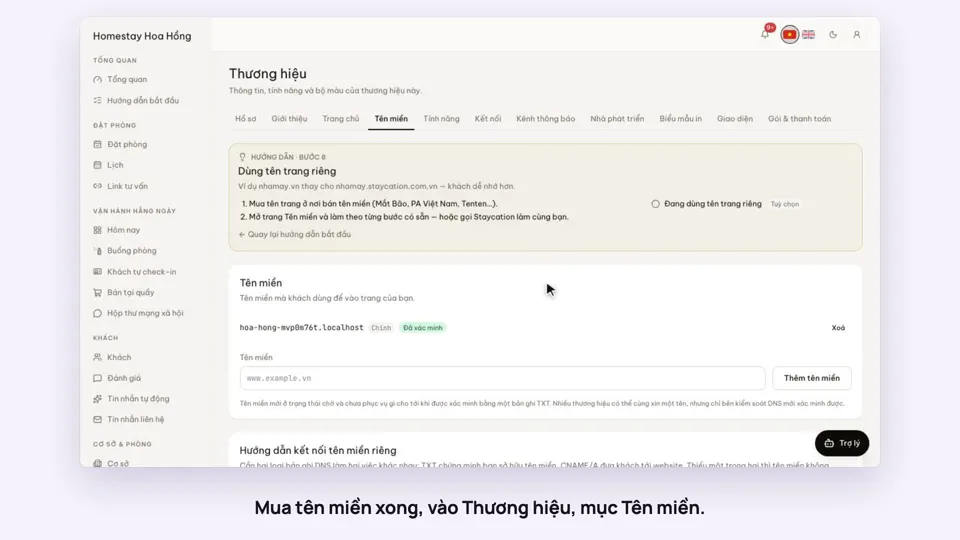 0:34Use your own domain nameSellingSettings
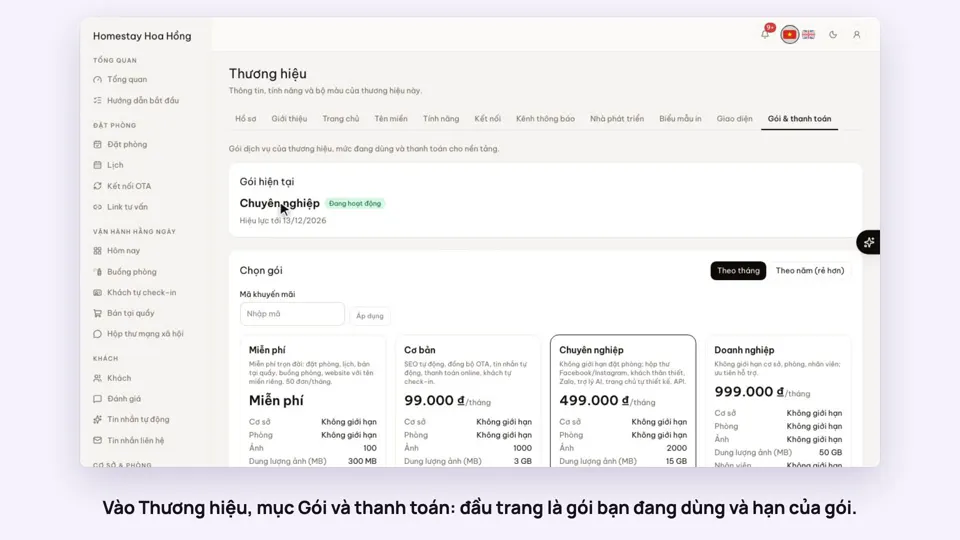 0:34Your plan, upgrading and receiptsSettings
 0:35Edit contact details and check-in timesSettings
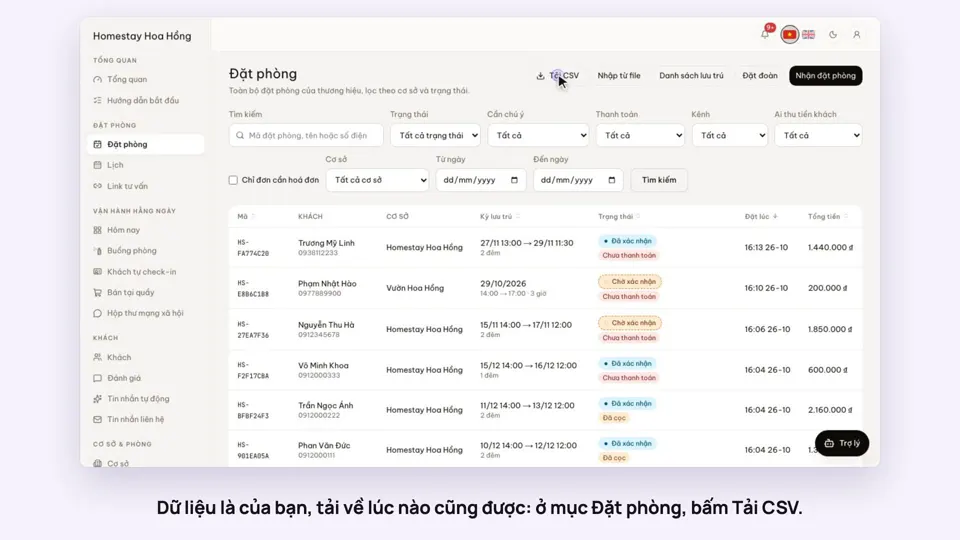 0:27Export bookings, guests and reports to ExcelSettings
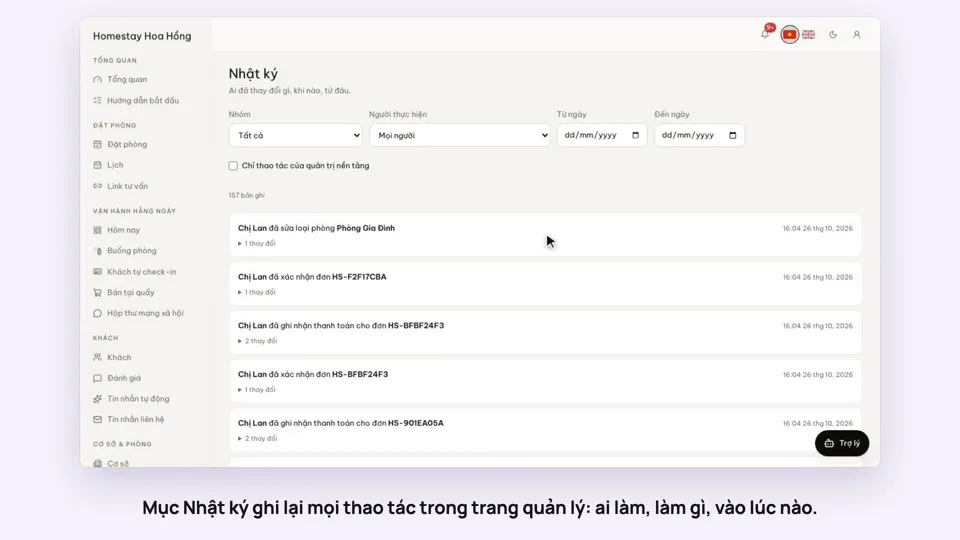 0:27The activity log: who changed whatSettings