

← All how-to videosMore on this topic
Edit contact details and check-in times
Change the phone, email, address and the check-in and check-out times guests see on your booking site and in their messages.
Narrated in Vietnamese, with Vietnamese captions.
In this video
- The contact phone number and email are in Brand, under Profile; guests see them at the top and bottom of every page.
- Click Save when you have edited them.
- The address and check-in and check-out times are set separately for each property: go to Properties and open your property.
- In General information, check the street number, province and ward.
- Set the check-in time and check-out time that guests will see when booking.
- Click Save, the new address appears right under the property name, and guests see the new information when they book.
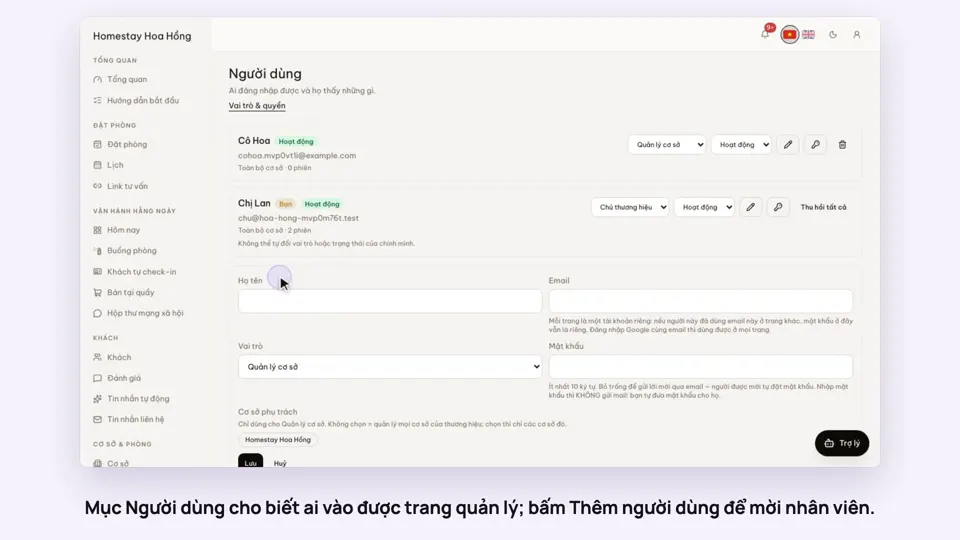 0:33Invite staff and choose what they can doGetting startedSettings
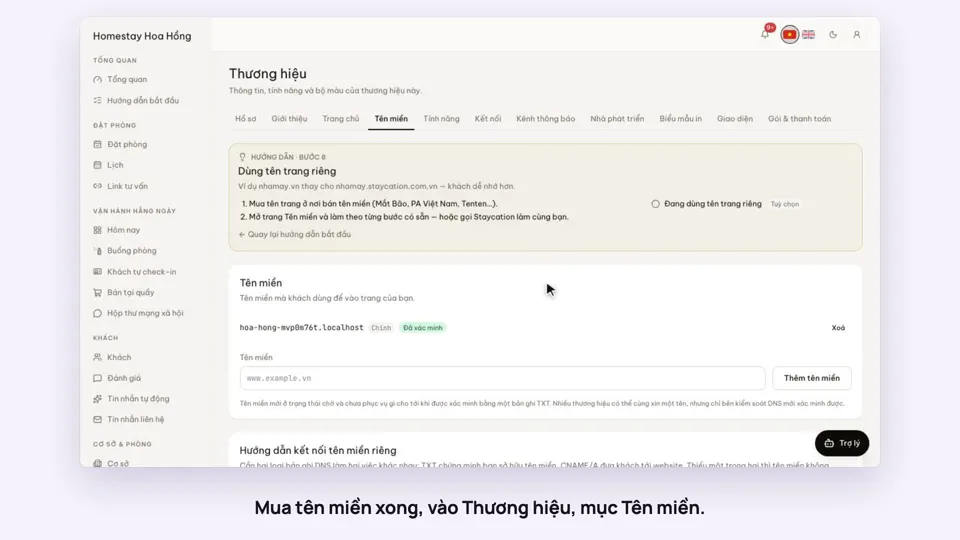 0:34Use your own domain nameSellingSettings
 0:38Put the admin on your phone’s home screenSettings
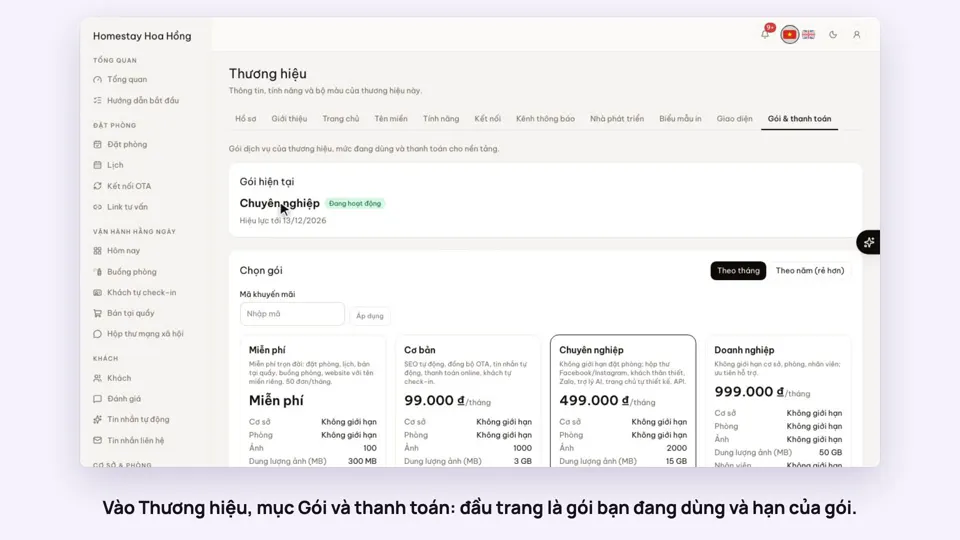 0:34Your plan, upgrading and receiptsSettings
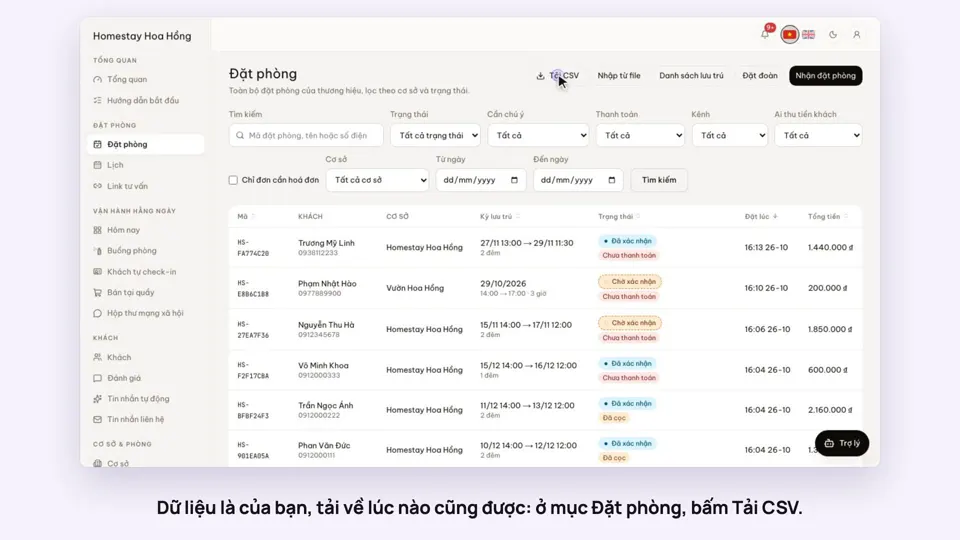 0:27Export bookings, guests and reports to ExcelSettings
 0:27The activity log: who changed whatSettings