

← All how-to videosMore on this topic
The activity log: who changed what
See who made, changed or cancelled a booking or changed a price, and when, filtered by person and by date in the admin.
Narrated in Vietnamese, with Vietnamese captions.
In this video
- The Log section records every action in the admin: who did it, what they did and when.
- Click a row to see what changed: here, the Family Room price, before and after the edit.
- Choose the Bookings and payments group to see who created, confirmed or cancelled a booking, or recorded a payment.
- With several staff, filter by who did it, or by date range.
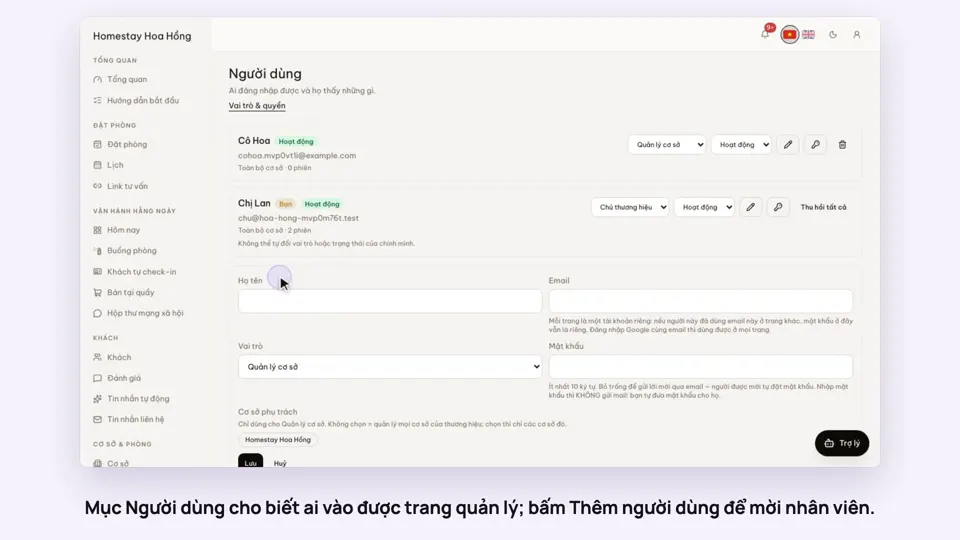 0:33Invite staff and choose what they can doGetting startedSettings
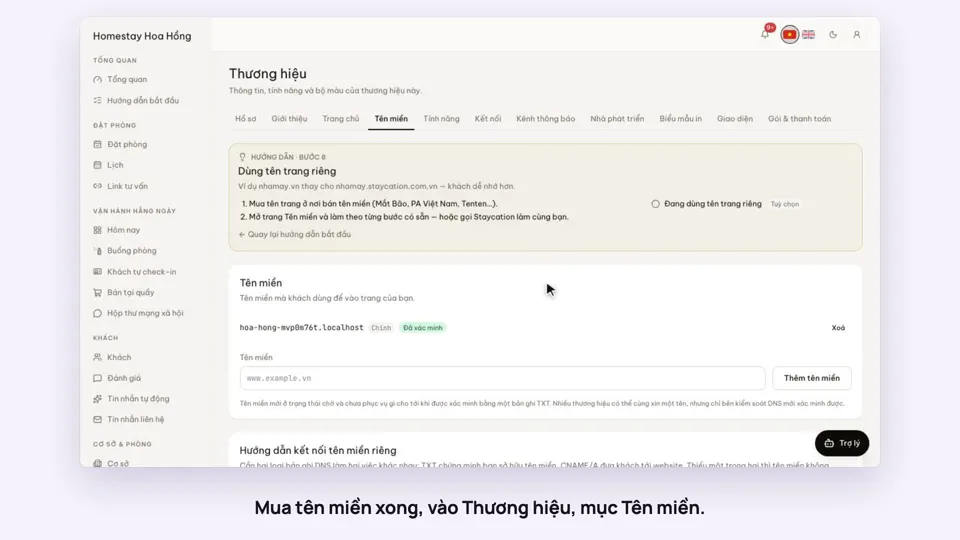 0:34Use your own domain nameSellingSettings
 0:38Put the admin on your phone’s home screenSettings
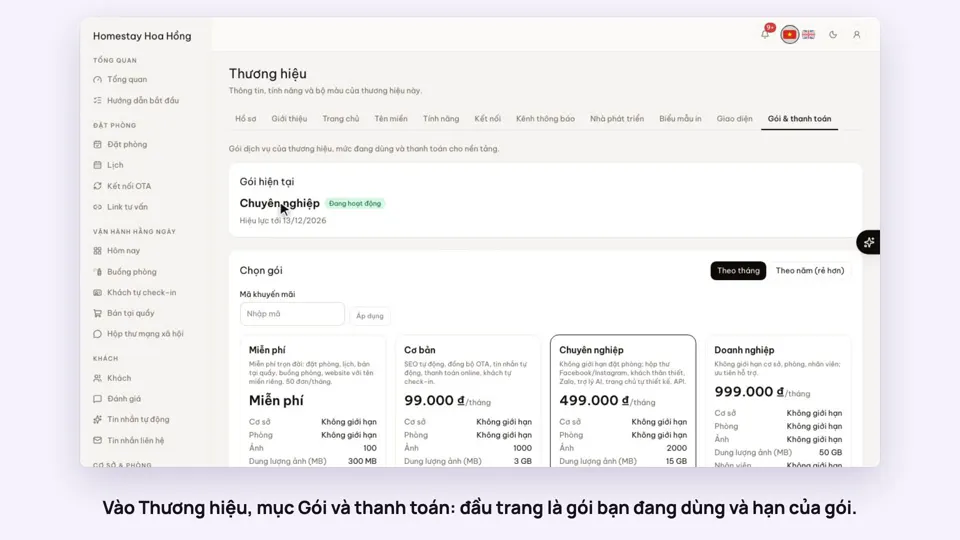 0:34Your plan, upgrading and receiptsSettings
 0:35Edit contact details and check-in timesSettings
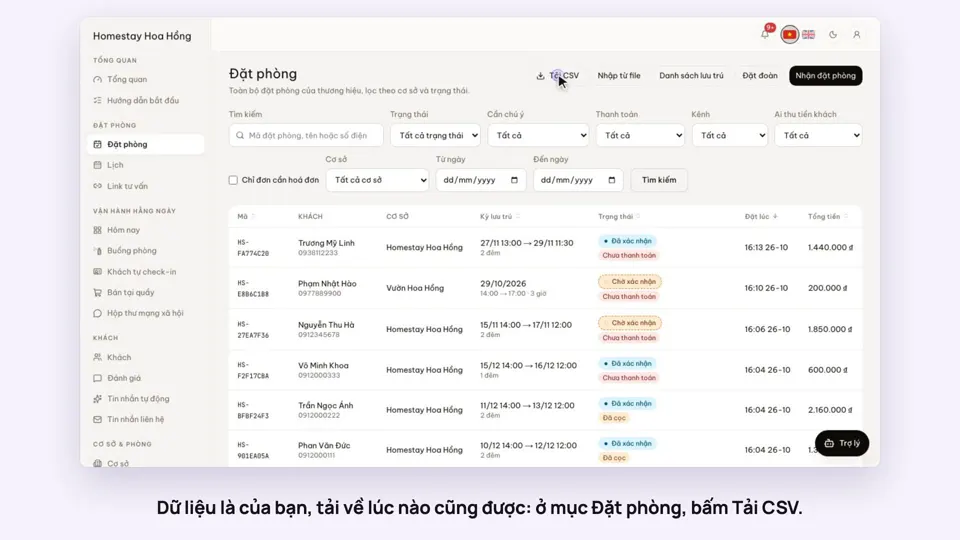 0:27Export bookings, guests and reports to ExcelSettings