

← All how-to videosMore on this topic
Export bookings, guests and reports to Excel
Download your data any time as CSV files that open in Excel: bookings, guests, reports.
Narrated in Vietnamese, with Vietnamese captions.
In this video
- The data is yours, and you can download it any time: in Bookings, click Download CSV.
- The CSV file opens straight in Excel or Google Sheets and keeps Vietnamese text intact.
- The guest list works the same way: go to Guests and click Download CSV.
- For the revenue report: go to Reports, choose a date range and property, then click Download CSV.
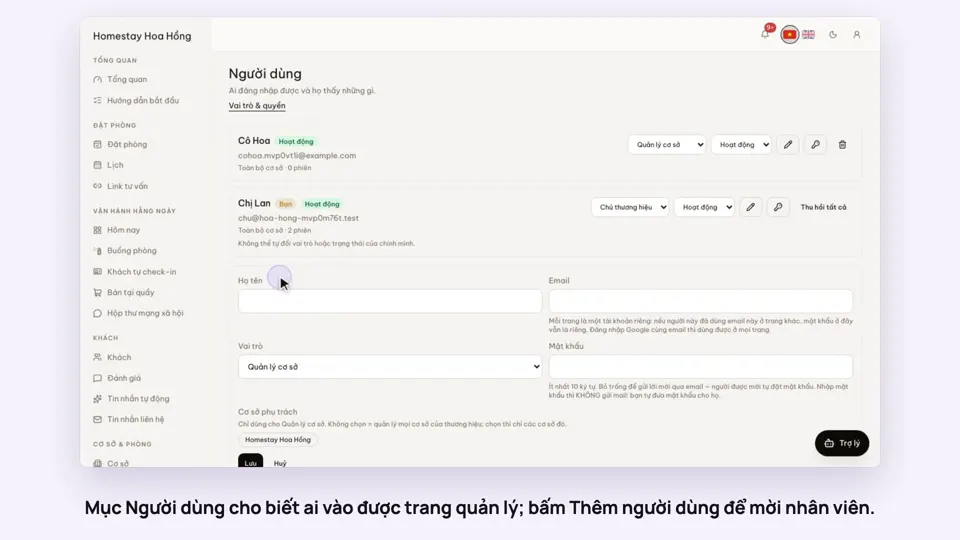 0:33Invite staff and choose what they can doGetting startedSettings
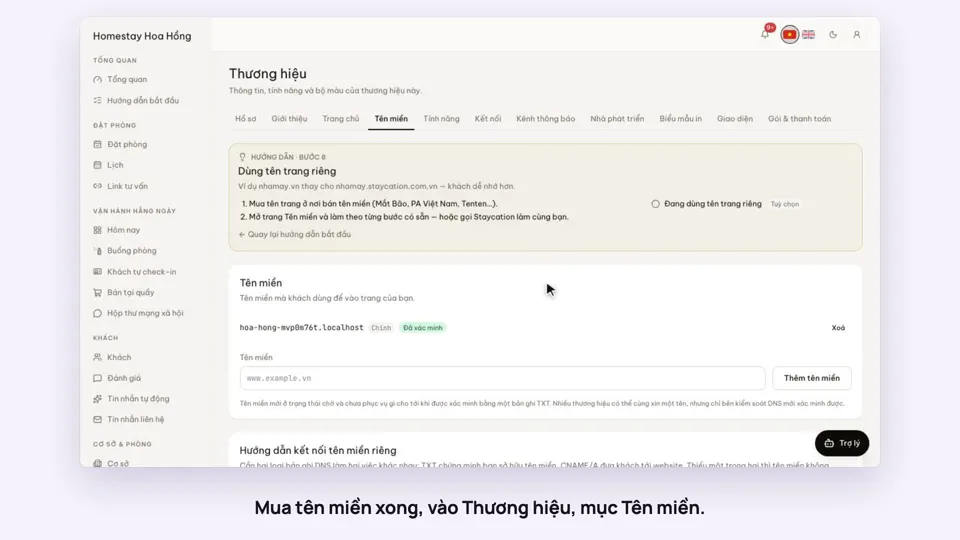 0:34Use your own domain nameSellingSettings
 0:38Put the admin on your phone’s home screenSettings
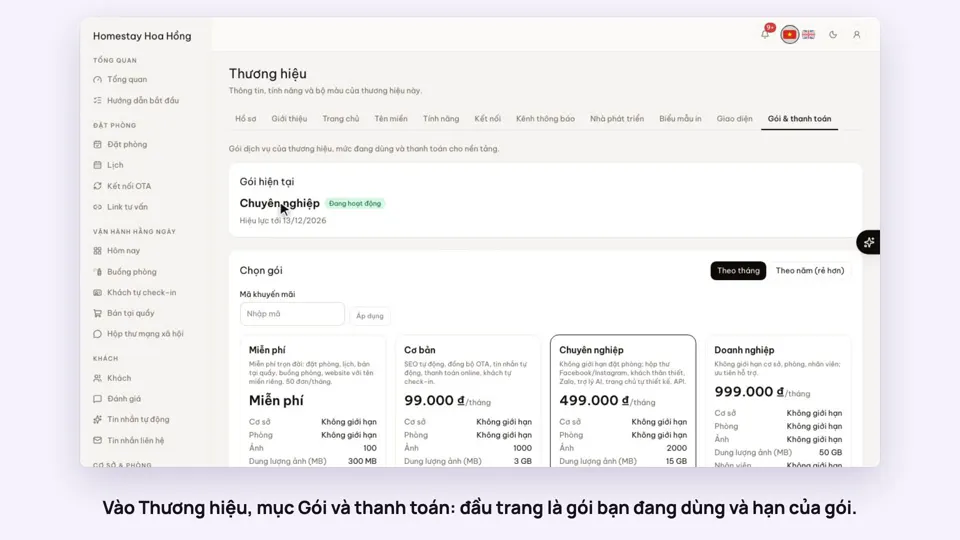 0:34Your plan, upgrading and receiptsSettings
 0:35Edit contact details and check-in timesSettings
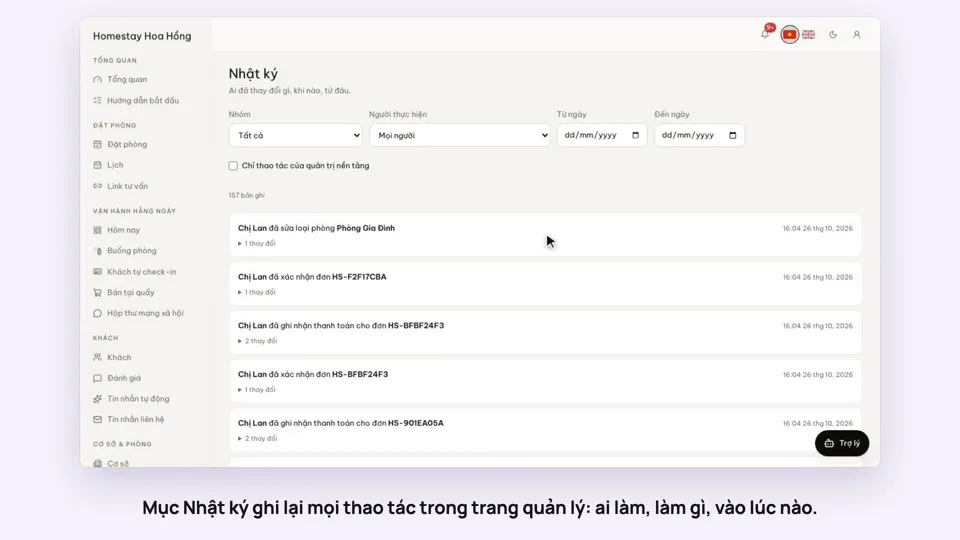 0:27The activity log: who changed whatSettings