← All how-to videosMore on this topic
Take a booking from a phone call or a Zalo message
Choose the place, room type and dates, fill in the guest’s name and phone, add an agreed price, a deposit or the OTA it came from, and save the booking.
Narrated in Vietnamese, with Vietnamese captions.
About Booking calendar →In this video
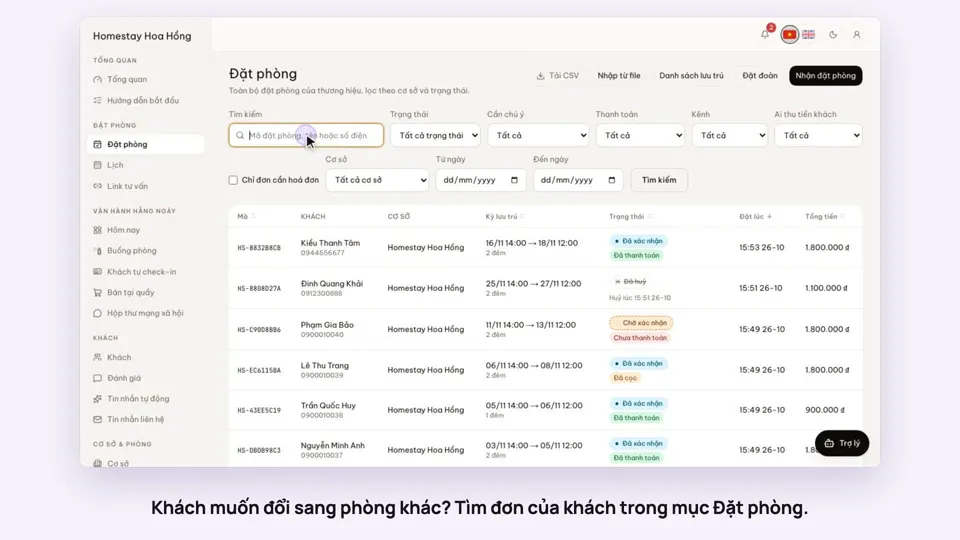
- When a guest calls or messages you on Zalo to book, record it straight away in Bookings.
- Choose the property the guest wants to stay at, then the room type.
- Fill in the check-in date, check-out date and number of guests.
- Then add the guest’s name, email and phone number.
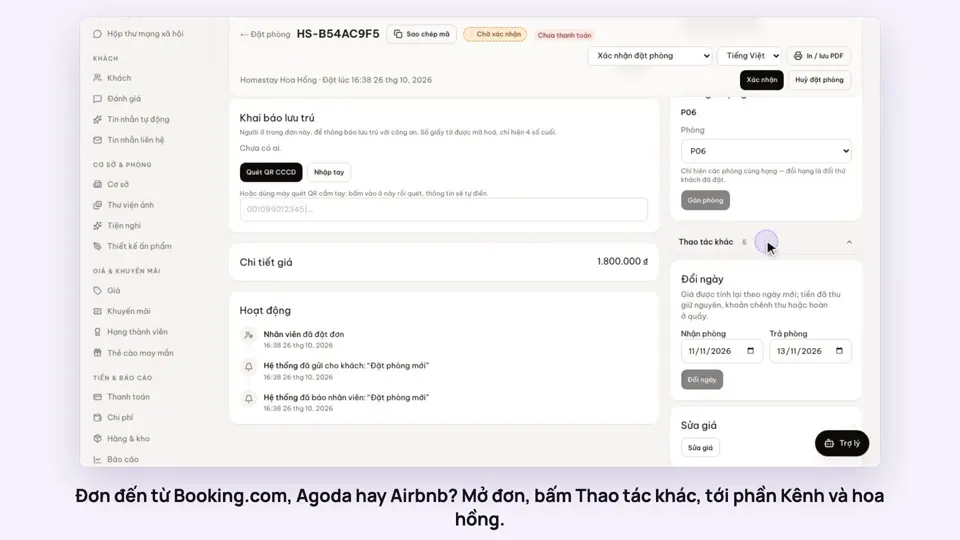
- Optional: record the price agreed with the guest and any deposit received right here; if the booking came from Booking.com or Agoda, choose the channel, its booking reference and the commission.
- Click Create booking. The system checks that the room is free and works out the price from your rate table.
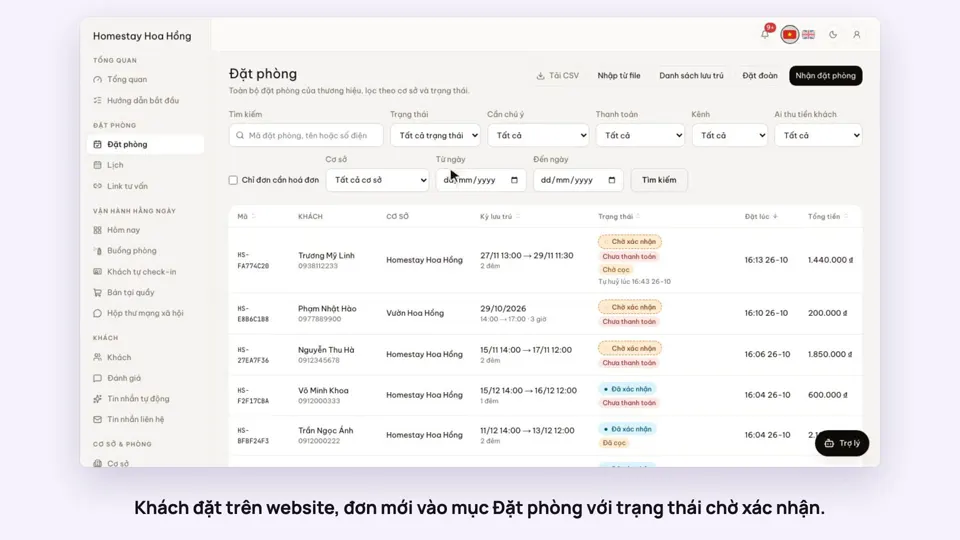
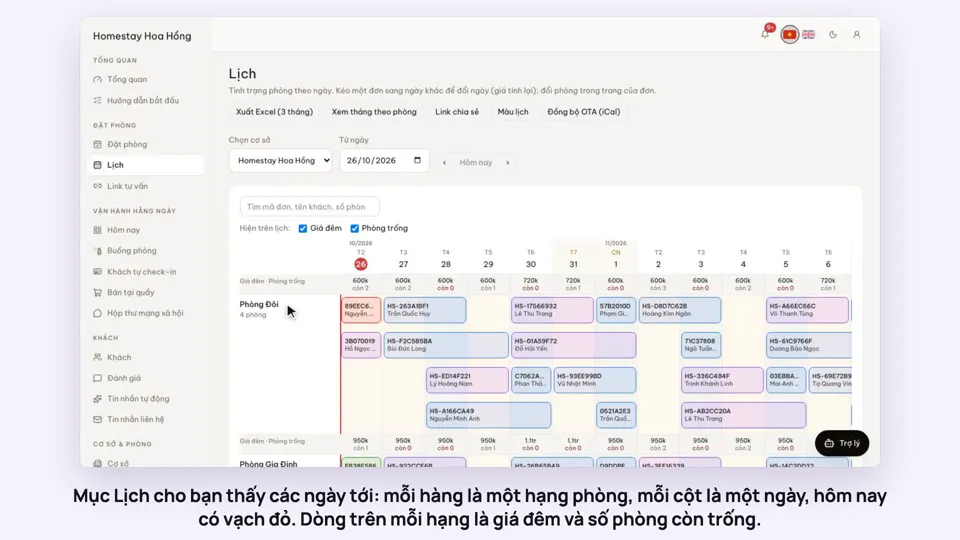
- The new booking has its own code, the total, the deposit amount, and is already on the room calendar.