

← All how-to videosMore on this topic
Get your website on Google
Your tagline and Google preview, the image shown when a link is shared, and your Google verification code.
Narrated in Vietnamese, with Vietnamese captions.
About Booking website →In this video
- Google shows your name and a short description, so write a clear tagline in Profile and click Save.
- The share image is the picture shown when you send the link via Zalo or Facebook; click Upload to choose your best photo.
- The Google preview section shows how your page appears when guests search.
- To let Google verify that the website is yours, open Connections.
- Paste the verification tag from Google Search Console into this field and click Save.
- Go back to Search Console, click Verify, then submit the sitemap.xml and you are done.
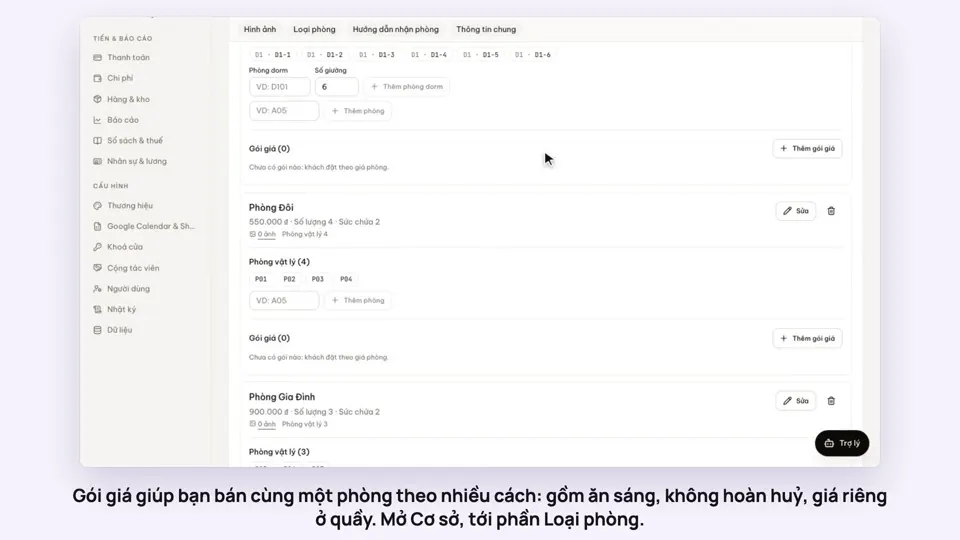 0:50Make rate plans: breakfast included, non-refundableSelling
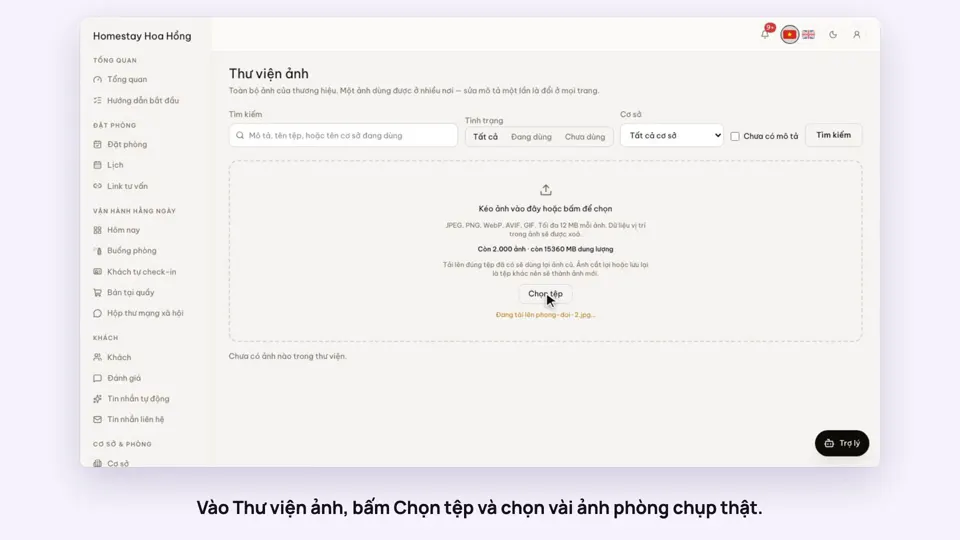 0:34Upload photos and describe your roomsGetting startedSelling
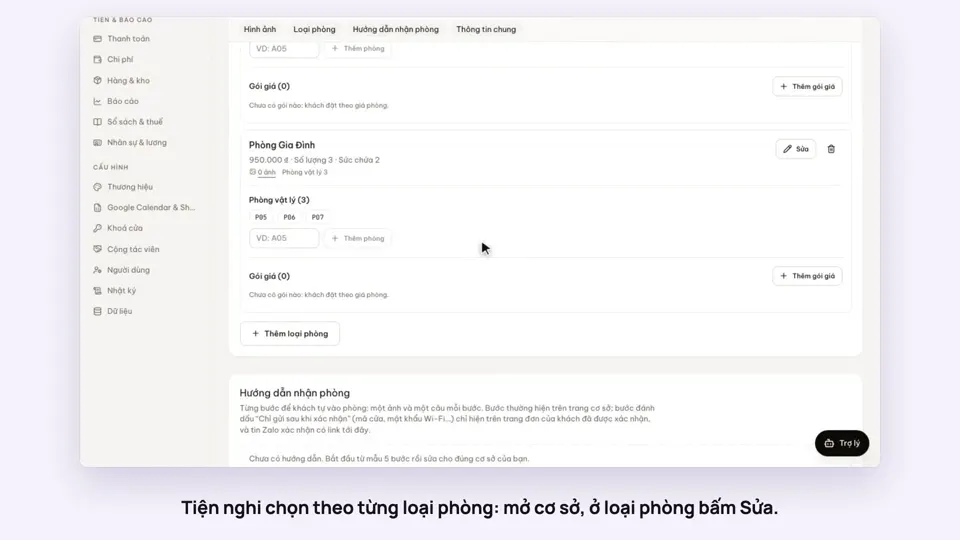 0:30Pick amenities for each room typeGetting startedSelling
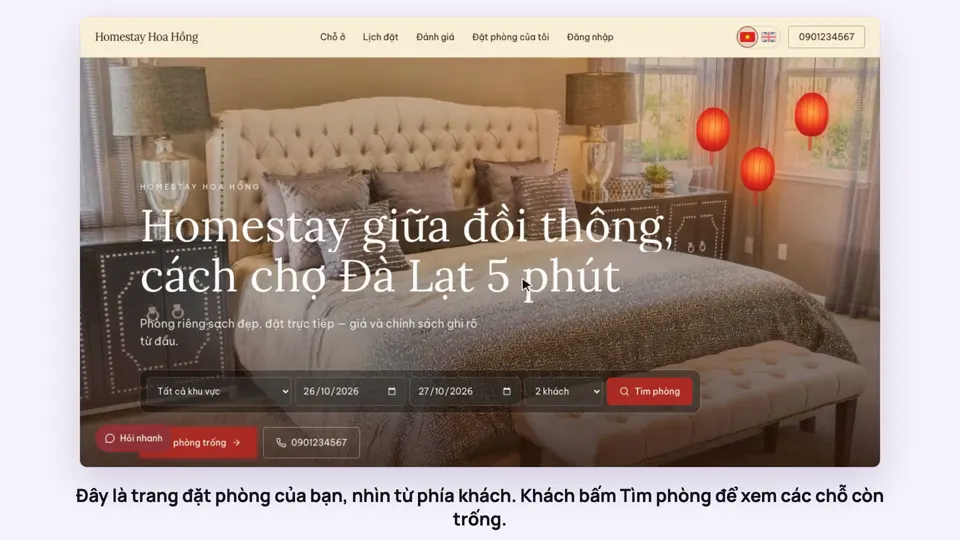 0:39A guest books on your websiteBookingsSelling
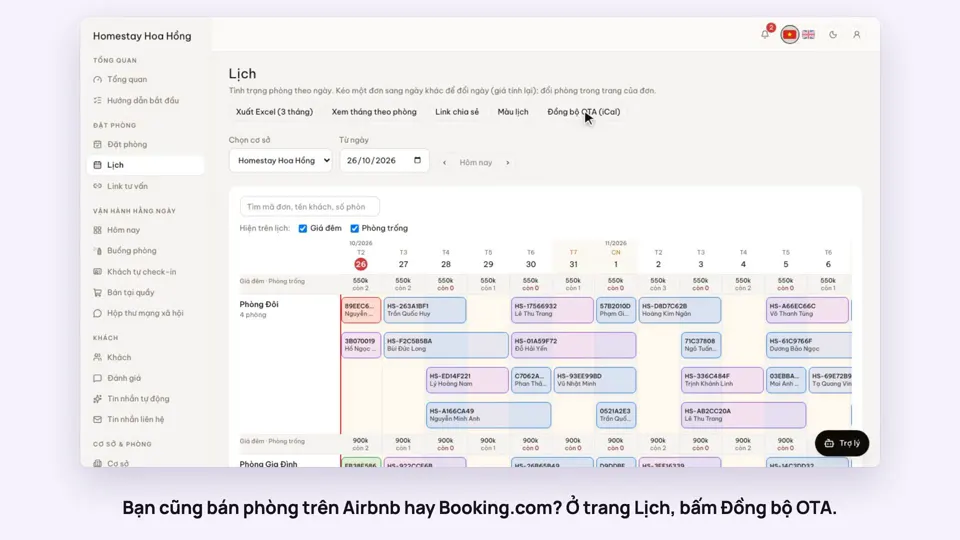 0:43Sync calendars with Airbnb, Booking.com and AgodaBookingsSelling
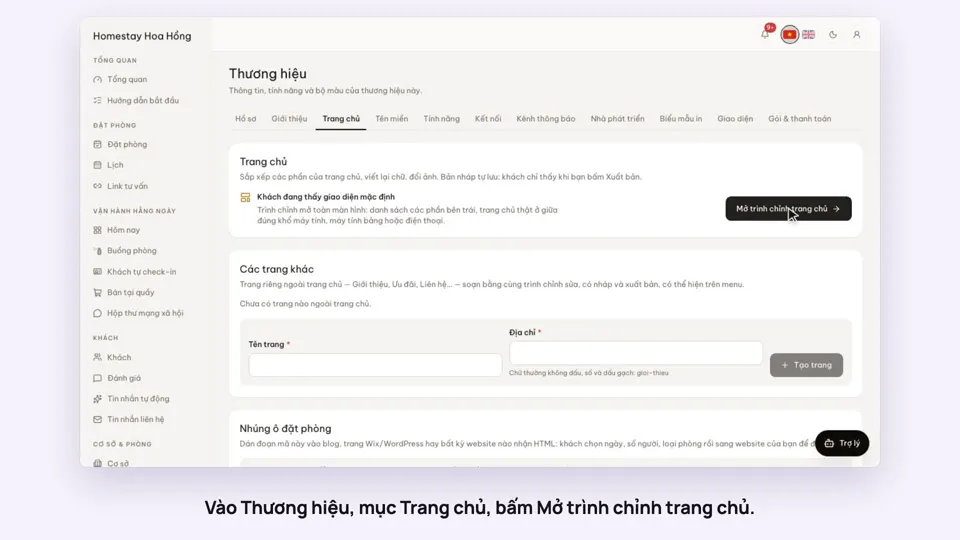 0:36Edit your home page: cover, headline, styleSelling