

← All how-to videosMore on this topic
Edit your home page: cover, headline, style
Change the cover photo, headline and welcome line, pick a page style, preview on desktop and phone, then publish.
Narrated in Vietnamese, with Vietnamese captions.
About Booking website →In this video
- Go to Brand, the Home page section, and click Open the home page editor.
- On the left are the sections of the page, in the middle is the real home page; click Cover photo to edit the top of the page.
- Type the headline and the intro sentence, and the preview changes straight away.
- Click Choose photo to change the cover with a photo from your library.
- Change the page style to try other colours and fonts, then preview it on a phone.
- When you are happy, click Publish, and guests visiting your website will see the new home page.
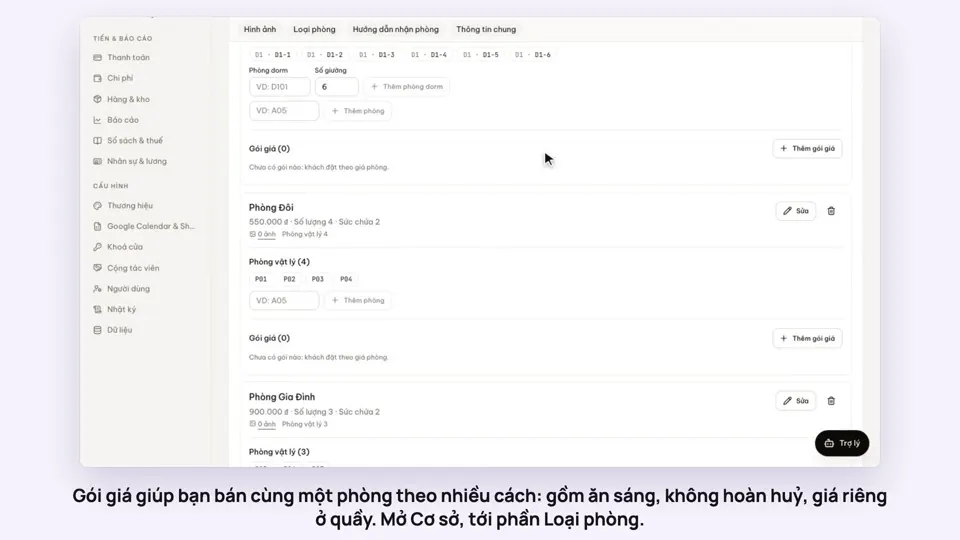 0:50Make rate plans: breakfast included, non-refundableSelling
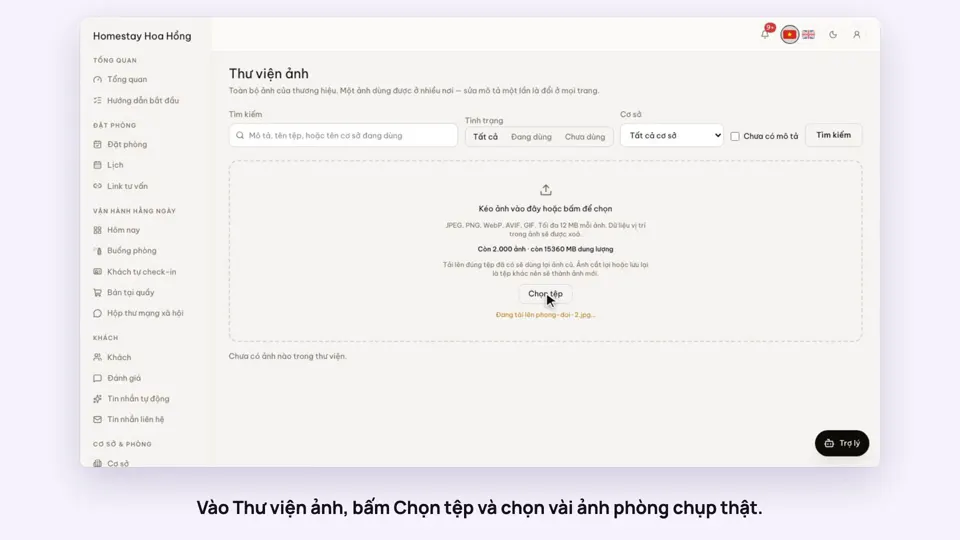 0:34Upload photos and describe your roomsGetting startedSelling
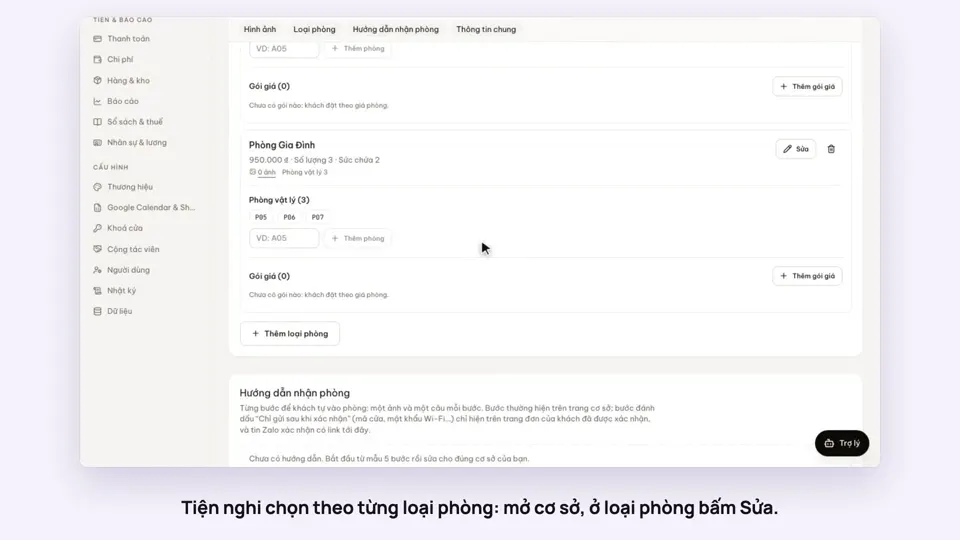 0:30Pick amenities for each room typeGetting startedSelling
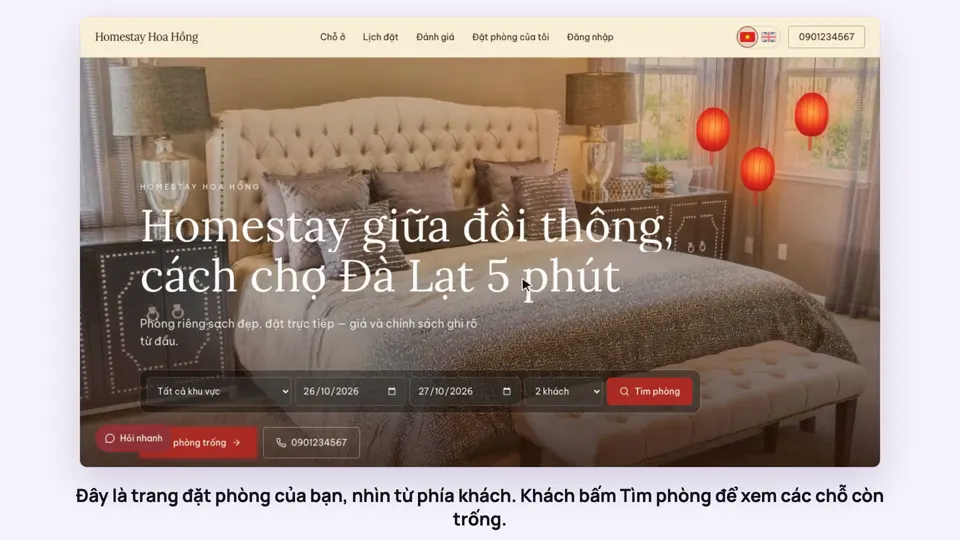 0:39A guest books on your websiteBookingsSelling
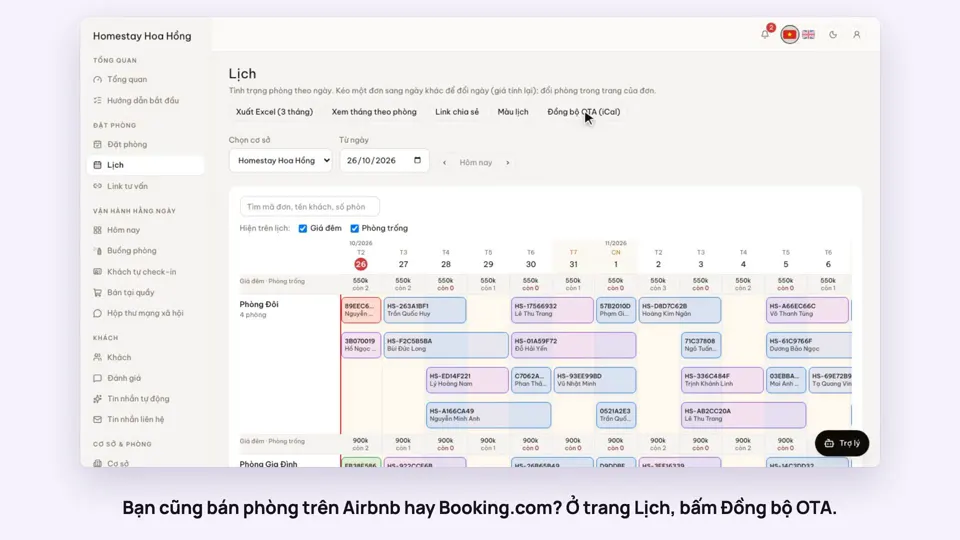 0:43Sync calendars with Airbnb, Booking.com and AgodaBookingsSelling
 0:31Choose a theme and colours for your siteSelling