

← All how-to videosMore on this topic
Send a quote link to a guest asking on Zalo
Make a link with the room, dates and price, send it; the guest opens it to book and pay the deposit.
Narrated in Vietnamese, with Vietnamese captions.
About Consult links →In this video
- A guest asks about rooms on Zalo? Instead of quoting a price in every message, send them a quote link.
- Choose the room category and the check-in and check-out dates the guest asked about.
- The guest’s name is optional; add a message for the guest if you like.
- Click Create link: you get the link and a ready-written message straight away, to copy and send to the guest on Zalo.
- The guest opens the link and sees the room photos and the price already worked out, can change the dates, book by themselves and transfer the deposit right away.
- In Quote links, you can see whether the guest has opened the link and whether it has become a booking.
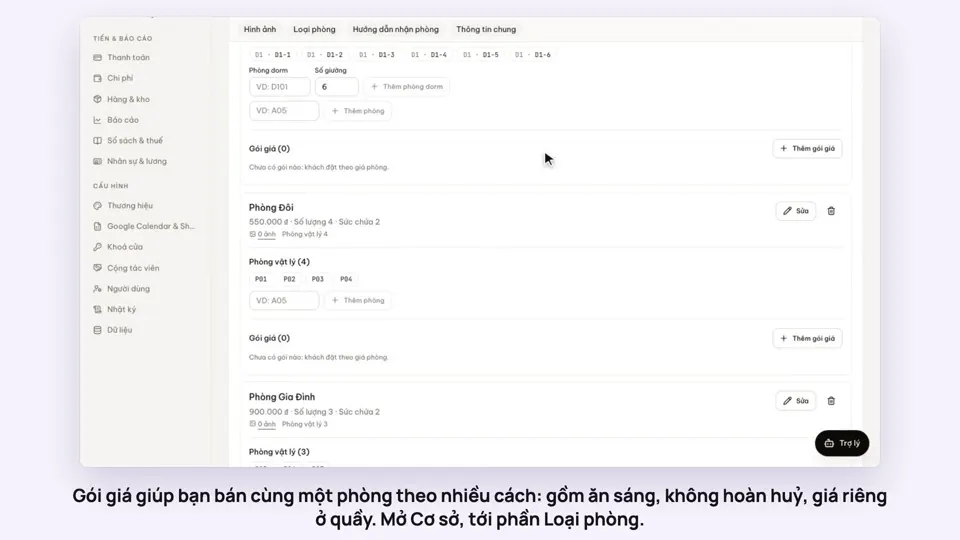 0:50Make rate plans: breakfast included, non-refundableSelling
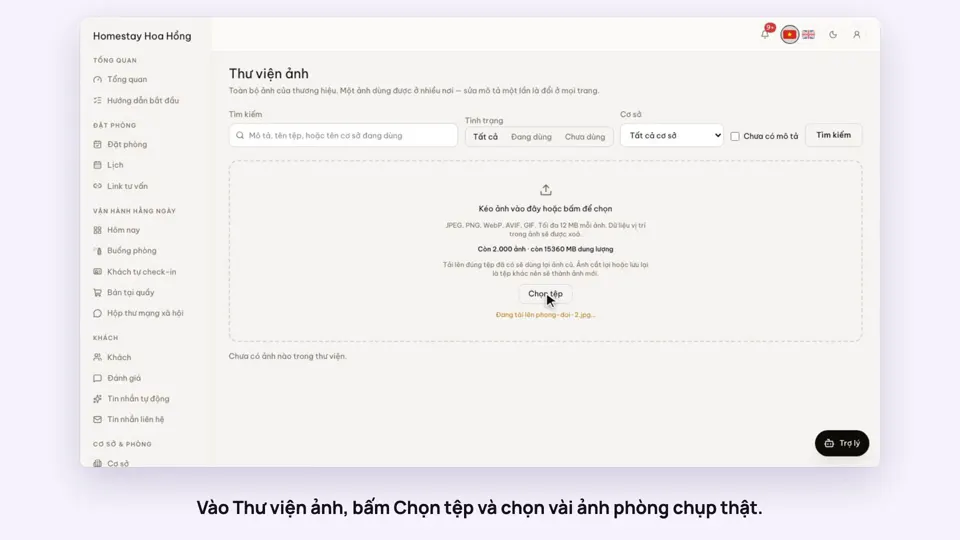 0:34Upload photos and describe your roomsGetting startedSelling
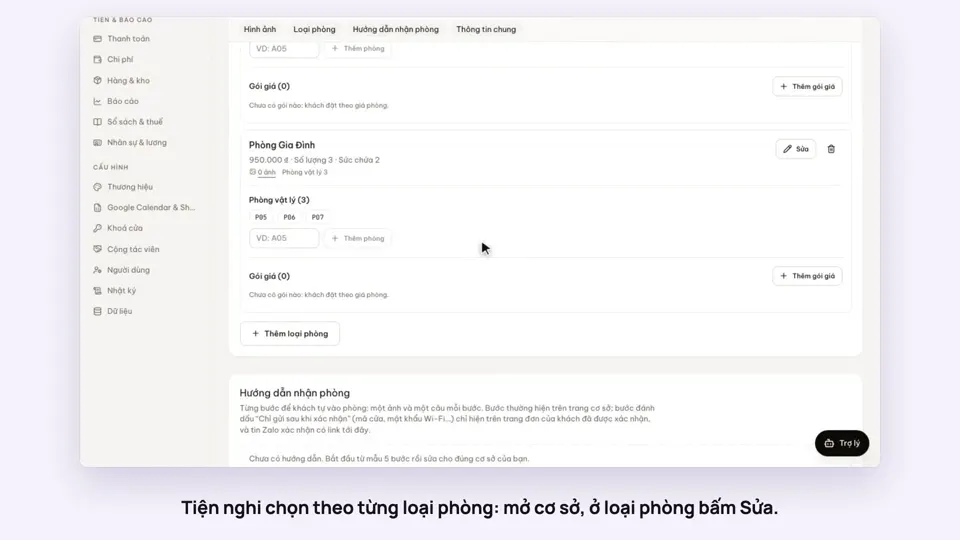 0:30Pick amenities for each room typeGetting startedSelling
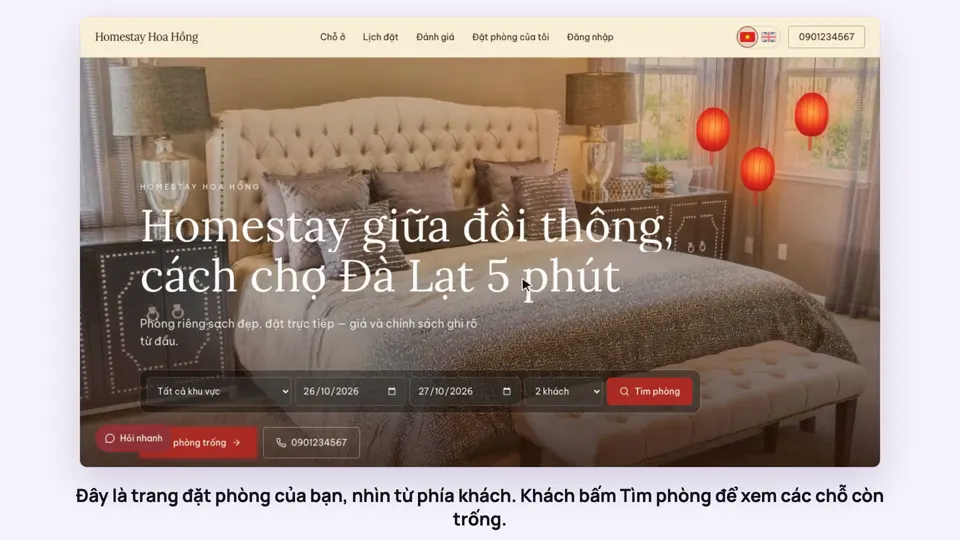 0:39A guest books on your websiteBookingsSelling
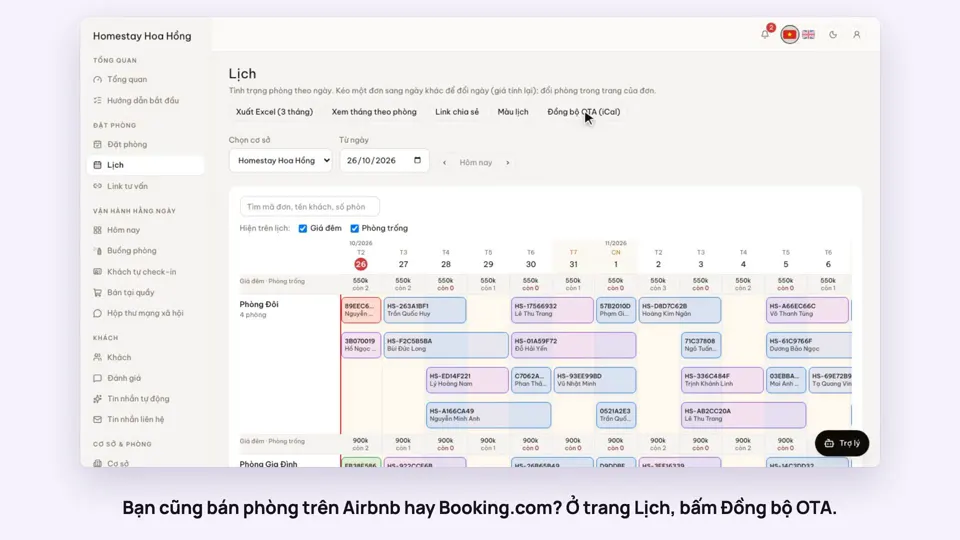 0:43Sync calendars with Airbnb, Booking.com and AgodaBookingsSelling
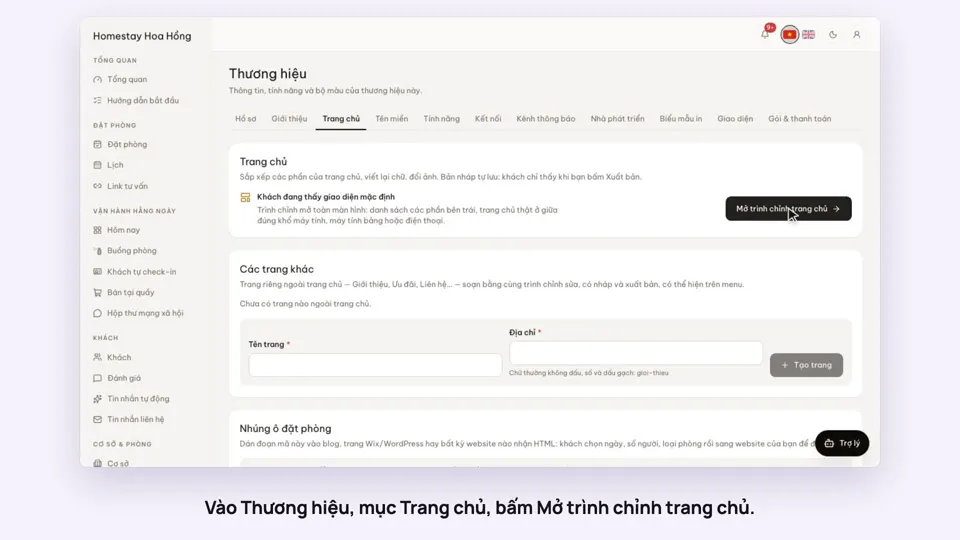 0:36Edit your home page: cover, headline, styleSelling