

← All how-to videosMore on this topic
Make a discount code
A percentage or amount off, with a use limit and dates; guests enter it when booking.
Narrated in Vietnamese, with Vietnamese captions.
About Discounts and loyalty →In this video
- The Promotions section is where you create discount codes for guests booking on your website.
- Choose the type Promo code, then set a name and the code guests will enter.
- Choose a percentage or a fixed amount discount, then enter the discount.
- Set how long the code is valid and, if needed, a limit on total uses.
- Click Save. Guests enter the code at the booking step and the price drops right away.
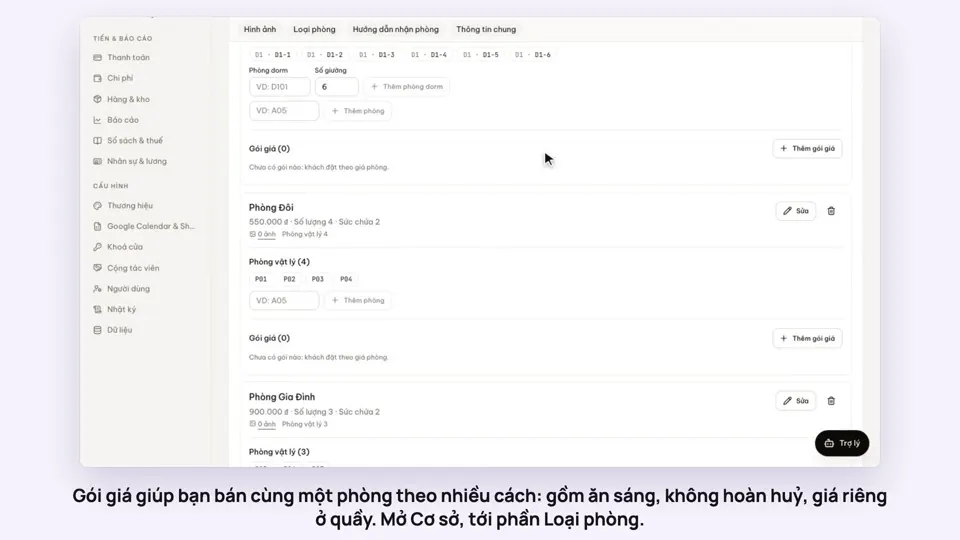 0:50Make rate plans: breakfast included, non-refundableSelling
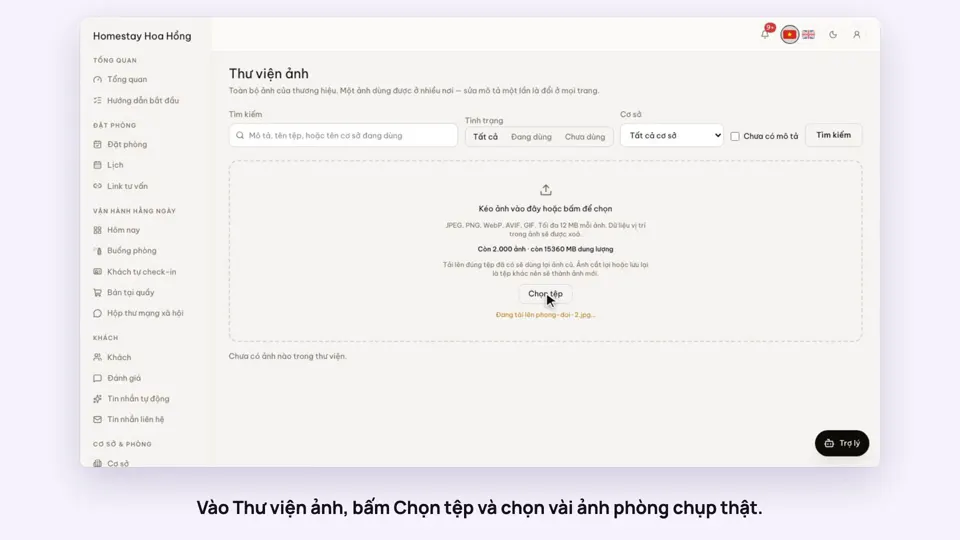 0:34Upload photos and describe your roomsGetting startedSelling
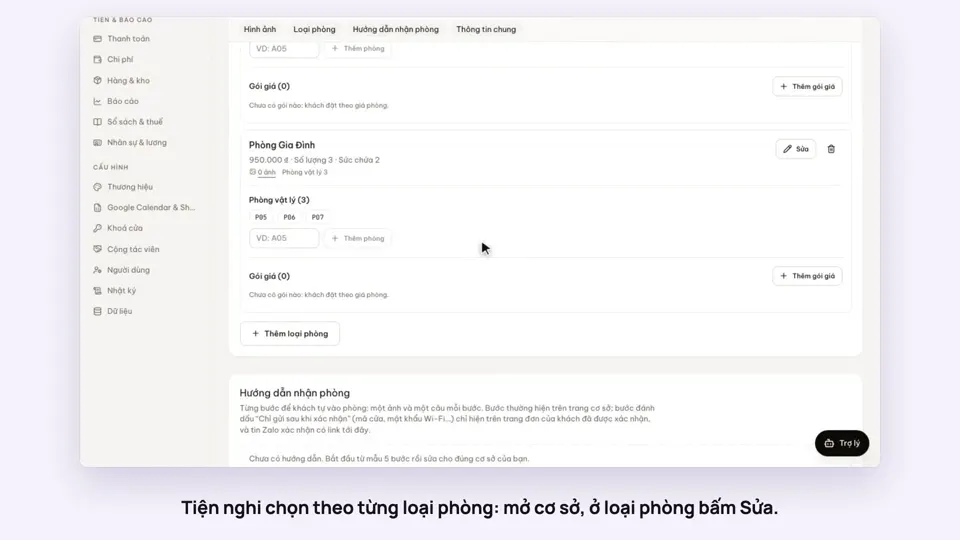 0:30Pick amenities for each room typeGetting startedSelling
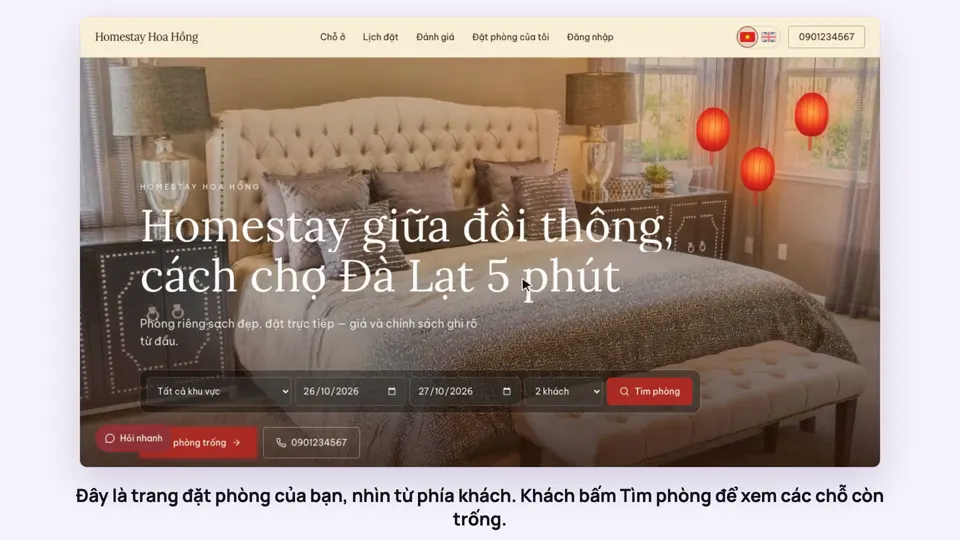 0:39A guest books on your websiteBookingsSelling
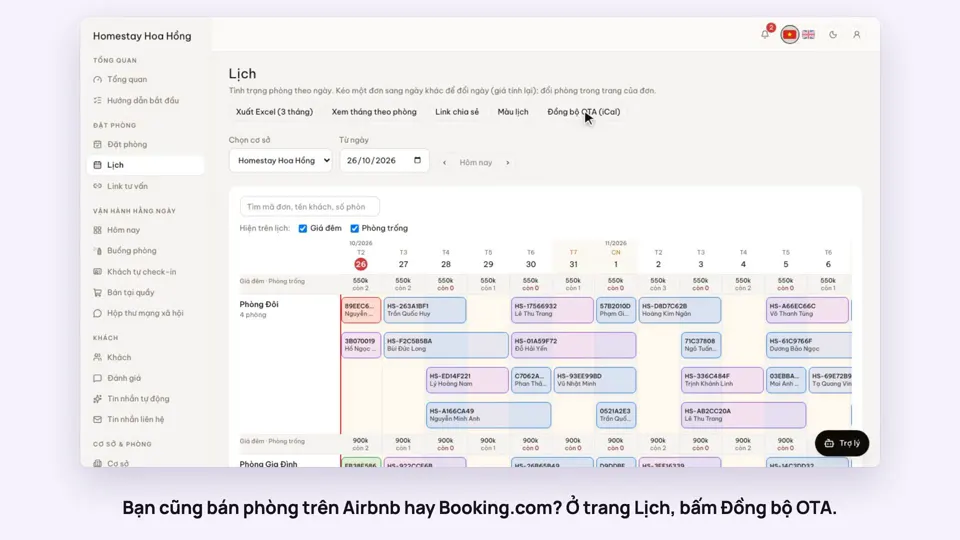 0:43Sync calendars with Airbnb, Booking.com and AgodaBookingsSelling
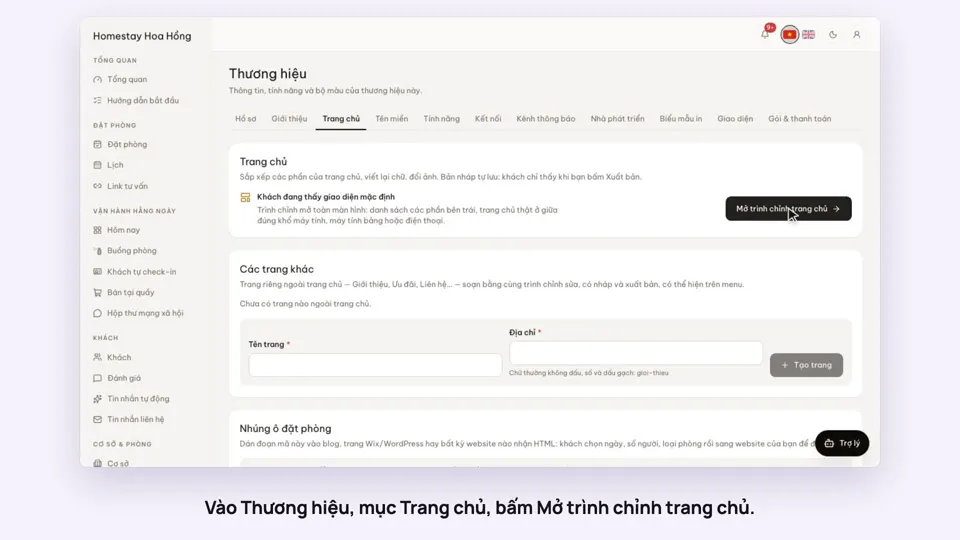 0:36Edit your home page: cover, headline, styleSelling