

← All how-to videosMore on this topic
Take affiliates who refer guests
Turn on affiliates, set the default commission and terms, then see where to approve people and pay commission.
Narrated in Vietnamese, with Vietnamese captions.
About Affiliates →In this video
- The Affiliates section is where you accept people who refer guests and pay them a commission.
- Turn on Accept affiliates and set the default commission percentage.
- Write the terms of cooperation. Every edit creates a new version, and affiliates must agree again.
- Click Save. Your brand appears in the directory on the affiliate portal.
- When someone applies to work with you, they show up in the list below so you can approve, reject or set a custom rate.
- A guest books through an affiliate’s link, checks out and pays in full, and the commission is calculated automatically. You approve it, then click Pay commission.
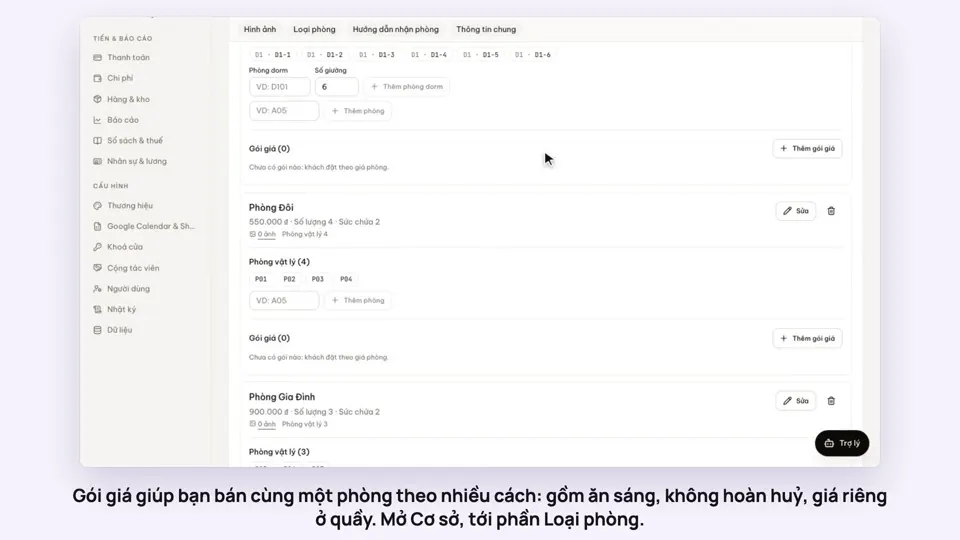 0:50Make rate plans: breakfast included, non-refundableSelling
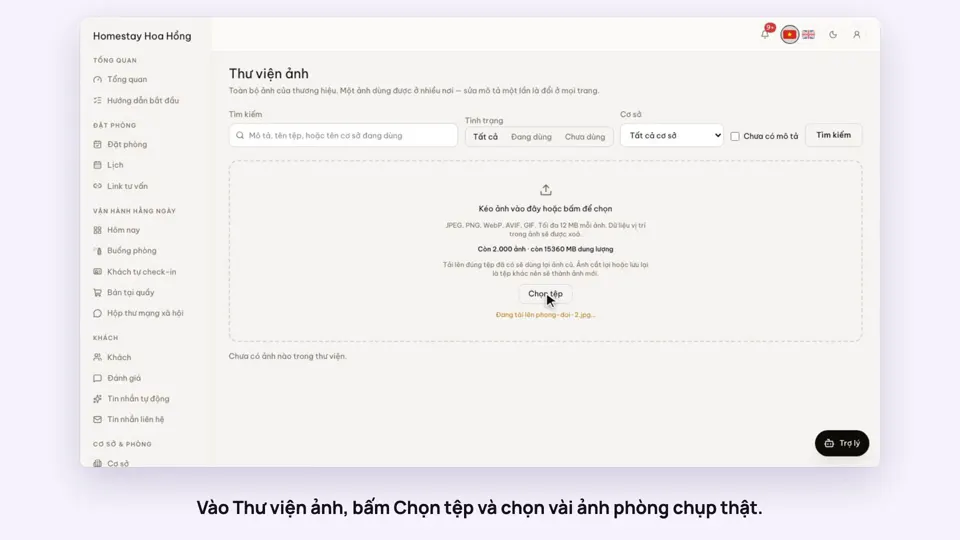 0:34Upload photos and describe your roomsGetting startedSelling
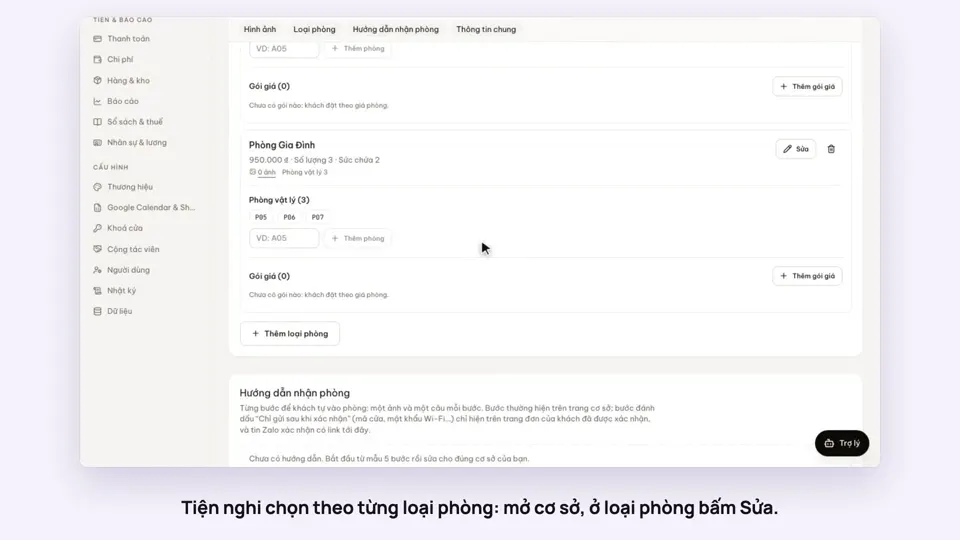 0:30Pick amenities for each room typeGetting startedSelling
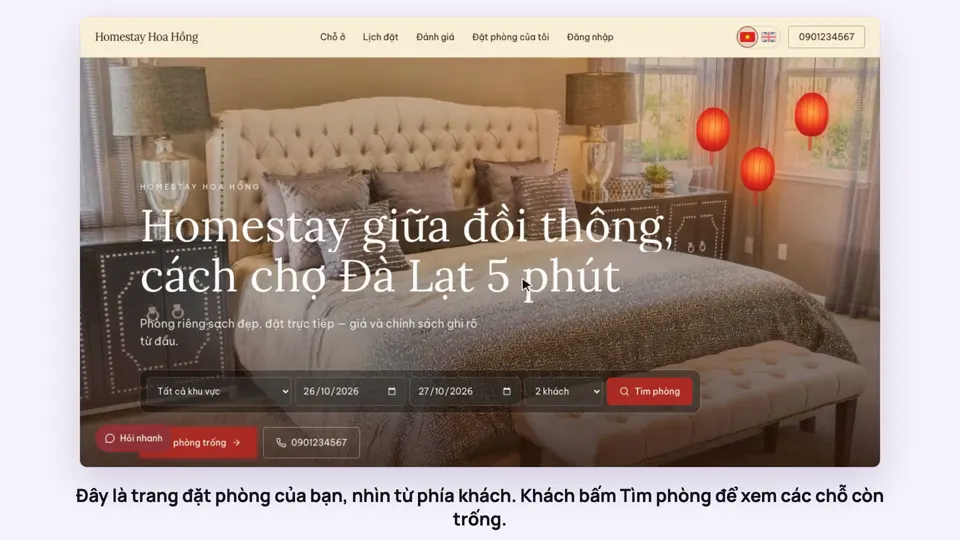 0:39A guest books on your websiteBookingsSelling
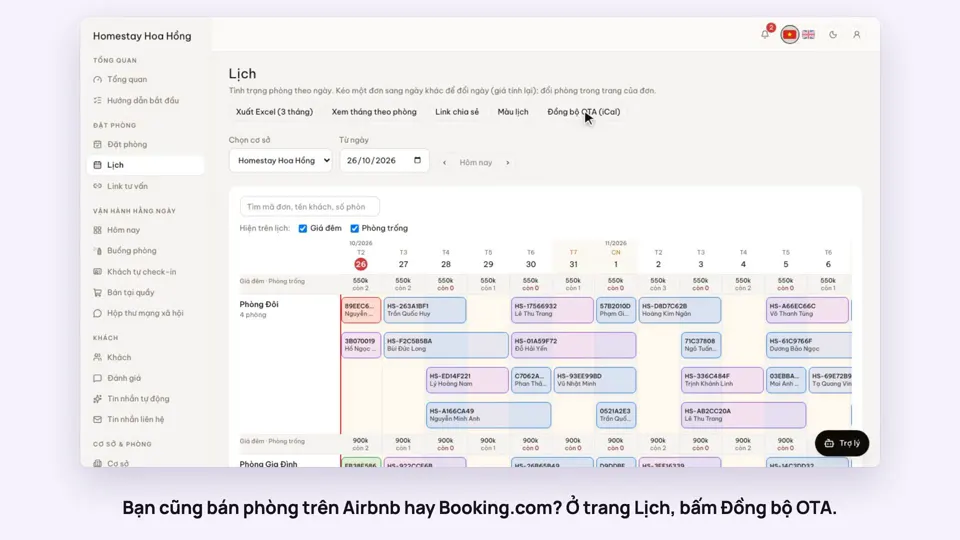 0:43Sync calendars with Airbnb, Booking.com and AgodaBookingsSelling
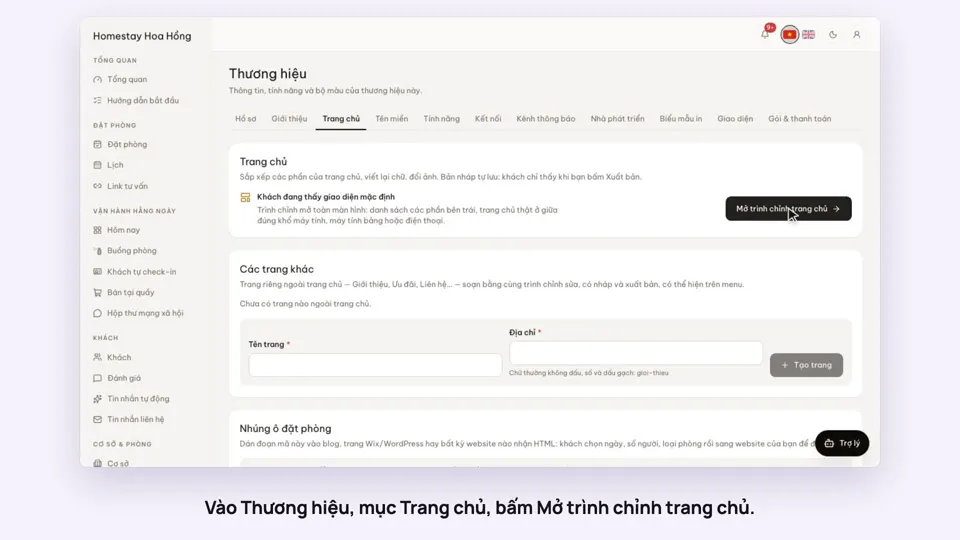 0:36Edit your home page: cover, headline, styleSelling