

← All how-to videosMore on this topic
Working hours and auto-replies for Messenger and Instagram
In the inbox settings: set working hours, add an automatic reply by keyword (accents ignored) and save it.
Narrated in Vietnamese, with Vietnamese captions.
About Messenger & Instagram inbox →In this video
- In Inbox settings, you connect your Facebook page and Instagram so guests’ messages arrive in one place.
- Set your working hours. Outside these hours, the out-of-hours replies are sent automatically.
- Add an auto-reply: type the keywords guests often ask about, accents not needed.
- Write the reply, with a booking link if you like.
- Click Save. Each guest gets the auto-reply at most once in ten minutes.
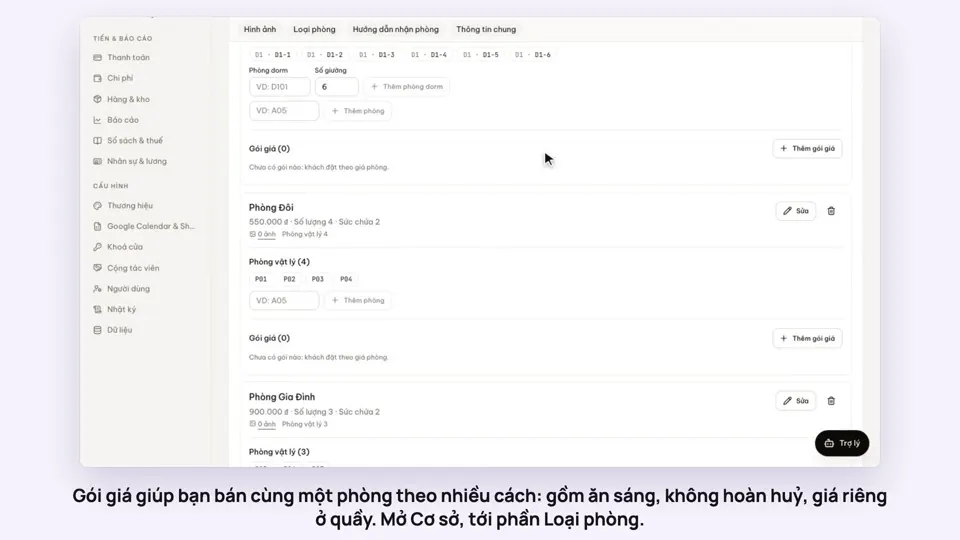 0:50Make rate plans: breakfast included, non-refundableSelling
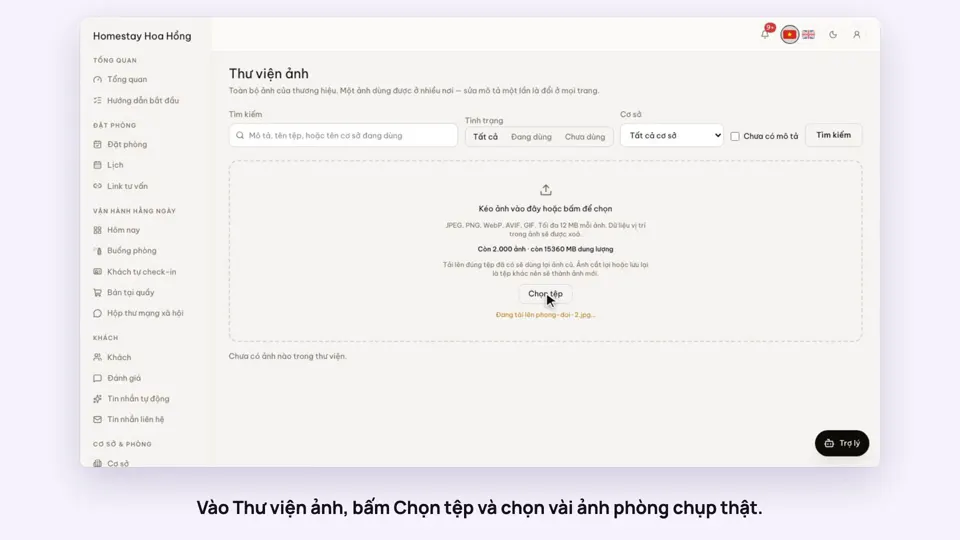 0:34Upload photos and describe your roomsGetting startedSelling
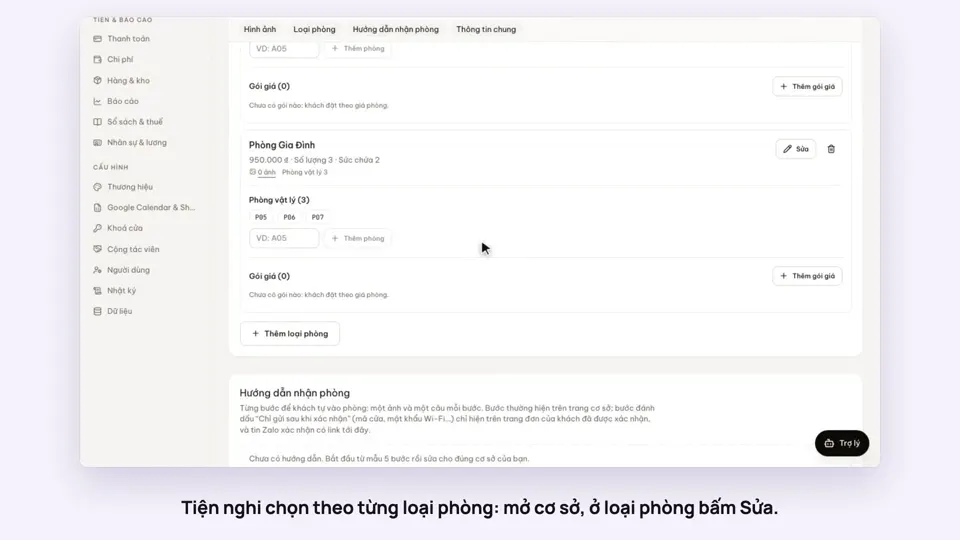 0:30Pick amenities for each room typeGetting startedSelling
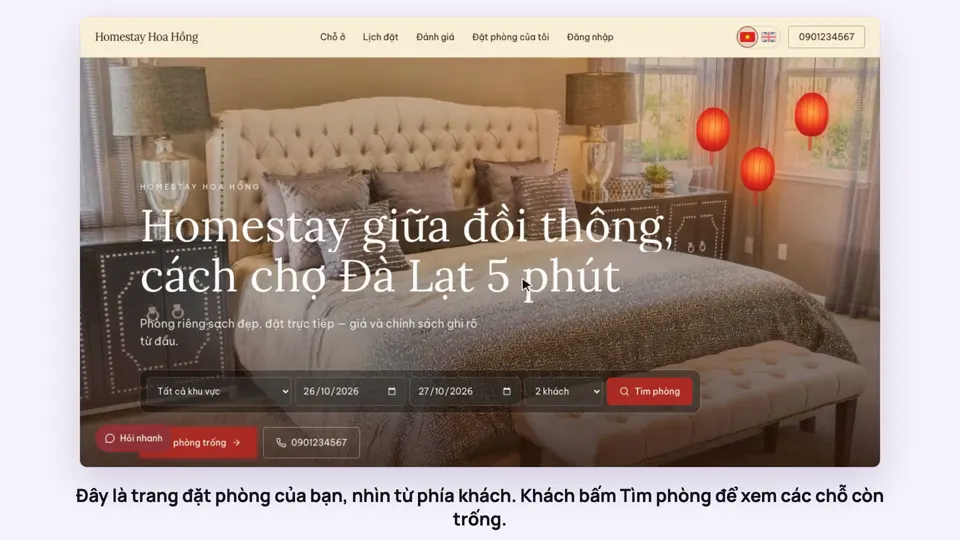 0:39A guest books on your websiteBookingsSelling
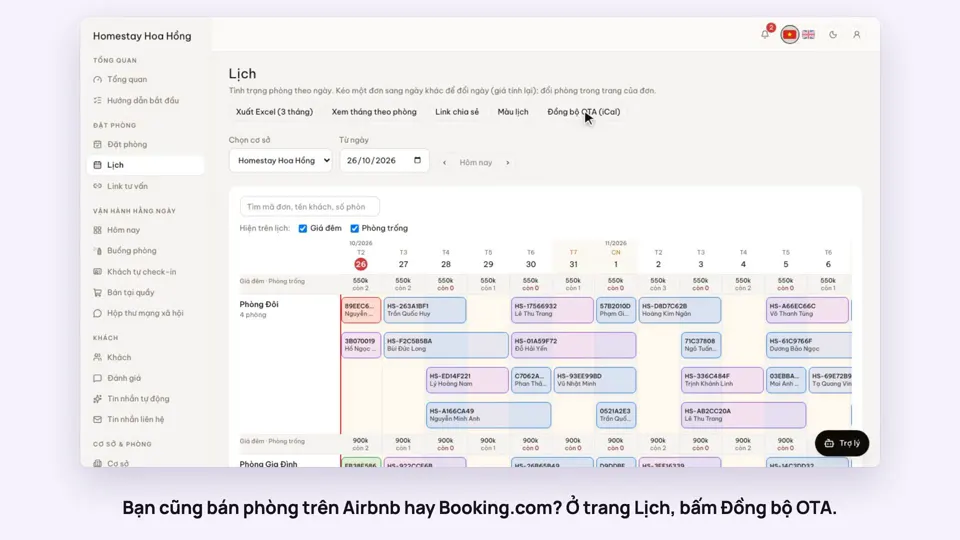 0:43Sync calendars with Airbnb, Booking.com and AgodaBookingsSelling
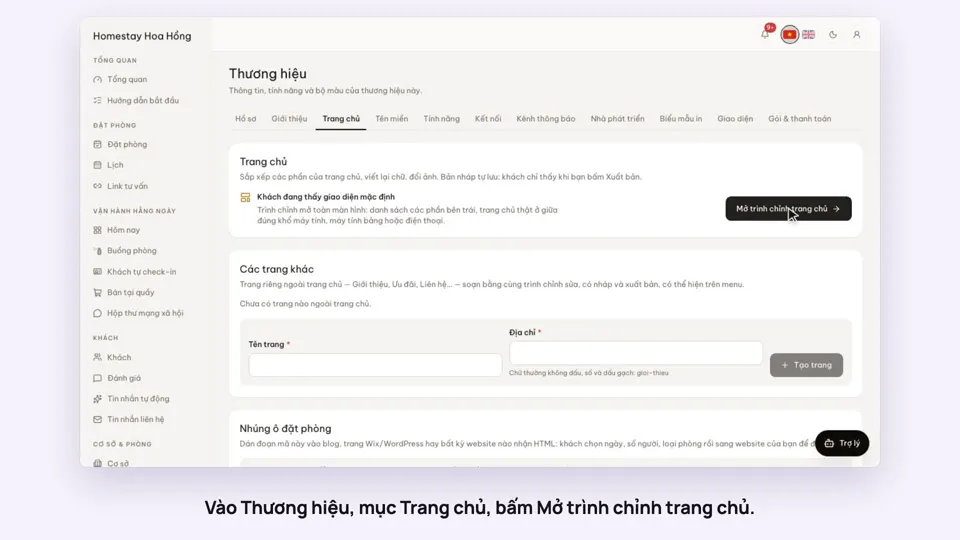 0:36Edit your home page: cover, headline, styleSelling