

← All how-to videosMore on this topic
Dashboard: 30 nights of occupancy, arrivals and departures
Thirty nights of occupancy, tabs for arrivals, departures, in-house, unassigned and new bookings, and a quick search for free rooms with the price.
Narrated in Vietnamese, with Vietnamese captions.
About Front desk →In this video
- The Overview page shows the front desk the day’s work at a glance: arrivals, departures, in house, awaiting confirmation and revenue.
- The occupancy strip for the next thirty nights: the taller the bar, the fuller the rooms; hover over a night to see how many rooms are sold.
- The tabs: arriving today, leaving today, in house, not yet assigned a room and new bookings in a day; click a row to open the booking.
- A guest calls asking about free rooms? Pick the dates in the Find free rooms box: how many rooms are left in each room type and the total price of the nights by the price list.
 0:43Share a view-only calendar, recolour it, see a room’s monthToday & housekeeping
 0:31Block a room for repairs or a friendBookingsToday & housekeeping
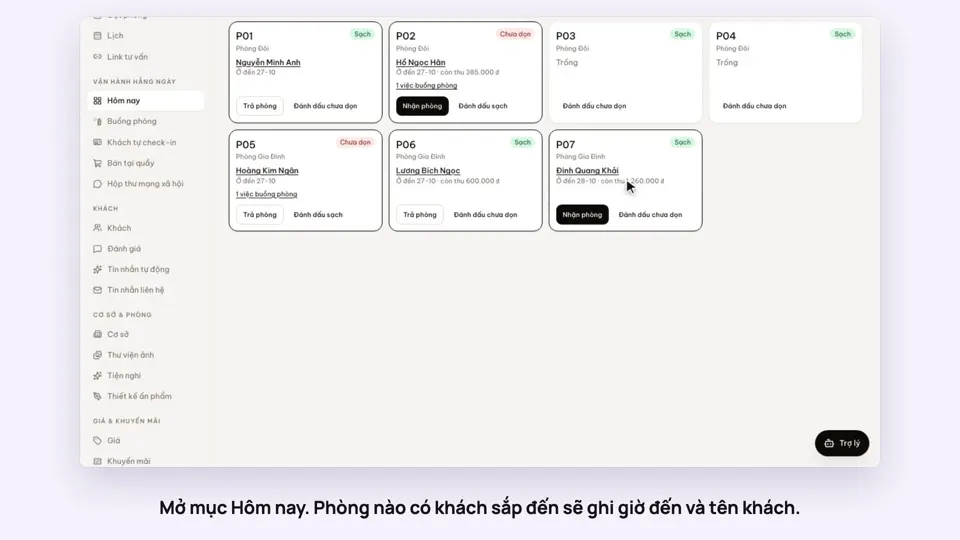 0:34Check guests in and outBookingsToday & housekeeping
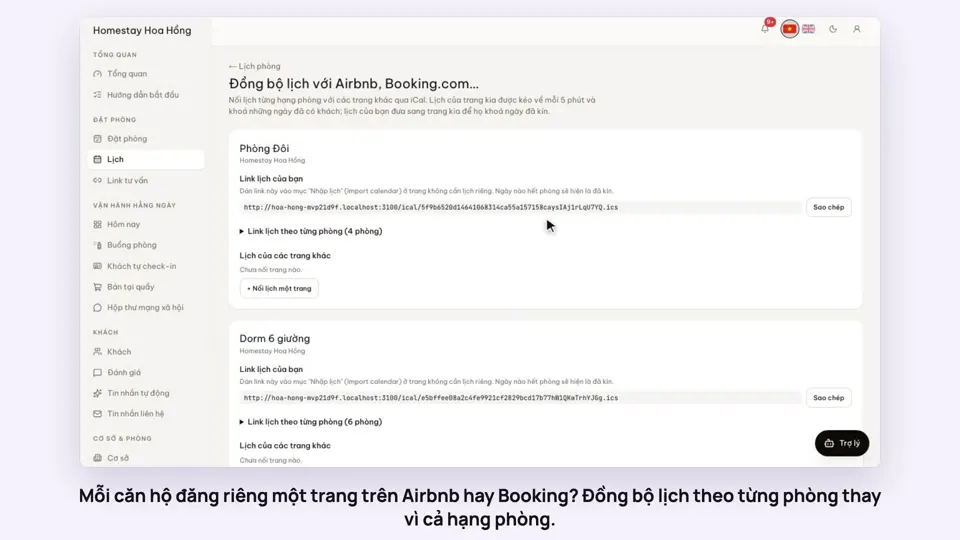 0:36Sync iCal calendars room by roomToday & housekeeping
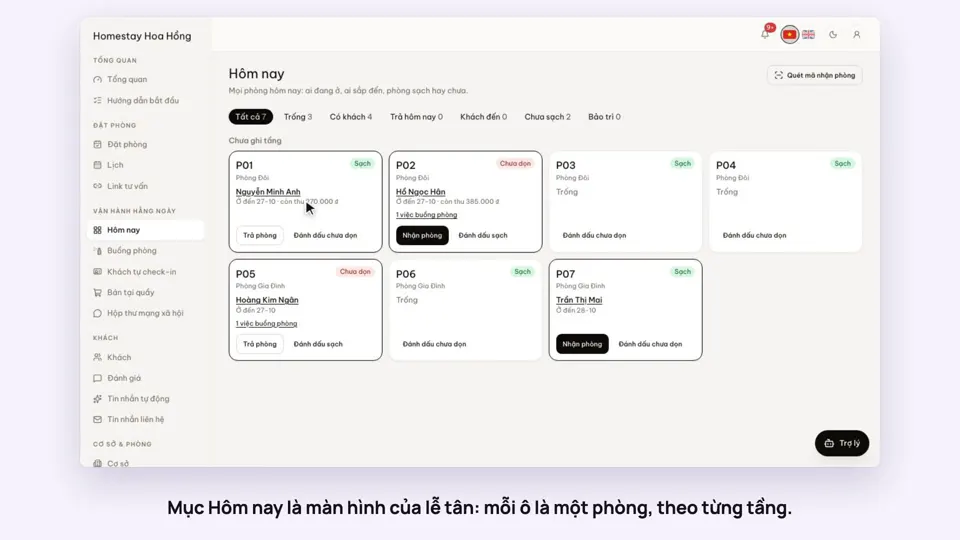 0:30Today’s board: arrivals, departures, rooms to cleanToday & housekeeping
 0:29Group rooms by areaToday & housekeeping