

← All how-to videosMore on this topic
Share a view-only calendar, recolour it, see a room’s month
Make a view-only calendar link for a partner or the cleaners and revoke it any time; change the status colours and see a whole month of one room.
Narrated in Vietnamese, with Vietnamese captions.
About Booking calendar →In this video
- Want a partner, a cleaner or family to see the calendar without an account? Click Share link.
- Click Create share link, give it a name so you remember who you sent it to, and choose the room categories you want them to see.
- Guest names show only if you turn that on; you can set an expiry date. Click Create link.
- Send the link on Zalo: the recipient sees which days are free and which are booked, and cannot change anything.
- To stop sharing, click Revoke: the link stops working straight away.
- The Calendar page also has Calendar colours, to change the colour and name of each status as you like.
- And Month view by room: a room’s whole month on one page, handy for long-stay rental apartments.
 0:31Block a room for repairs or a friendBookingsToday & housekeeping
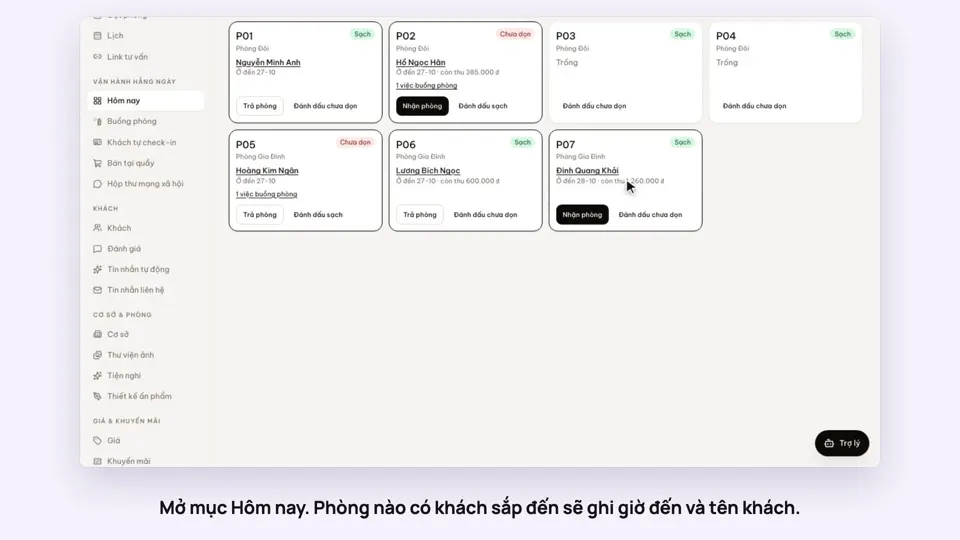 0:34Check guests in and outBookingsToday & housekeeping
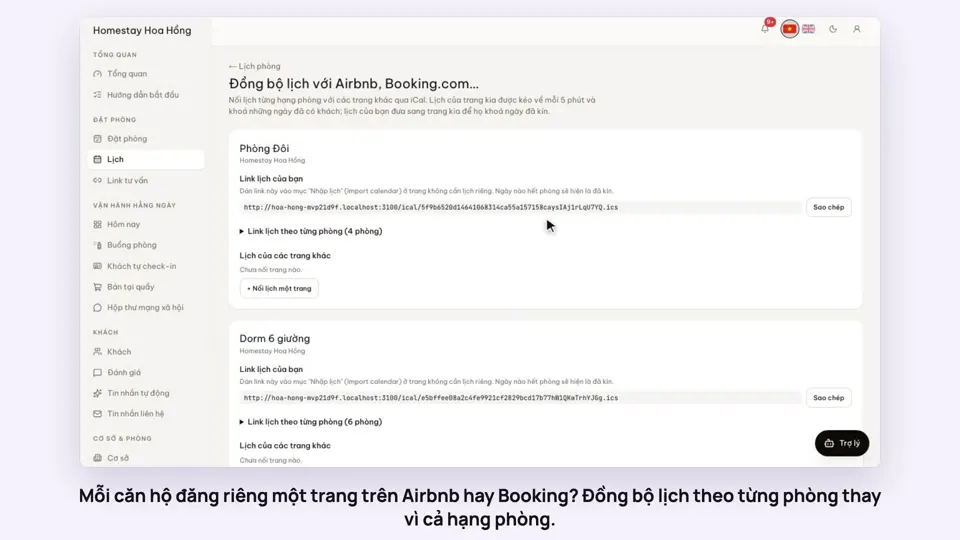 0:36Sync iCal calendars room by roomToday & housekeeping
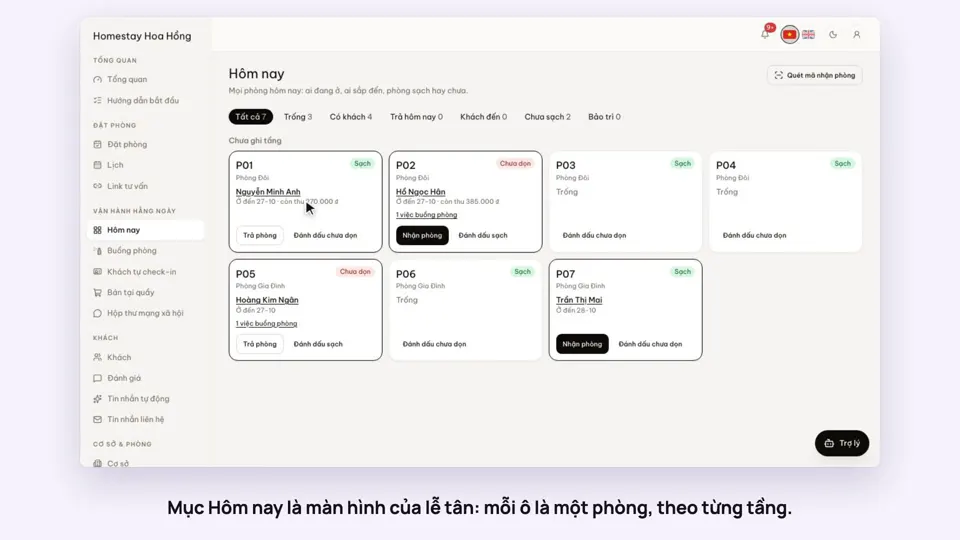 0:30Today’s board: arrivals, departures, rooms to cleanToday & housekeeping
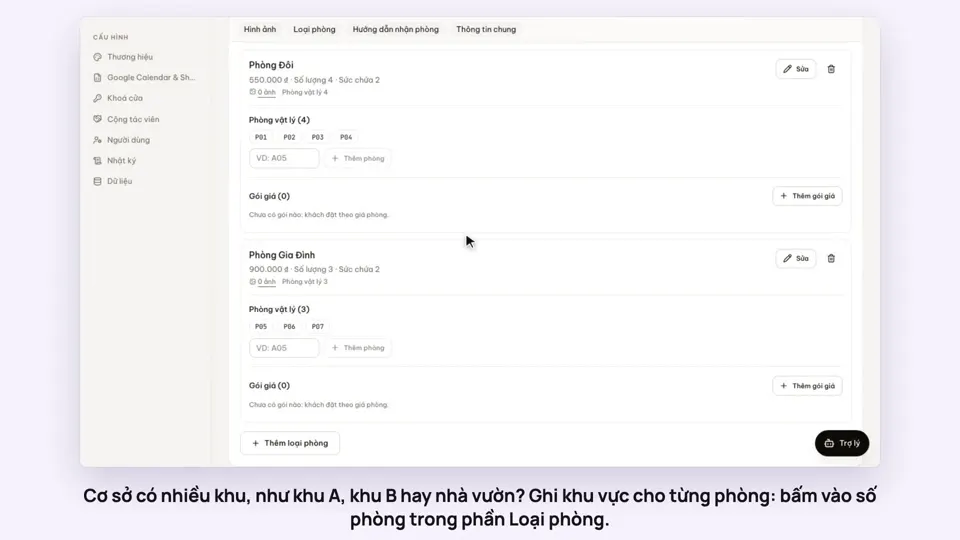 0:29Group rooms by areaToday & housekeeping
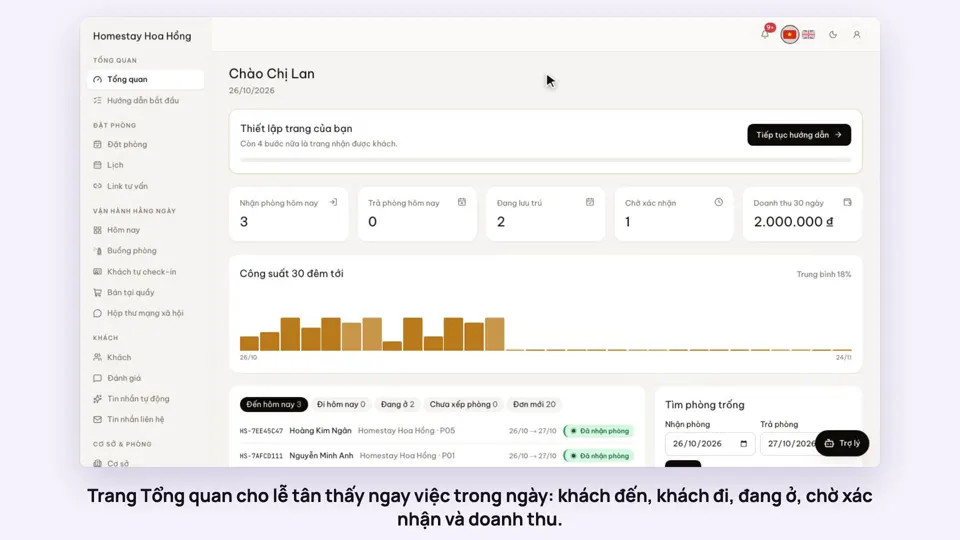 0:36Dashboard: 30 nights of occupancy, arrivals and departuresToday & housekeeping