

← All how-to videosMore on this topic
Sync iCal calendars room by room
A calendar link for each room, and each apartment’s Airbnb or Booking calendar linked to that room alone.
Narrated in Vietnamese, with Vietnamese captions.
About OTA calendar sync →In this video
- Does each apartment have its own listing on Airbnb or Booking? Sync calendars room by room instead of by room category.
- Open Calendar links per room: each room has its own link, which shows only the days of that exact room. Paste it into that apartment’s listing on the channel.
- The other way round: click Add, paste that apartment’s calendar from the channel, and in the Applies to field choose the right room. Days booked on the other side block only that room, and the other rooms in the same category can still be sold.
- Save: the calendar is pulled in every five minutes, and you are told straight away if the calendar on the other side has an error.
 0:43Share a view-only calendar, recolour it, see a room’s monthToday & housekeeping
 0:31Block a room for repairs or a friendBookingsToday & housekeeping
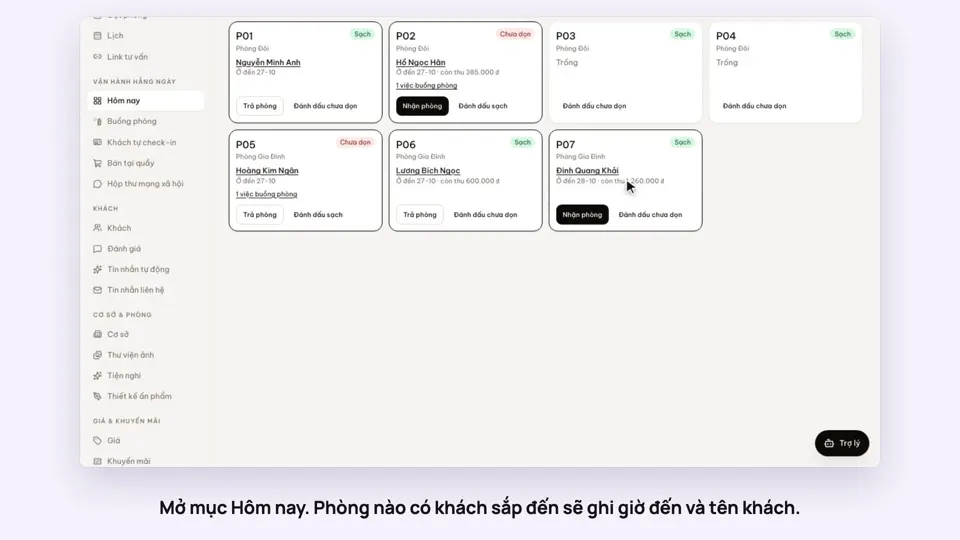 0:34Check guests in and outBookingsToday & housekeeping
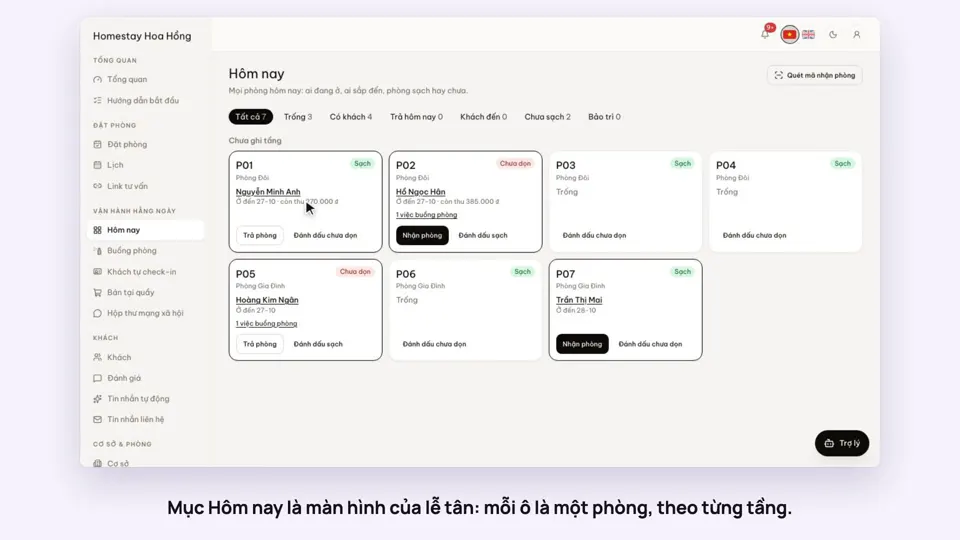 0:30Today’s board: arrivals, departures, rooms to cleanToday & housekeeping
 0:29Group rooms by areaToday & housekeeping
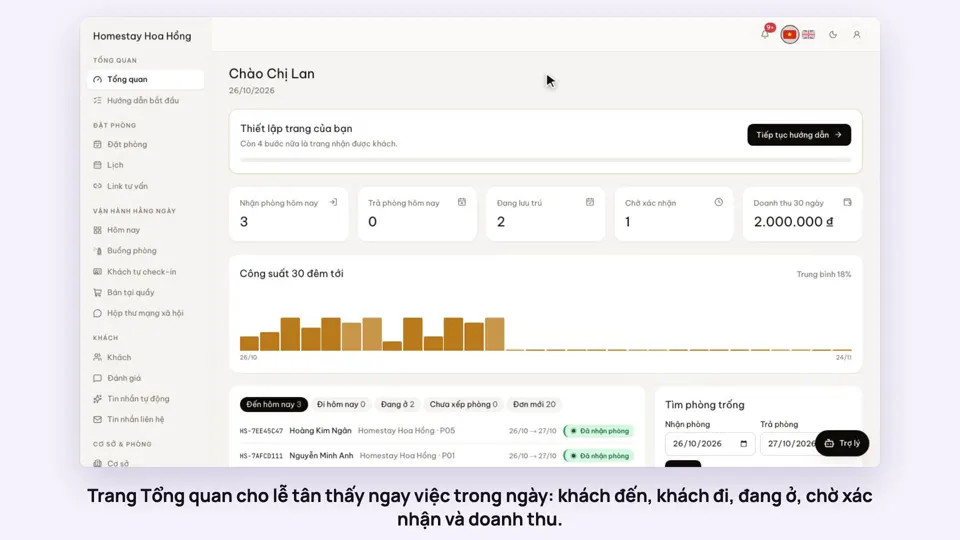 0:36Dashboard: 30 nights of occupancy, arrivals and departuresToday & housekeeping