

← All how-to videosMore on this topic
Group rooms by area
Give each room its area; the Today board groups rooms by area and the calendar shows one area at a time.
Narrated in Vietnamese, with Vietnamese captions.
About Today room board →In this video
- Does your property have several zones, such as zone A, zone B or a garden house? Set an area for each room: click the room number under Room types.
- Enter the area and save. Do the same for the other rooms.
- The Today board groups rooms by area and then by floor, so the receptionist and housekeeping can do one round and be done.
- On the Calendar, choose an area in the Area field to see only the rooms and bookings in that area.
 0:43Share a view-only calendar, recolour it, see a room’s monthToday & housekeeping
 0:31Block a room for repairs or a friendBookingsToday & housekeeping
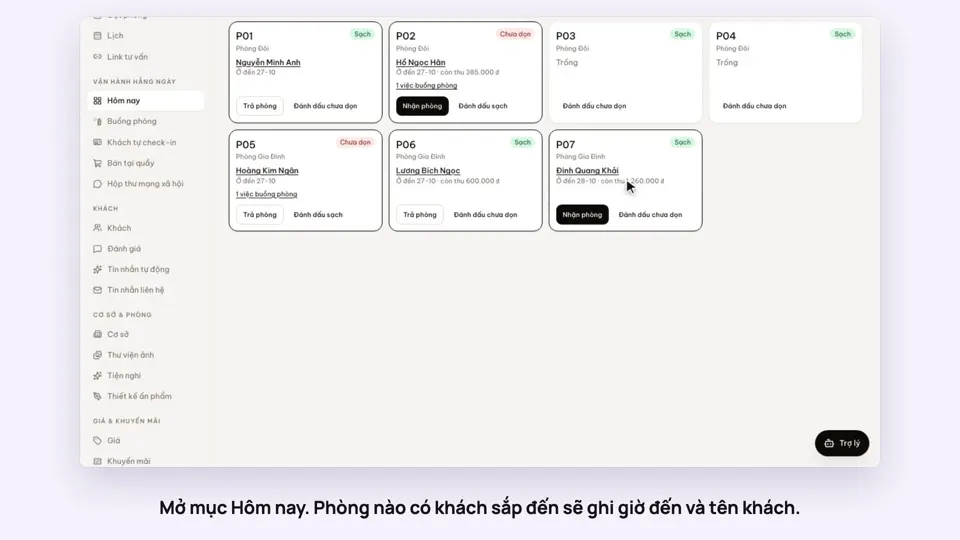 0:34Check guests in and outBookingsToday & housekeeping
 0:36Sync iCal calendars room by roomToday & housekeeping
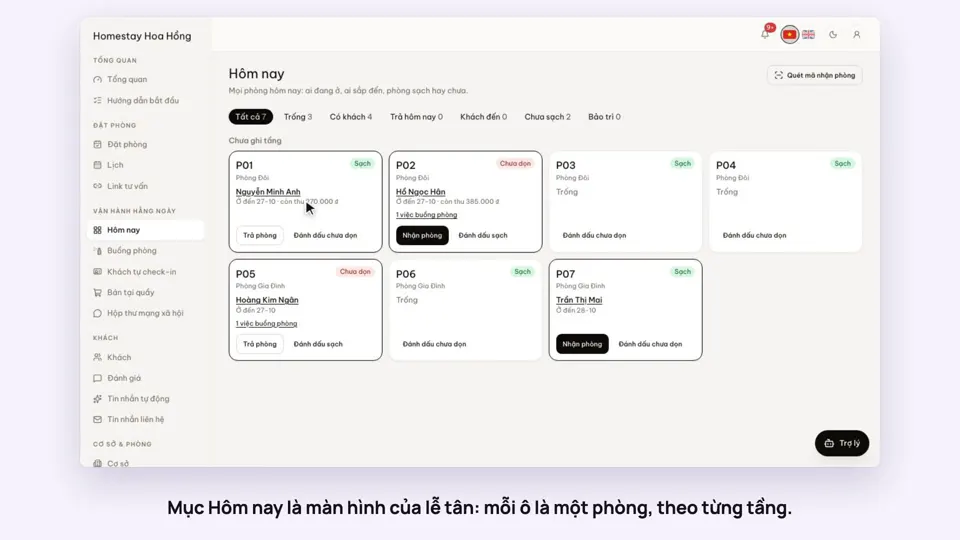 0:30Today’s board: arrivals, departures, rooms to cleanToday & housekeeping
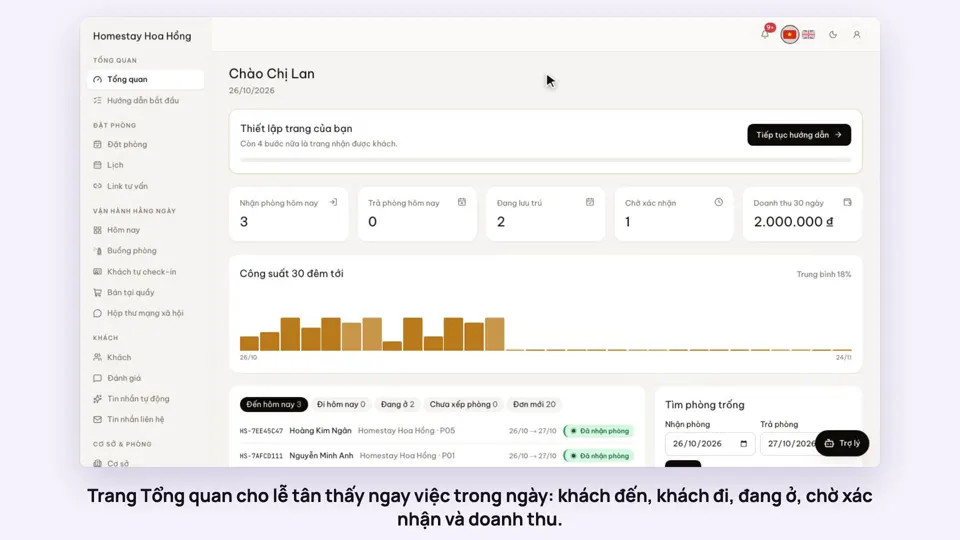 0:36Dashboard: 30 nights of occupancy, arrivals and departuresToday & housekeeping