

← All how-to videosMore on this topic
Move a guest to another room
Open the booking, pick another room of the same type and press Assign; the system checks the room is free first.
Narrated in Vietnamese, with Vietnamese captions.
About Booking calendar →In this video
- A guest wants to move to another room? Find their booking under Bookings.
- Open the booking and check which dates the guest is staying and which room type they booked.
- The Assigned room section shows which room the guest is currently in.
- Choose another room of the same type. The list only shows rooms of the same type, so the guest still gets the room type they booked.
- Click Assign room. The system checks that the room is free for all the nights the guest is staying before it saves.
- Done: the guest is now in the new room, and the front desk and housekeeping both see the new room number.
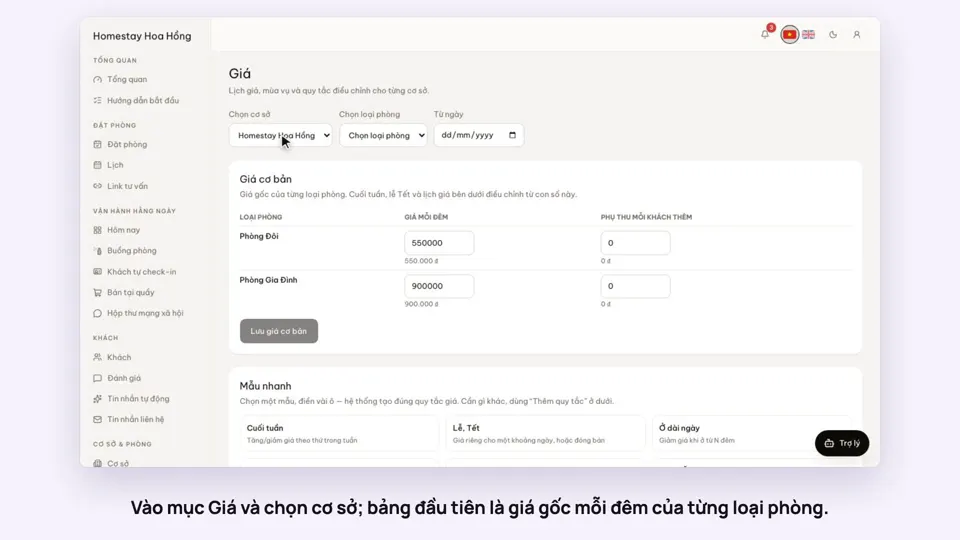 0:37Set weekend and holiday pricesGetting startedBookings
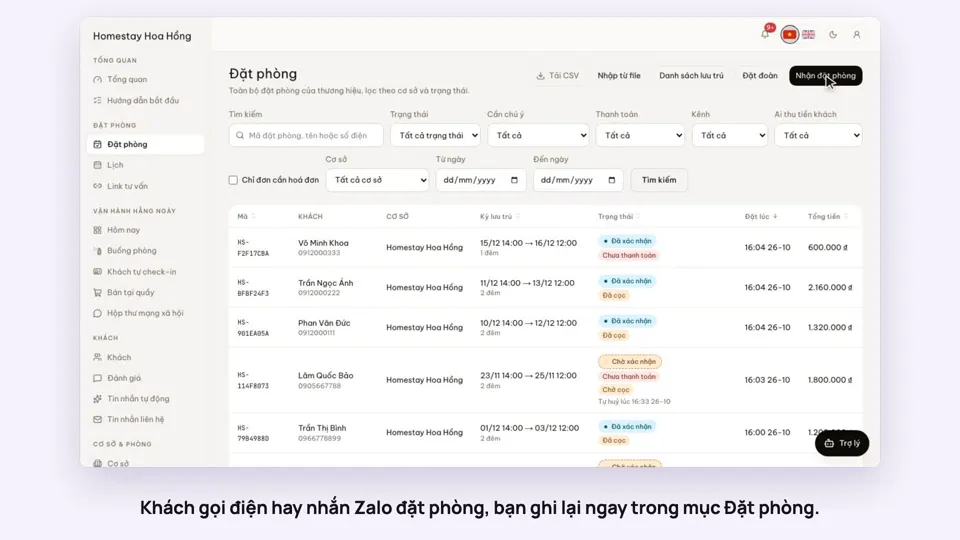 0:41Take a booking from a phone call or a Zalo messageBookings
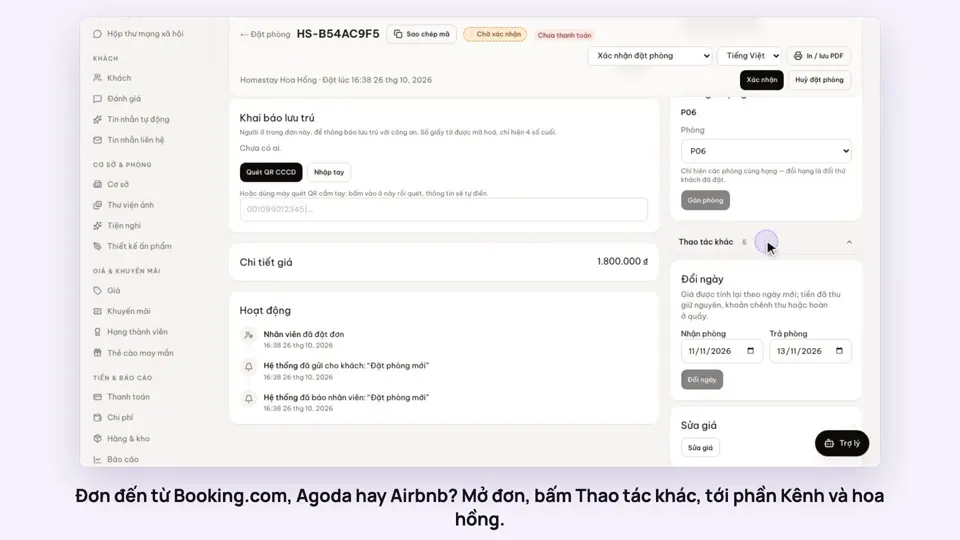 0:42Record the OTA, its booking code and commissionBookings
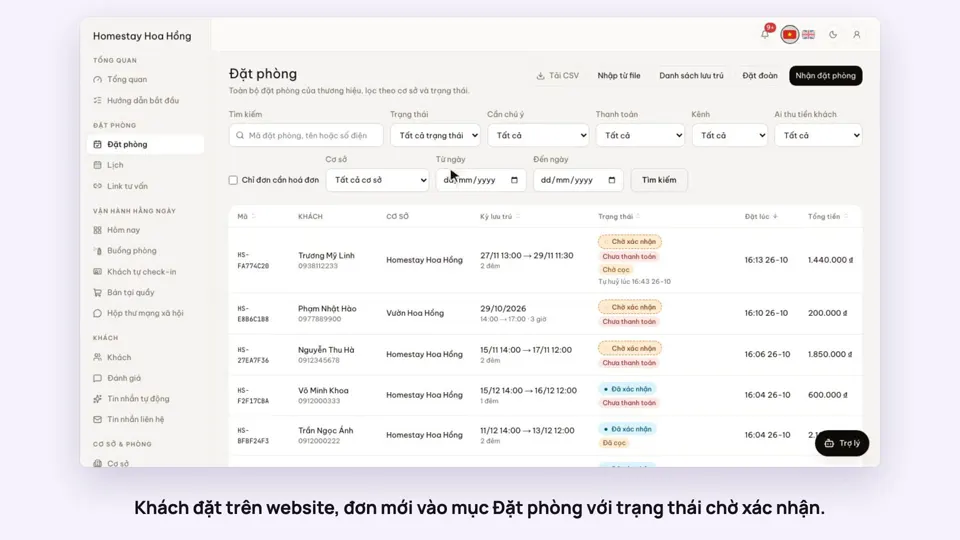 0:30Confirm a booking made onlineBookings
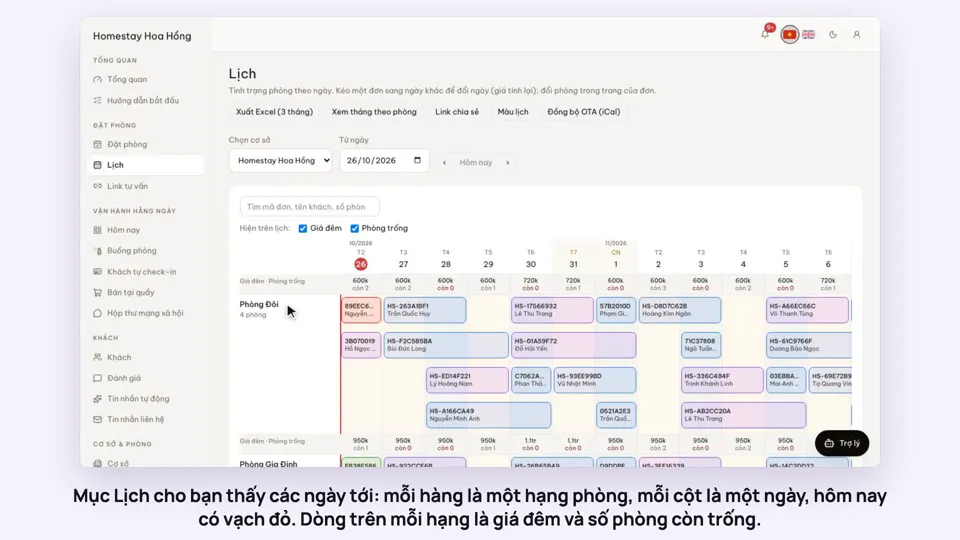 0:54Read the room calendar by day, week and rangeBookings
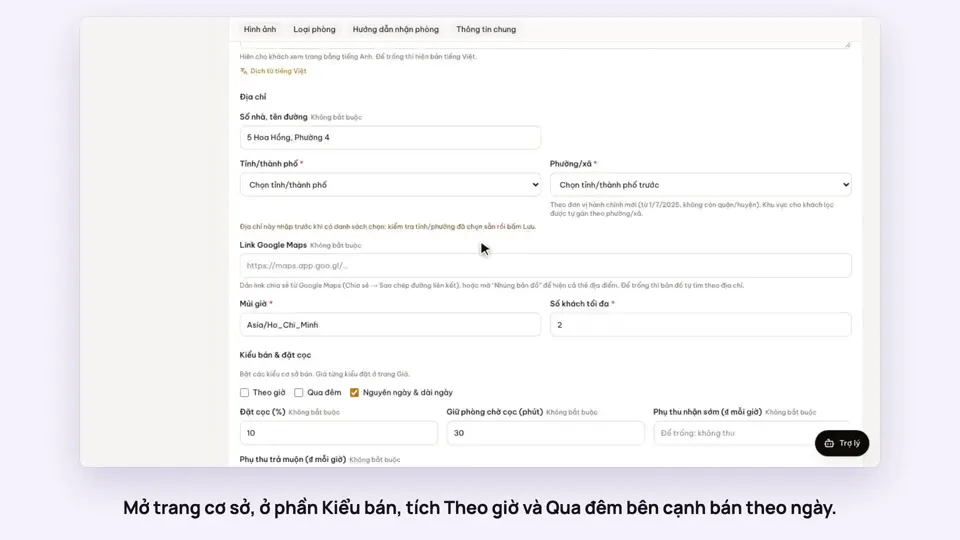 0:43Rent by the hour and overnightBookings