

← All how-to videosMore on this topic
Confirm a booking made online
New bookings from your site wait to be confirmed; check them, then confirm or cancel in one click.
Narrated in Vietnamese, with Vietnamese captions.
In this video
- A guest books on the website, and the new booking appears in Bookings with the status pending confirmation.
- Click the booking to see who the guest is, which dates, which room and how much they have paid.
- You can call or message the guest on Zalo from here if you need to ask more.
- If everything is fine, click Confirm, and the guest gets a notice that the booking is confirmed.
- If you cannot accept this booking, click Cancel booking and write the reason for the guest.
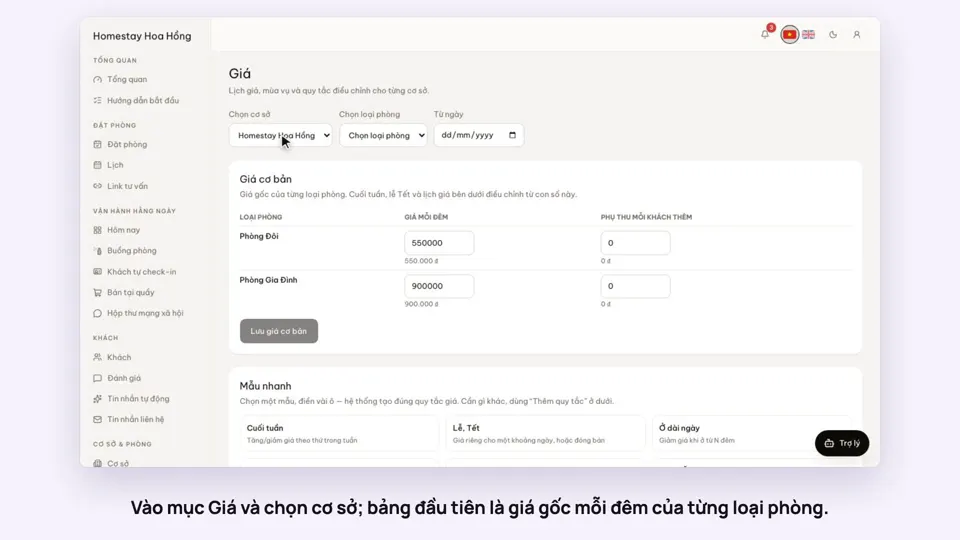 0:37Set weekend and holiday pricesGetting startedBookings
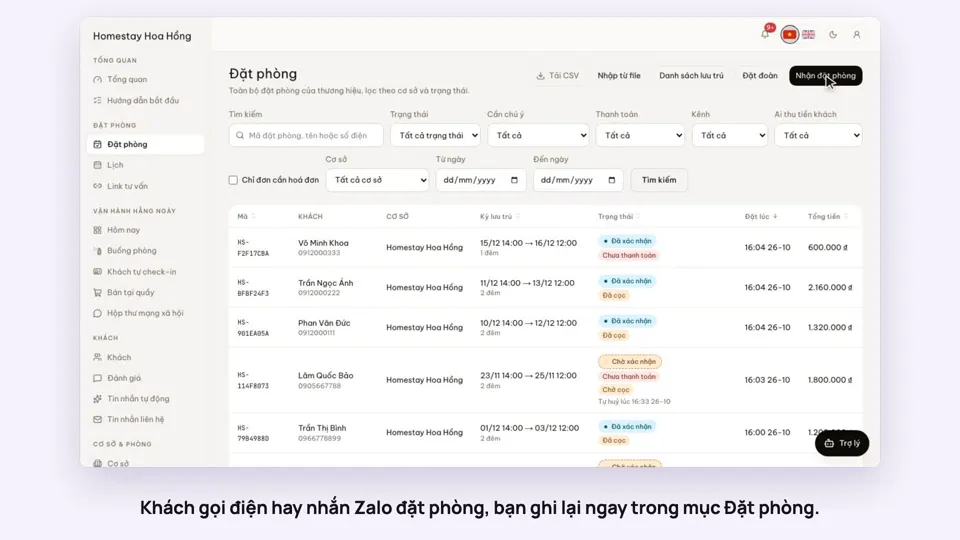 0:41Take a booking from a phone call or a Zalo messageBookings
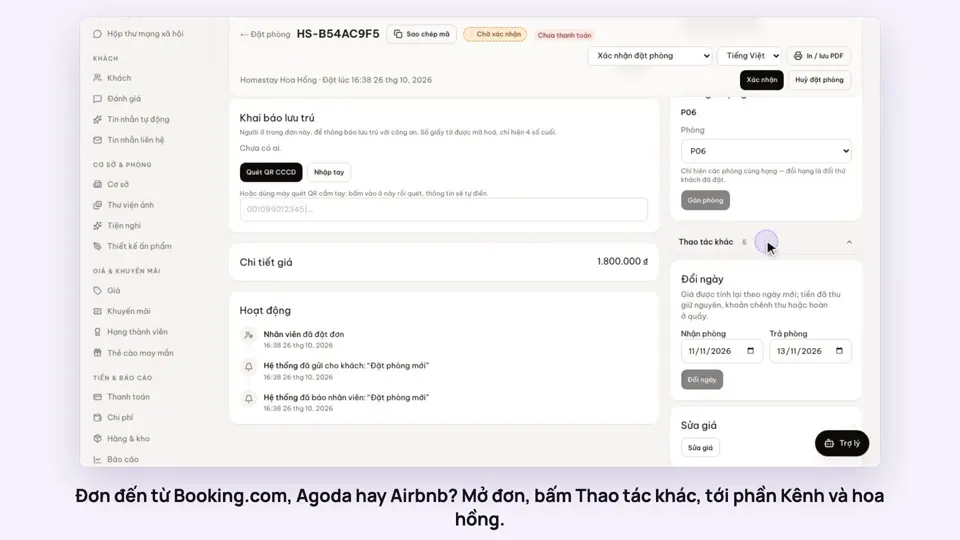 0:42Record the OTA, its booking code and commissionBookings
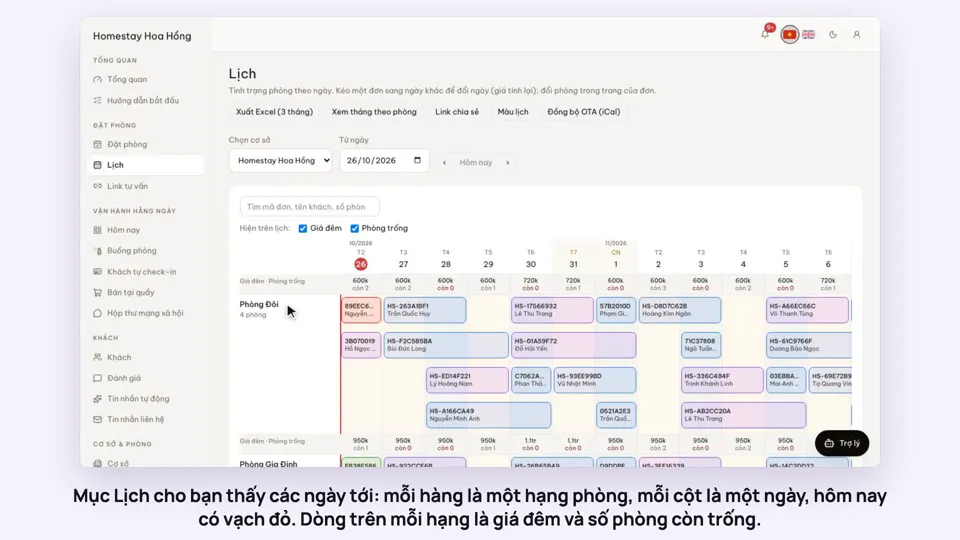 0:54Read the room calendar by day, week and rangeBookings
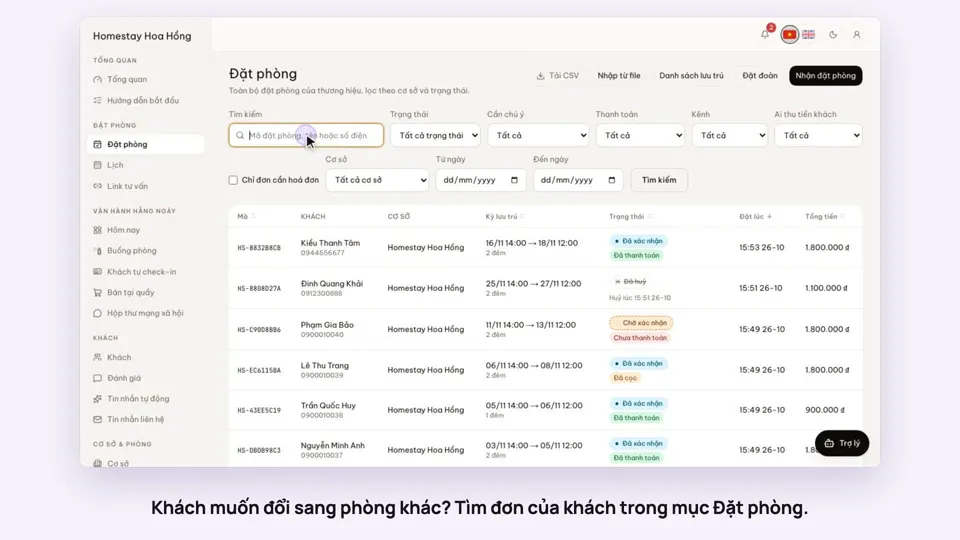 0:37Move a guest to another roomBookings
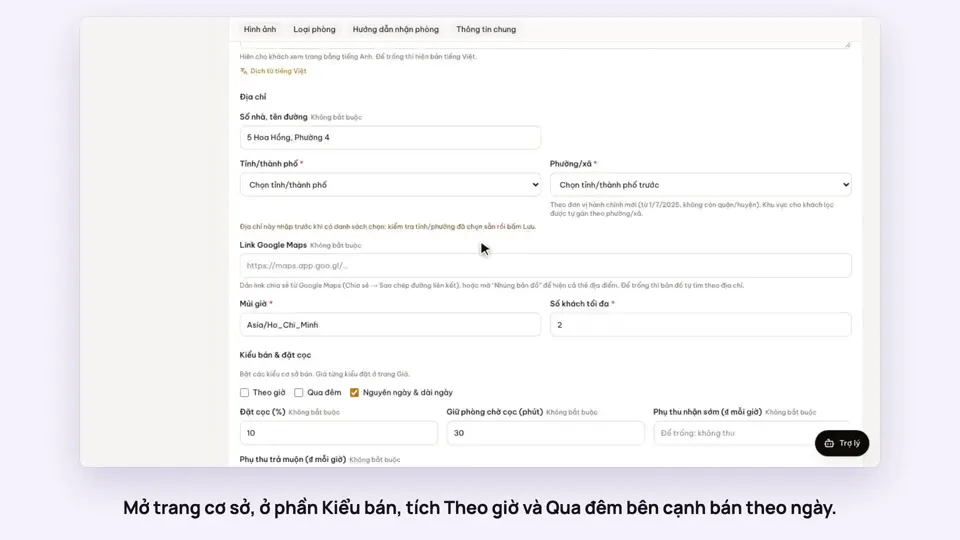 0:43Rent by the hour and overnightBookings