

← All how-to videosMore on this topic
Rent by the hour and overnight
Turn on hourly sales, set the first hour, each extra hour and overnight prices, then take an hourly booking.
Narrated in Vietnamese, with Vietnamese captions.
About Hourly and overnight →In this video
- Open the property page, and in the Sales type section, tick Hourly and Overnight next to selling by the day.
- Click Save. The price for each sales type is set on the Prices page.
- On the Prices page, each room type has an extra first-hours price, a price for each additional hour and an overnight price.
- For example: 150,000 VND for the first two hours, 50,000 VND for each additional hour, 350,000 VND overnight, then save the prices.
- Now create an hourly booking: in Take a booking, choose the booking type Hourly, the date, the start time in minutes and the duration.
- Enter the guest’s name and phone number, click Create booking: the amount is worked out from the hourly prices you just set.
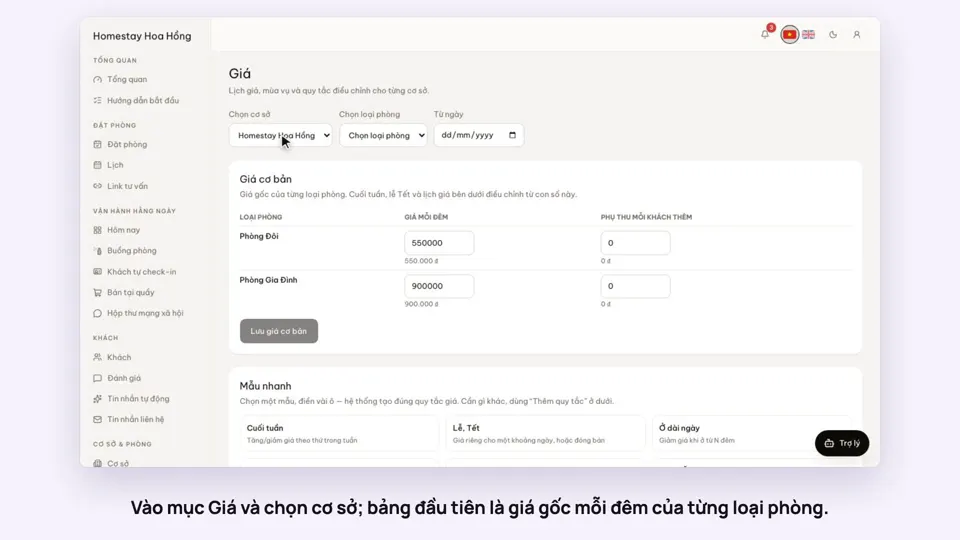 0:37Set weekend and holiday pricesGetting startedBookings
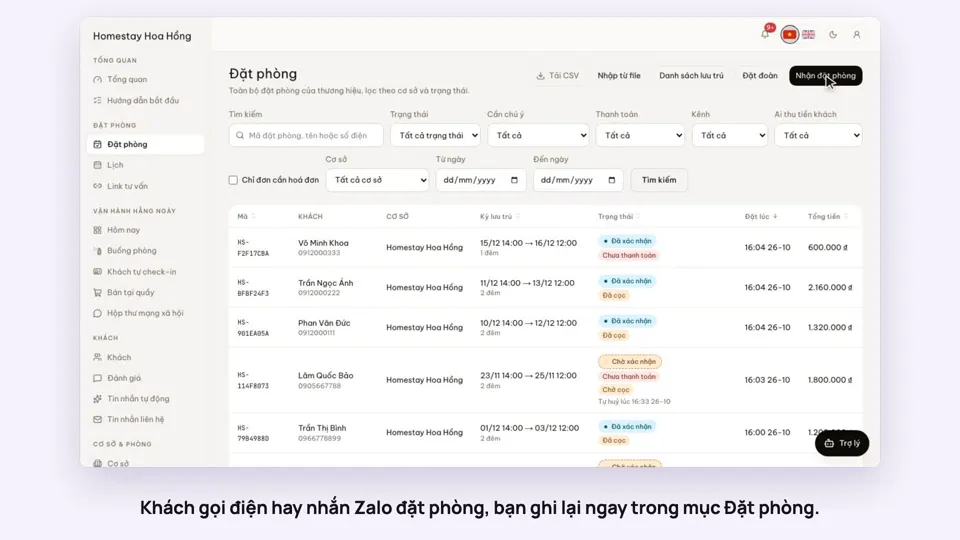 0:41Take a booking from a phone call or a Zalo messageBookings
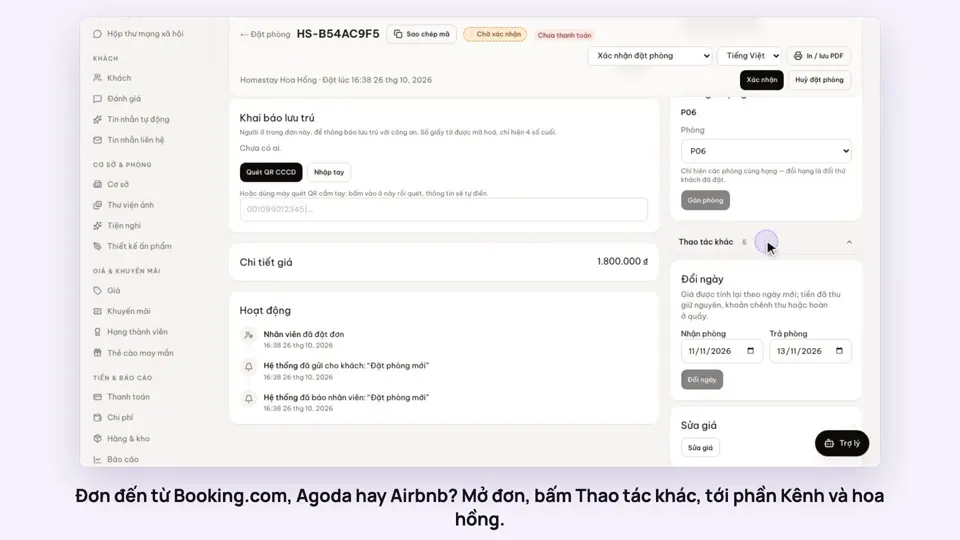 0:42Record the OTA, its booking code and commissionBookings
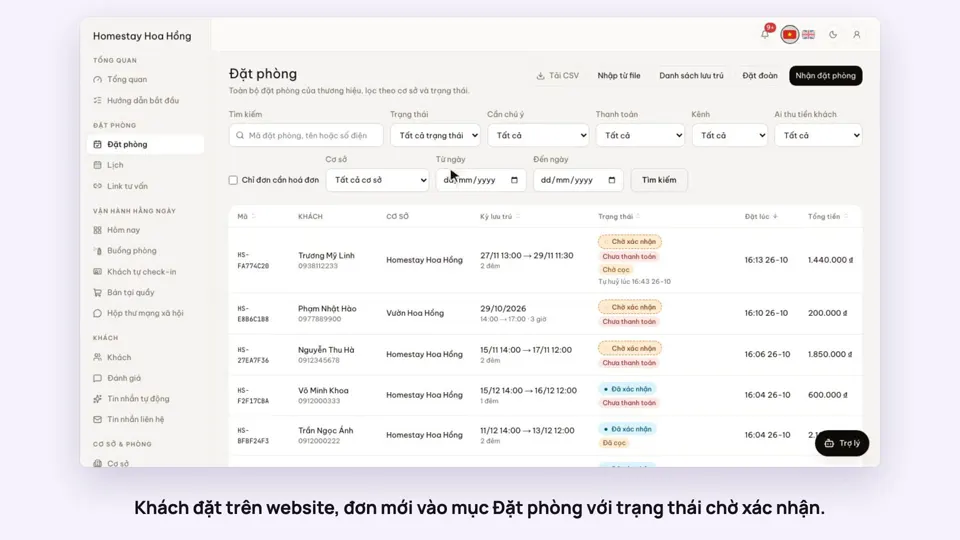 0:30Confirm a booking made onlineBookings
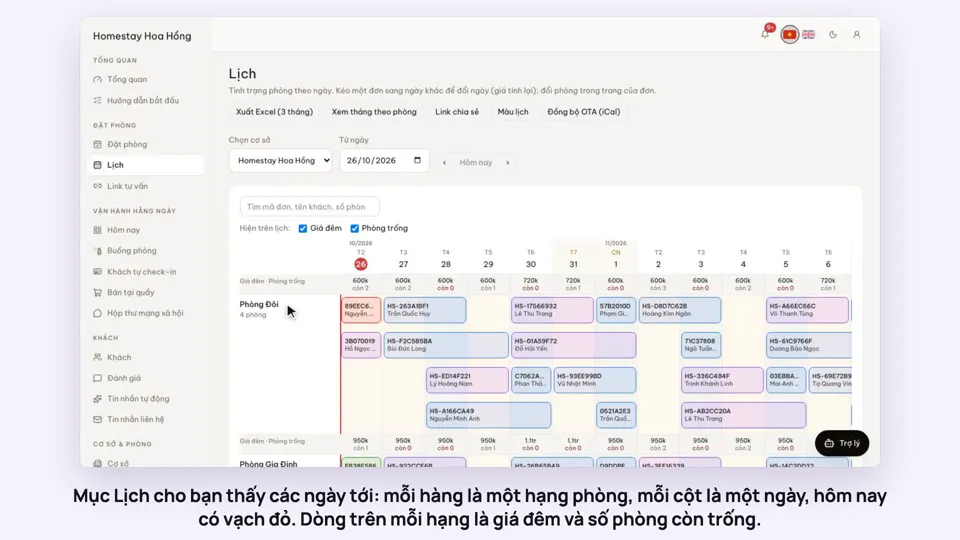 0:54Read the room calendar by day, week and rangeBookings
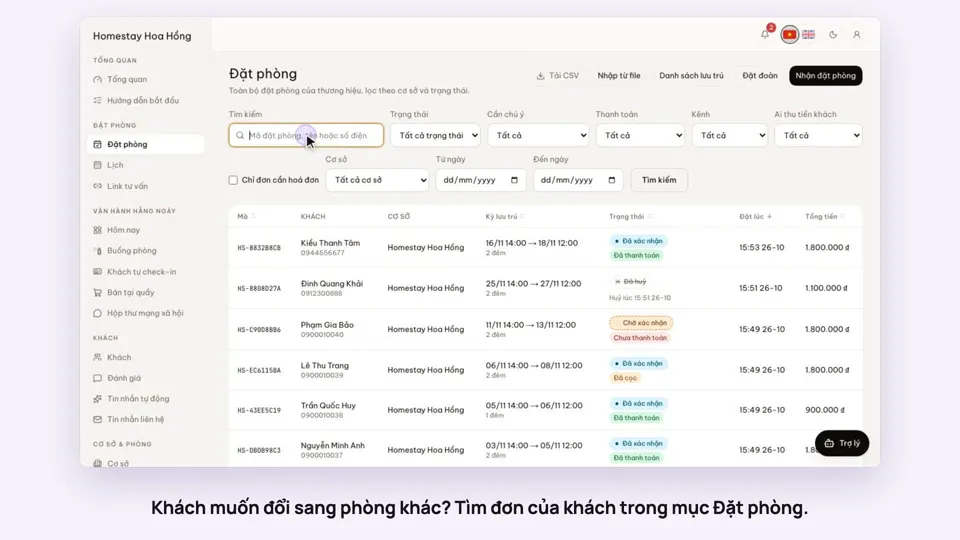 0:37Move a guest to another roomBookings