

← All how-to videosMore on this topic
Give housekeeping a room to clean
Make a cleaning task for a room, mark it urgent, assign it and see when it is done.
Narrated in Vietnamese, with Vietnamese captions.
About Housekeeping →In this video
- The Housekeeping section is the task list: cleaning a room after a guest leaves, preparing a room before a guest arrives, and tasks you add yourself.
- Need a room cleaned urgently? In the Add task section, choose the task type Clean room and choose the room.
- Assign it to a person, add a note about anything to watch for, and tick Urgent.
- Click Add task. Urgent tasks have an exclamation mark and sit at the top of the list.
- Hoa opens My tasks and sees it straight away; when she starts or finishes it, the status changes here for the whole team to see.
- Finished tasks are under Done, showing who did them.
 0:43Share a view-only calendar, recolour it, see a room’s monthToday & housekeeping
 0:31Block a room for repairs or a friendBookingsToday & housekeeping
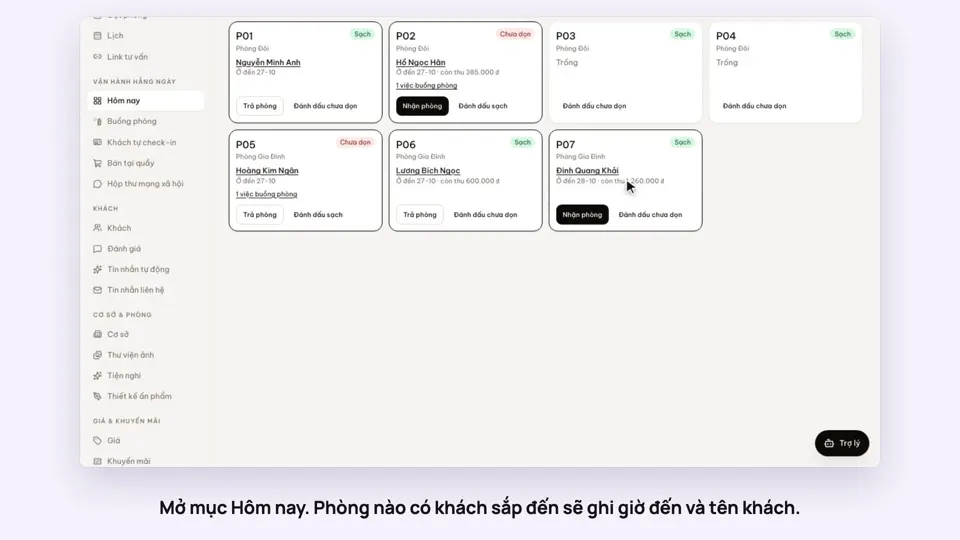 0:34Check guests in and outBookingsToday & housekeeping
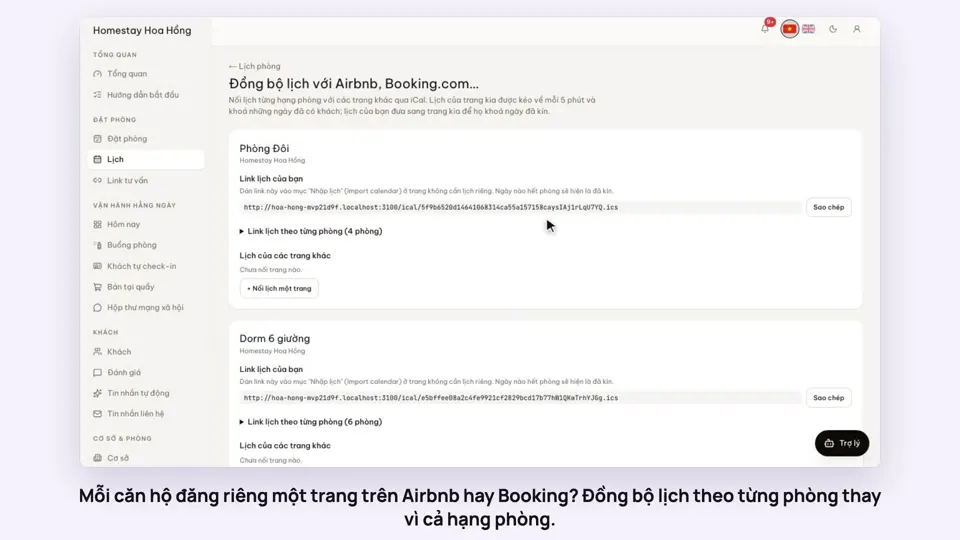 0:36Sync iCal calendars room by roomToday & housekeeping
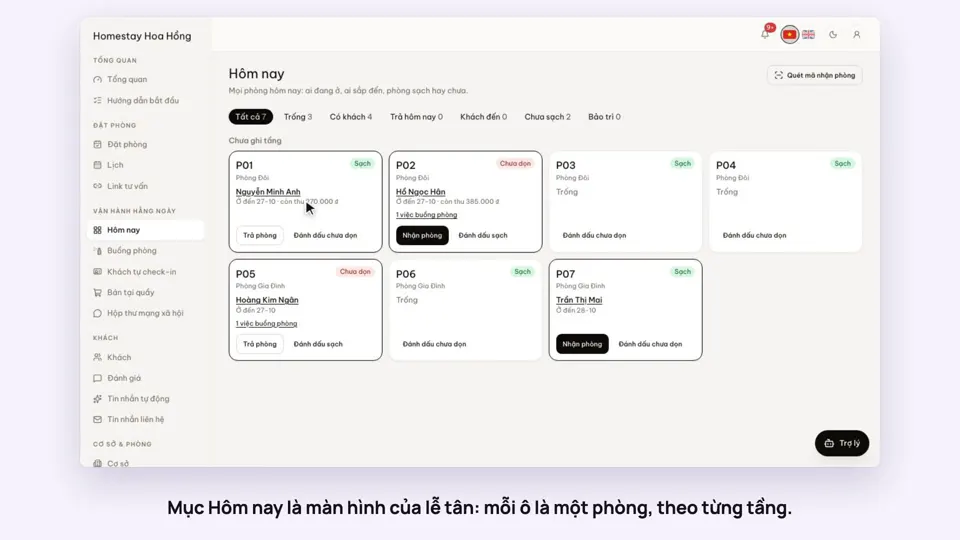 0:30Today’s board: arrivals, departures, rooms to cleanToday & housekeeping
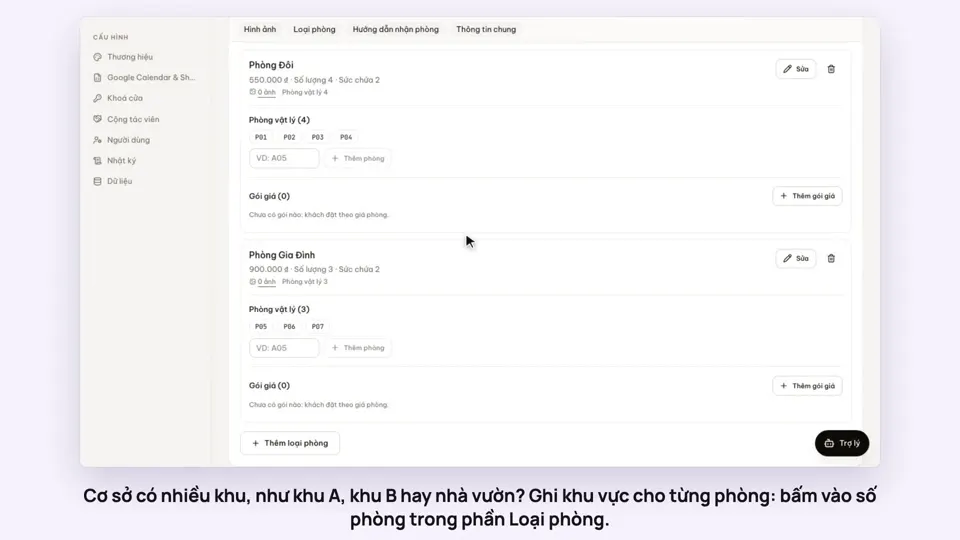 0:29Group rooms by areaToday & housekeeping