

← All how-to videosMore on this topic
Put one guest’s bookings together as a group
Merge separate bookings of the same guest, then confirm, check in, check out and take payment for the whole group.
Narrated in Vietnamese, with Vietnamese captions.
About Group bookings →In this video
- One guest booked two rooms in two separate bookings? Merge them into a group: open one booking, click More actions and go to Add to group.
- Enter the code of the other booking from the same guest, with the same phone number or email, then click Merge.
- The group page lists each booking, the total and the balance for the whole group. Payments are still counted for each booking separately.
- Confirm, check in or check out the whole group with one button, or handle each booking as usual.
- Does the guest pay everything at once? Record it right away under Collect payment for the group at the bottom of the page.
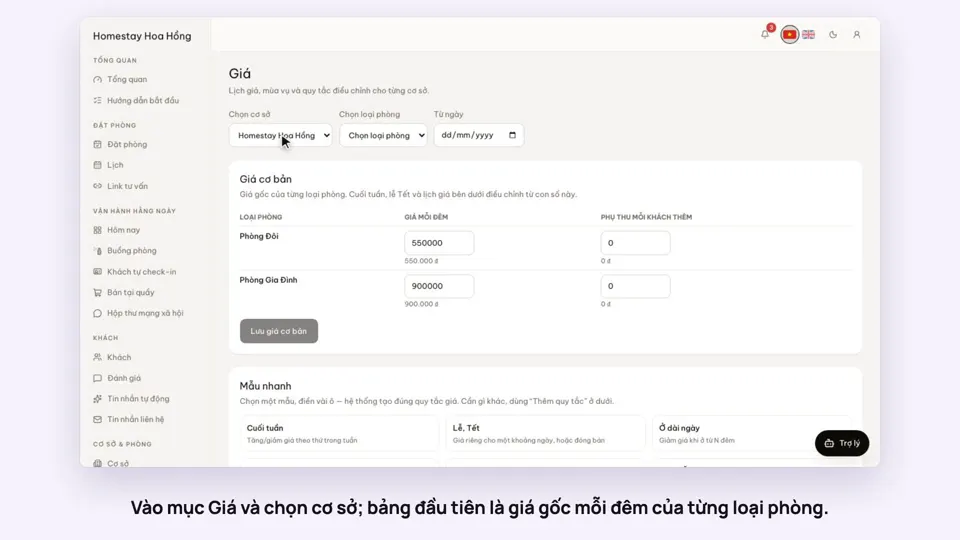 0:37Set weekend and holiday pricesGetting startedBookings
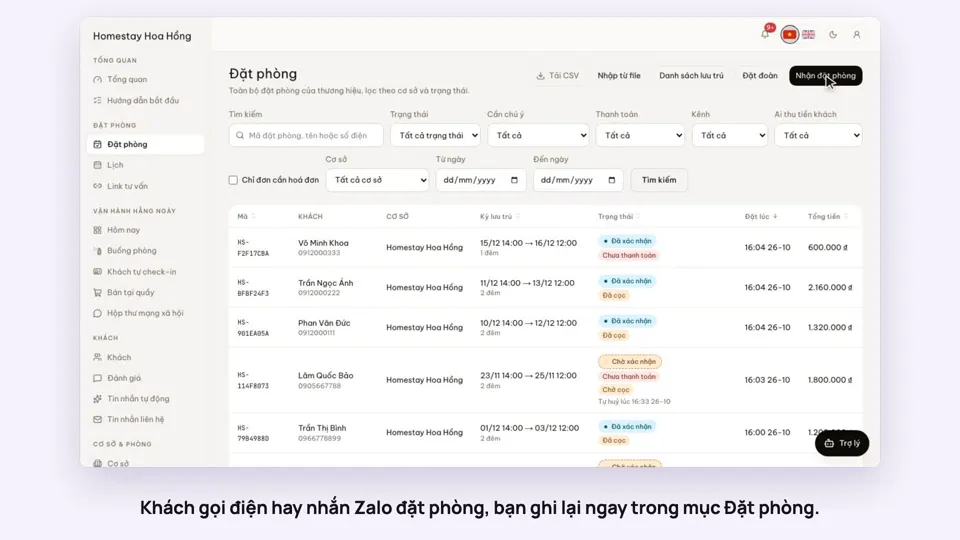 0:41Take a booking from a phone call or a Zalo messageBookings
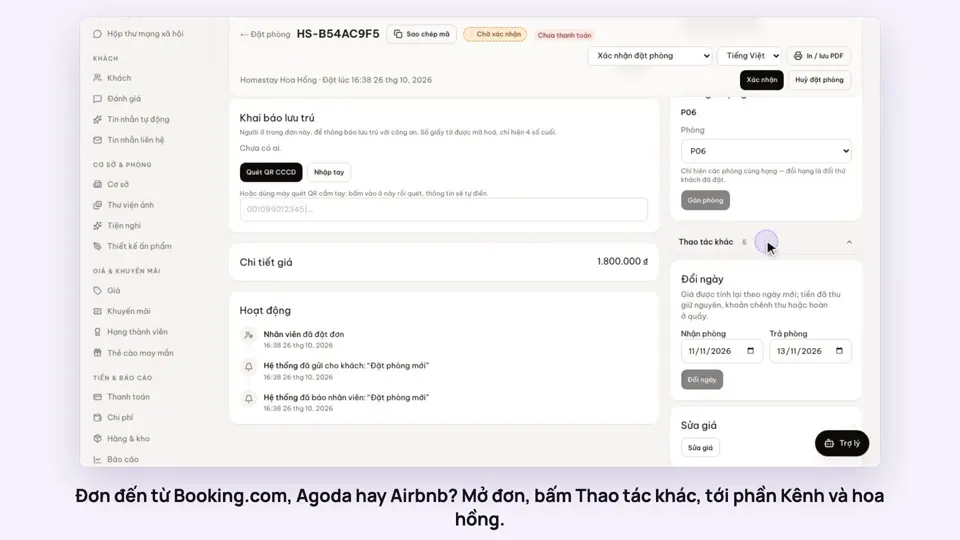 0:42Record the OTA, its booking code and commissionBookings
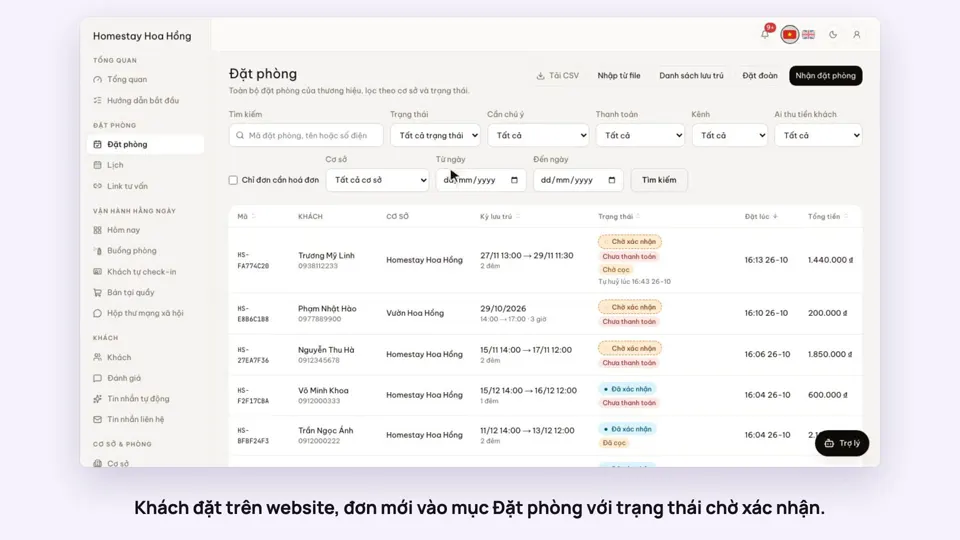 0:30Confirm a booking made onlineBookings
 0:54Read the room calendar by day, week and rangeBookings
 0:37Move a guest to another roomBookings