

← All how-to videosMore on this topic
Undo a check-in or check-out pressed by mistake
For 15 minutes after a check-in, check-out or no-show, press Undo to put the booking back as it was.
Narrated in Vietnamese, with Vietnamese captions.
About Front desk →In this video
- Did the receptionist press Check in by mistake for a guest? No problem.
- Within fifteen minutes, an Undo button appears right on the booking, showing until what time you can undo.
- Click Undo: the booking goes back to Confirmed, and the room is still held for the guest.
- Undo works for check-in, check-out and no-show, and each is recorded in the log. Cancelling a booking cannot be undone, so the system always asks again before cancelling.
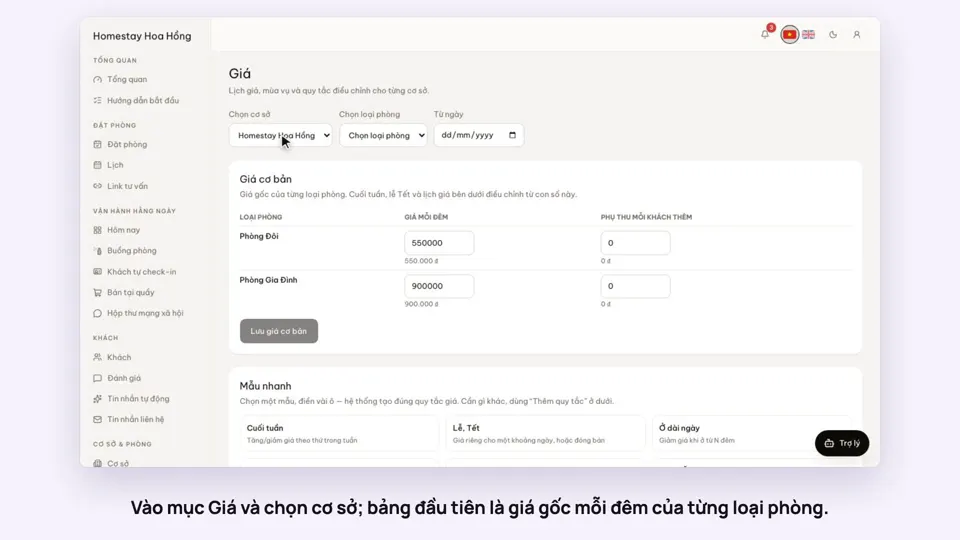 0:37Set weekend and holiday pricesGetting startedBookings
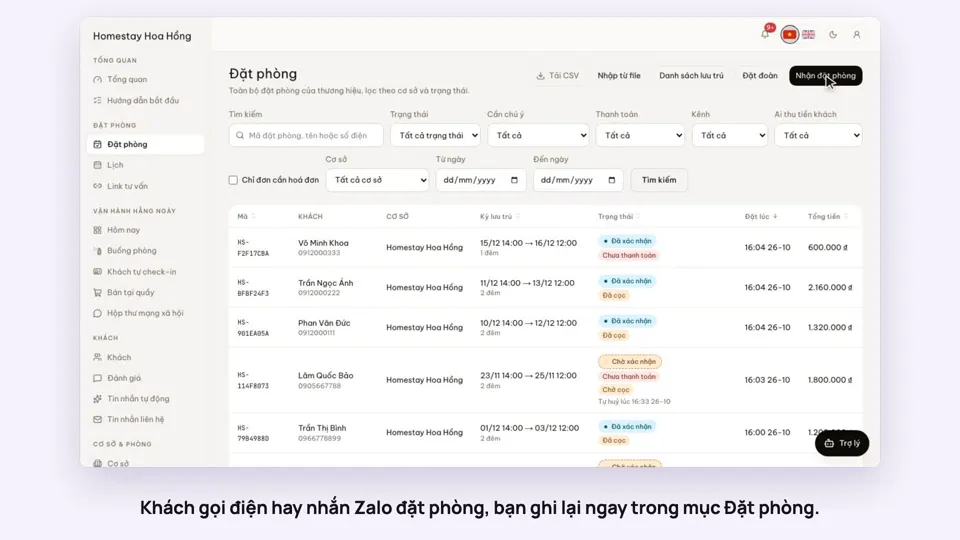 0:41Take a booking from a phone call or a Zalo messageBookings
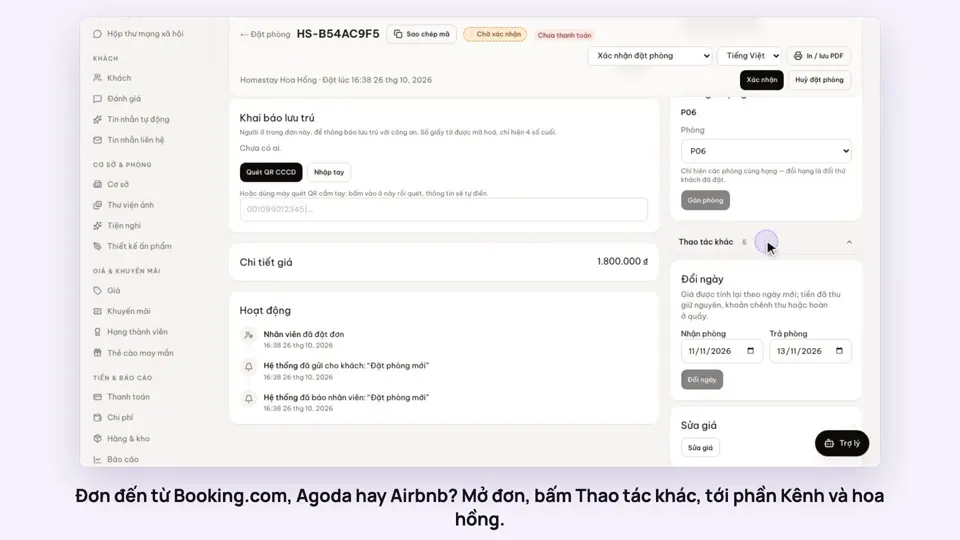 0:42Record the OTA, its booking code and commissionBookings
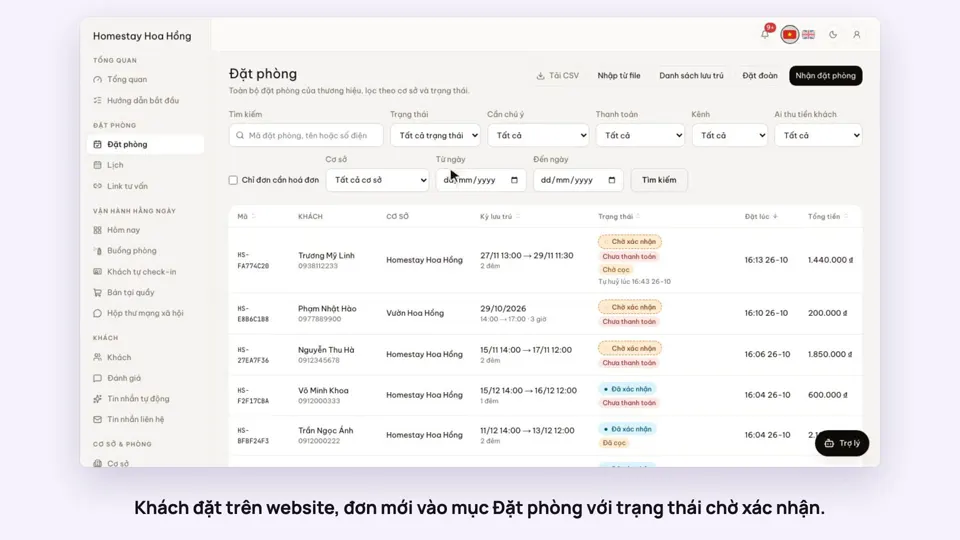 0:30Confirm a booking made onlineBookings
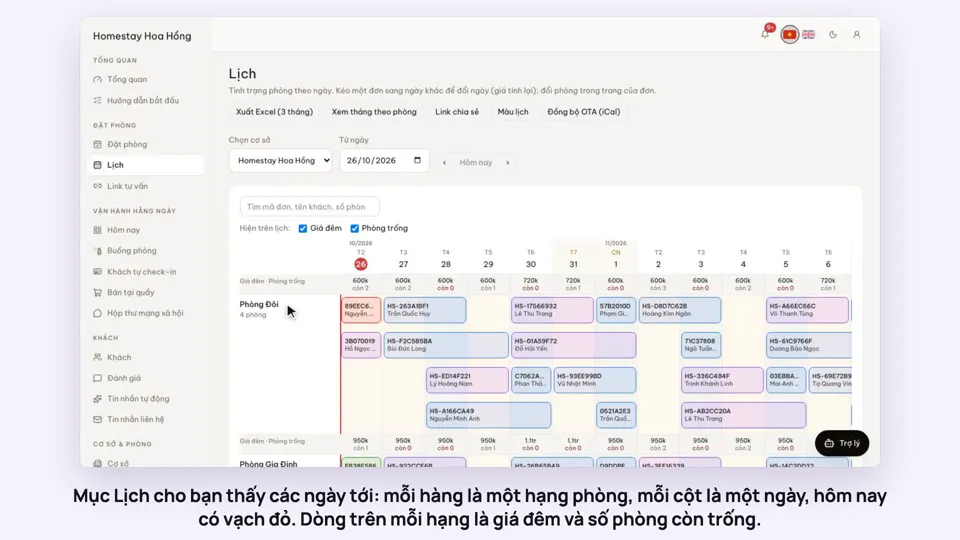 0:54Read the room calendar by day, week and rangeBookings
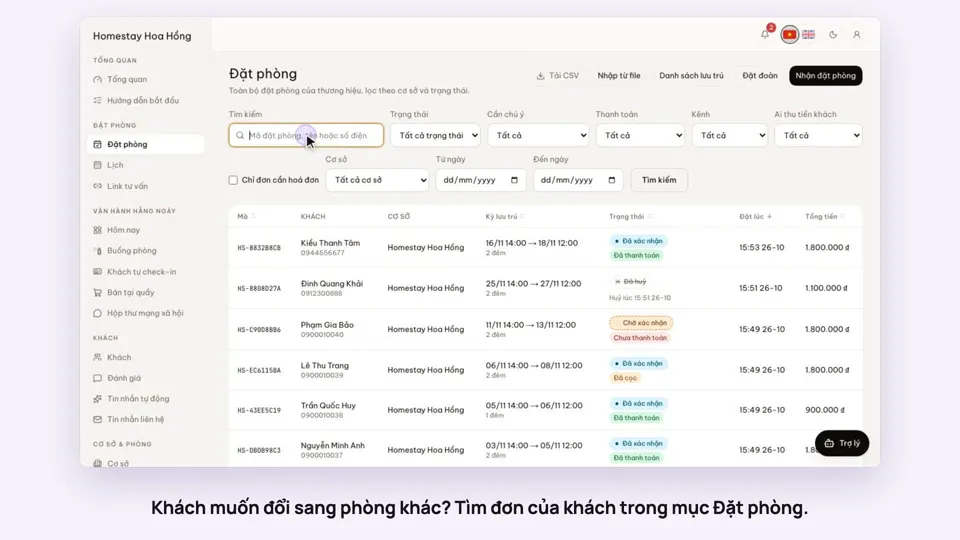 0:37Move a guest to another roomBookings