

← All how-to videosMore on this topic
Guests check in online before they arrive
Switch on self check-in; guests declare who stays and photograph their papers, and the desk reviews and approves them.
Narrated in Vietnamese, with Vietnamese captions.
About Guest self check-in →In this video
- Let guests fill in their stay details before they arrive, so the front desk has less to type. Open Guest self check-in and turn it on for the property.
- The guest opens the self check-in page from the button on their booking page, or from the address with the booking code that you send by Zalo, then enters the phone number used for the booking.
- The guest fills in each person staying on the stay form: full name, ID number, date of birth, nationality.
- They agree to the house rules and then submit the declaration.
- The guest takes a photo of their ID on their phone; the photo is encrypted and deleted automatically after the guest checks out.
- The front desk sees the record in the queue, opens it to look at the people staying and the ID photos, then clicks Approve. The door code and directions to the room show to the guest from the arrival date.
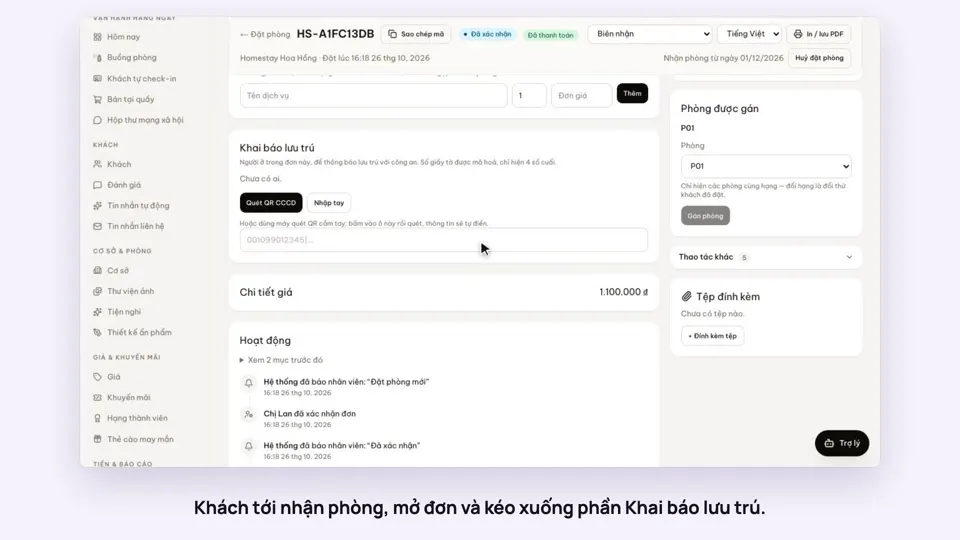 0:40Record guests by scanning their ID card’s QRToday & housekeepingGuests & alerts
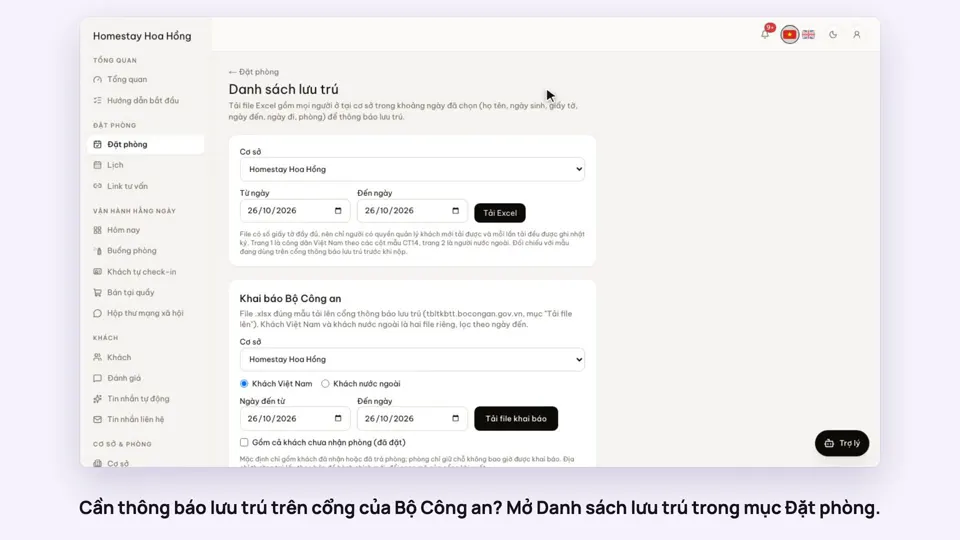 0:33Export the residence file in the police portal’s formatGuests & alerts
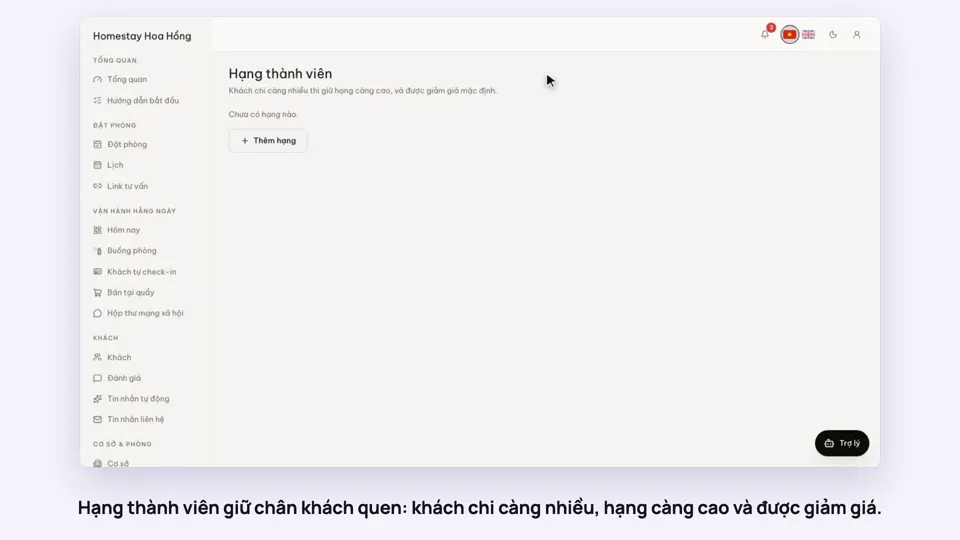 0:31Loyalty tiers for returning guestsSellingGuests & alerts
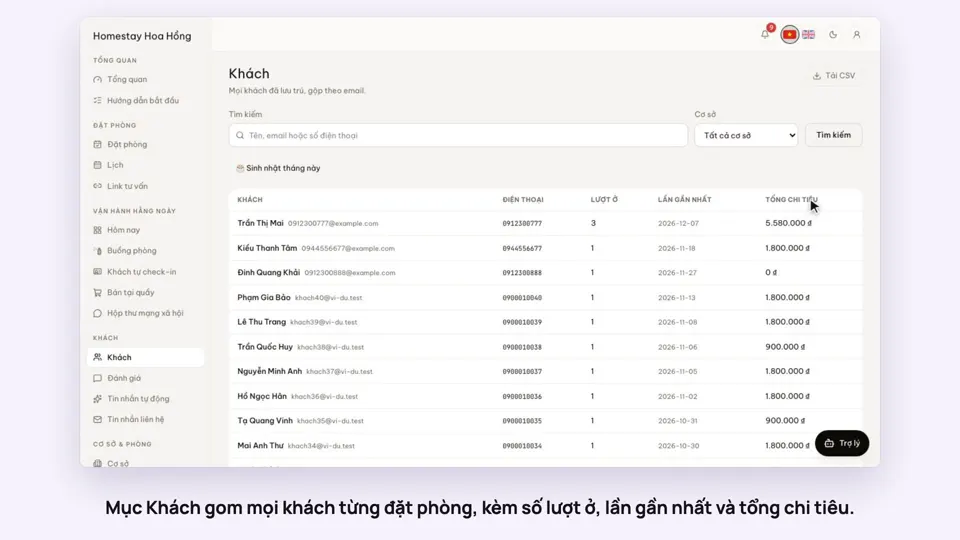 0:31Guest profiles: past stays and notesGuests & alerts
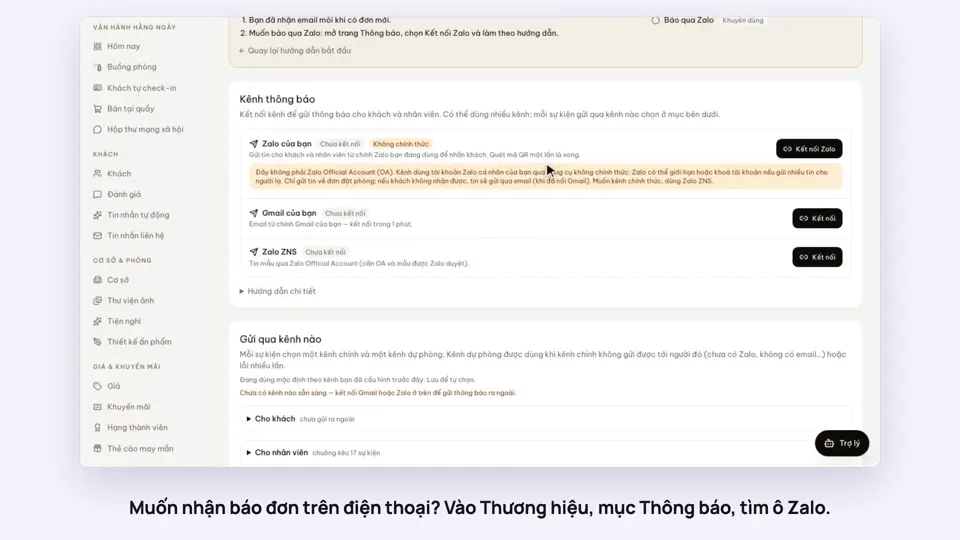 0:38Get booking alerts on ZaloGuests & alerts
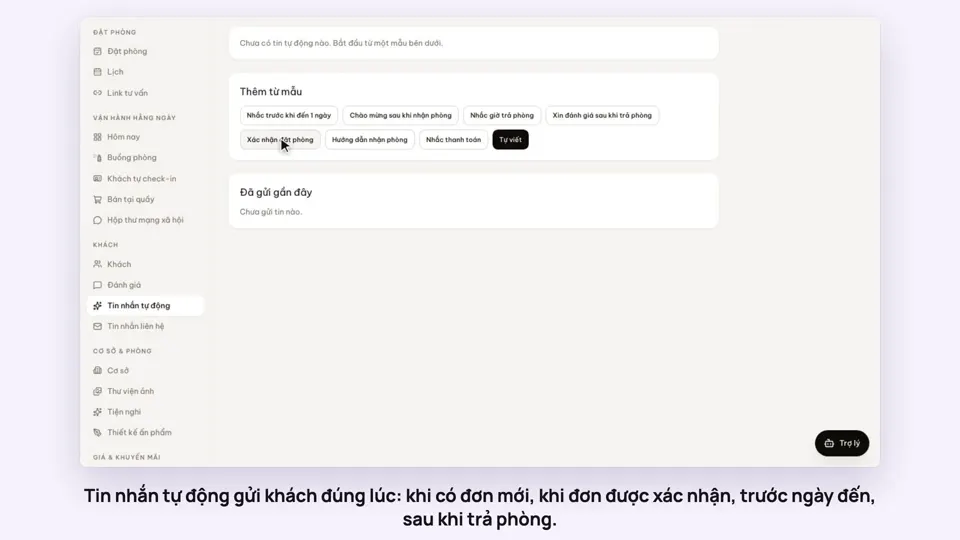 0:47Automatic messages to guests by email and ZaloGuests & alerts