

← All how-to videosMore on this topic
Get booking alerts on Zalo
Connect your Zalo so each new booking, deposit and cancellation reaches your phone.
Narrated in Vietnamese, with Vietnamese captions.
About Zalo notifications →In this video
- Want booking alerts on your phone? Go to Brand, the Notifications section, and find the Zalo box.
- Click Connect Zalo; the page shows a QR code with three steps of instructions.
- Open Zalo on your phone, scan this code and tap Log in; the page tells you automatically that it is connected.
- Once connected, every new booking, deposit or cancellation is sent to your Zalo.
- Click Send me a test to make sure the message reaches your phone.
- Have staff on duty? Tick their names so they also get booking alerts through this Zalo.
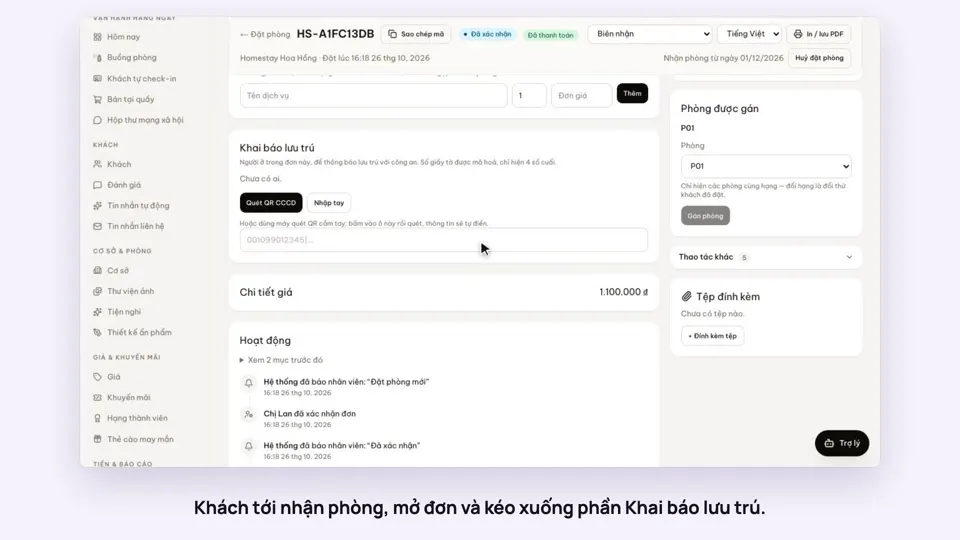 0:40Record guests by scanning their ID card’s QRToday & housekeepingGuests & alerts
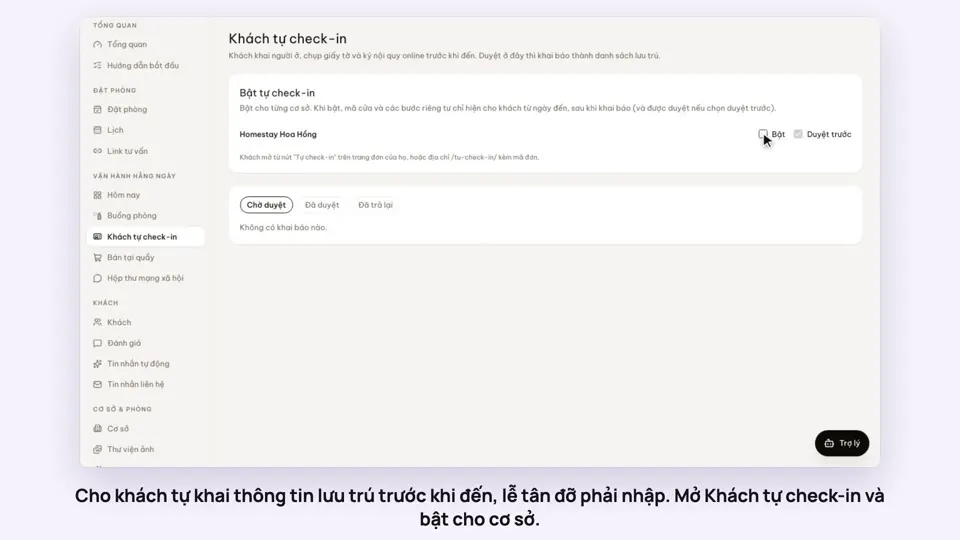 0:44Guests check in online before they arriveGuests & alerts
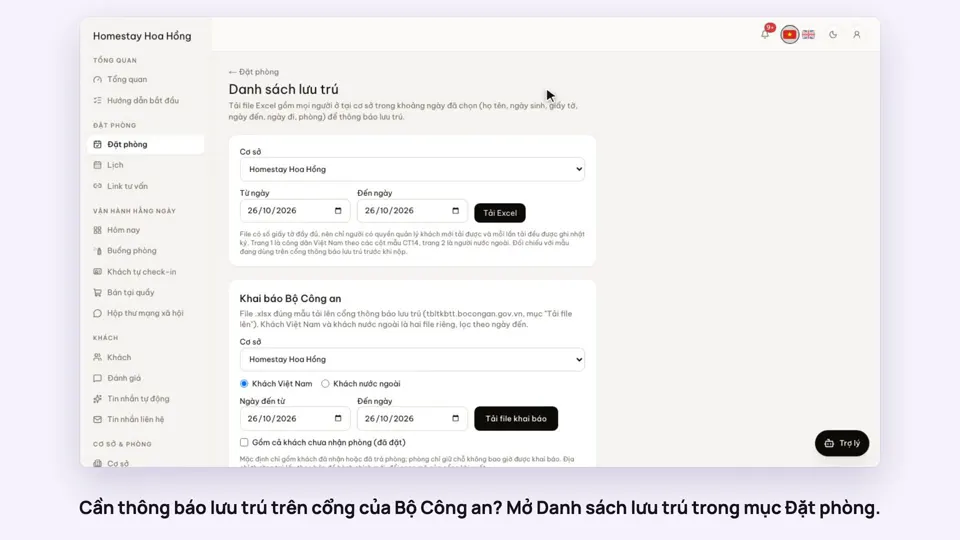 0:33Export the residence file in the police portal’s formatGuests & alerts
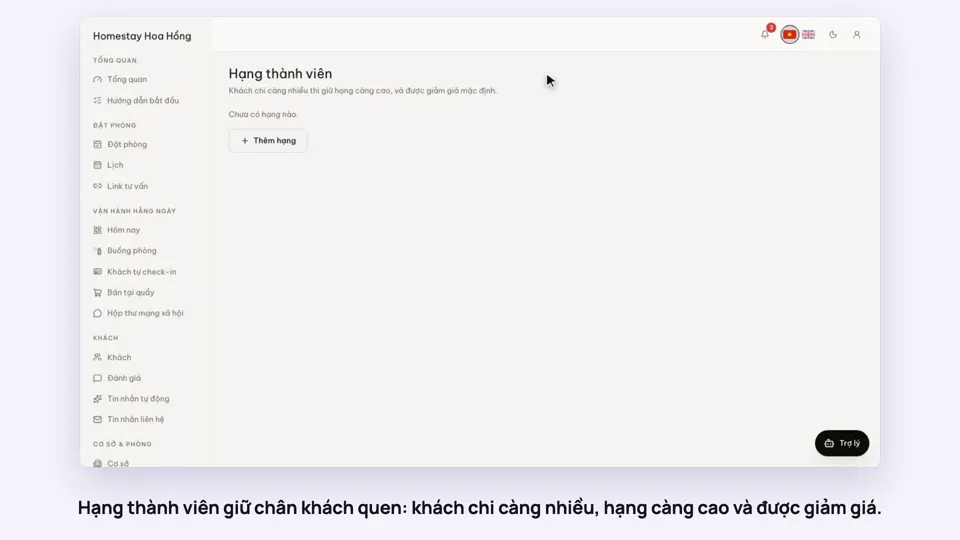 0:31Loyalty tiers for returning guestsSellingGuests & alerts
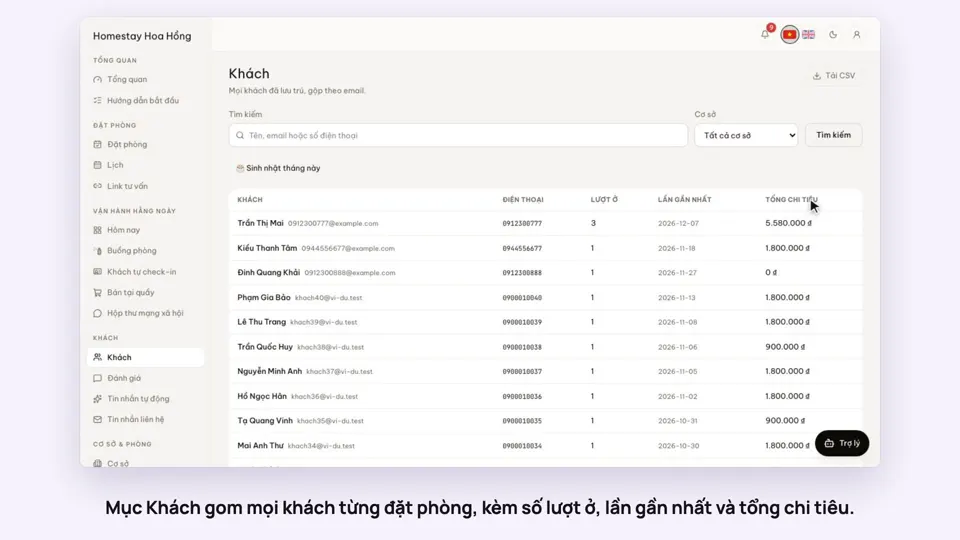 0:31Guest profiles: past stays and notesGuests & alerts
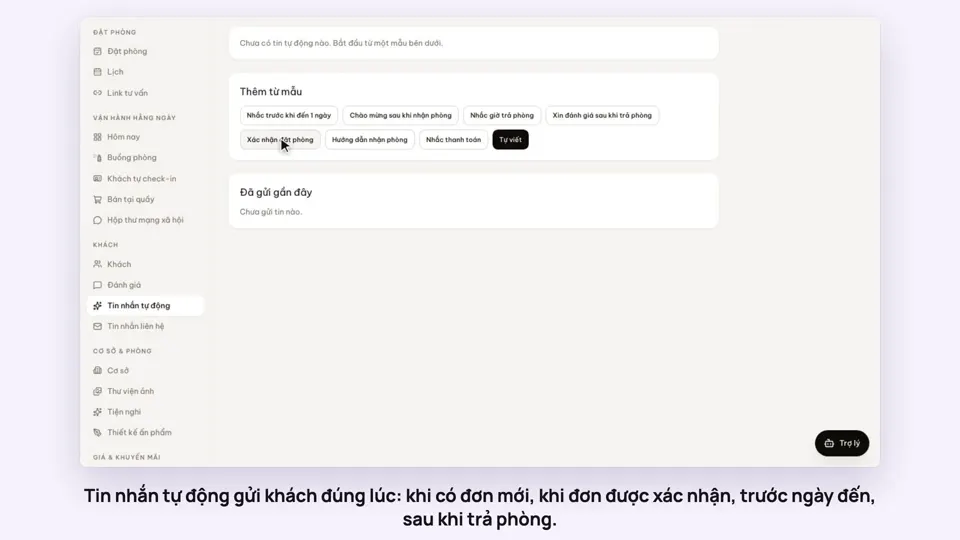 0:47Automatic messages to guests by email and ZaloGuests & alerts