

← All how-to videosMore on this topic
Automatic messages to guests by email and Zalo
From a ready template, choose when it goes, which bookings get it, email, Zalo or both, write a formatted email and follow what was sent.
Narrated in Vietnamese, with Vietnamese captions.
About Scheduled messages →In this video
- Automatic messages are sent to guests at the right moment: when there is a new booking, when a booking is confirmed, before the arrival date, after check-out.
- Start from a ready-made template, for example Booking confirmation: the text is already written, with the guest’s name, arrival date and booking code inserted.
- Choose which bookings the message is sent for: by source, OTA channel or room type. If you choose nothing, it is sent for every booking.
- Choose to send by email, Zalo or both.
- Turn on the formatted email editor: bold, headings, lists, links, and insert booking details from the Insert box.
- Save. Each booking only gets the message once; the Recently sent section shows whether each message is waiting, sent or failed.
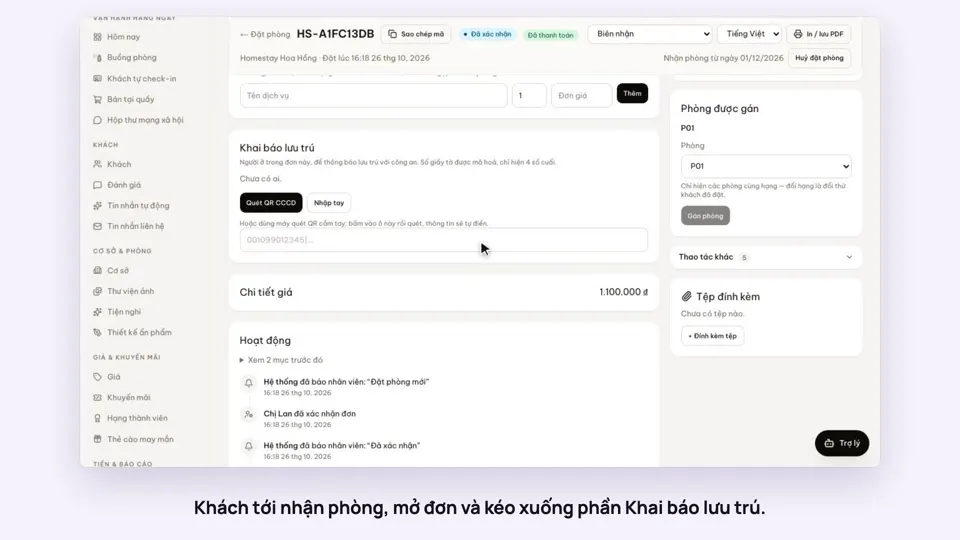 0:40Record guests by scanning their ID card’s QRToday & housekeepingGuests & alerts
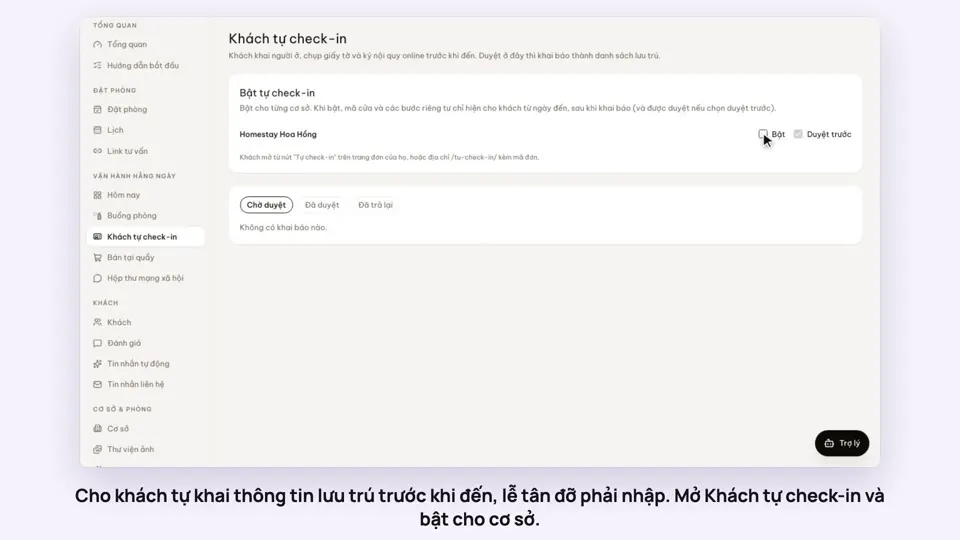 0:44Guests check in online before they arriveGuests & alerts
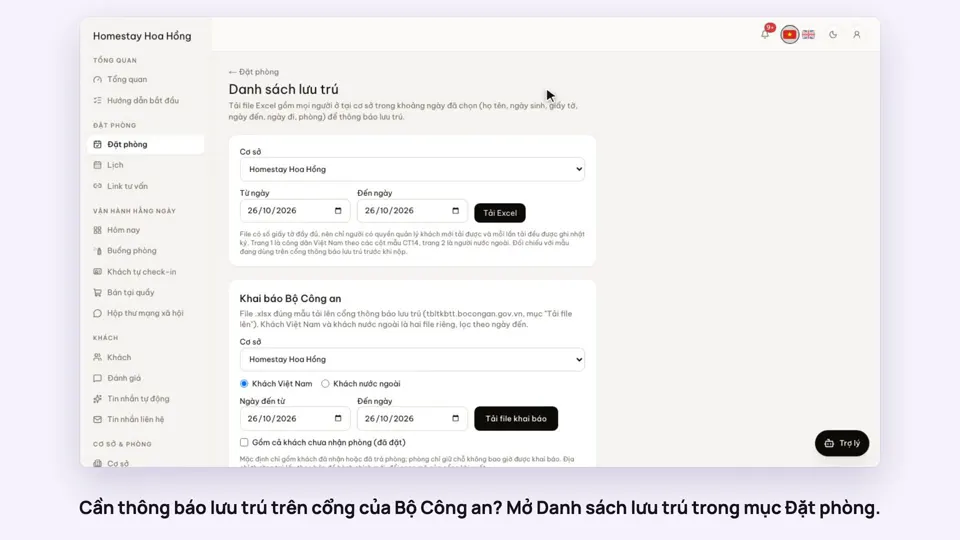 0:33Export the residence file in the police portal’s formatGuests & alerts
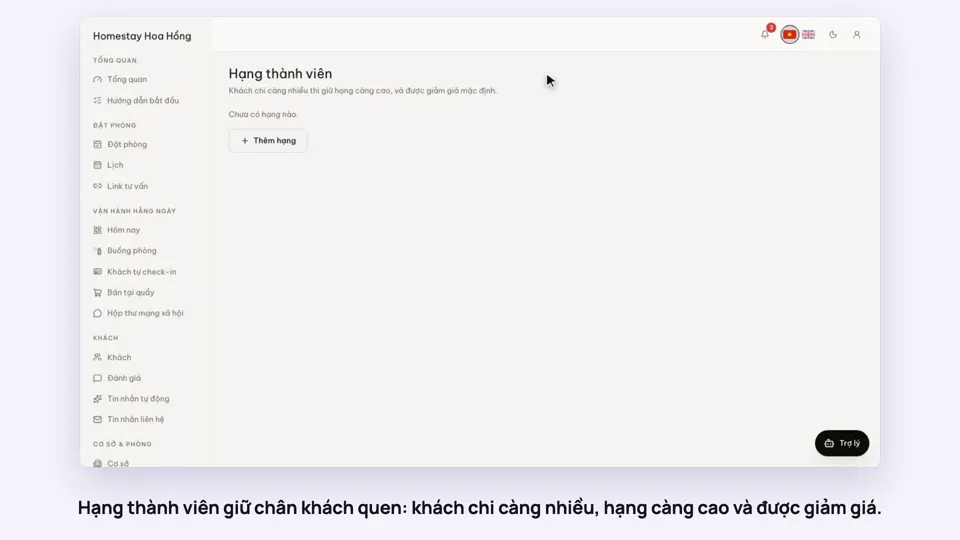 0:31Loyalty tiers for returning guestsSellingGuests & alerts
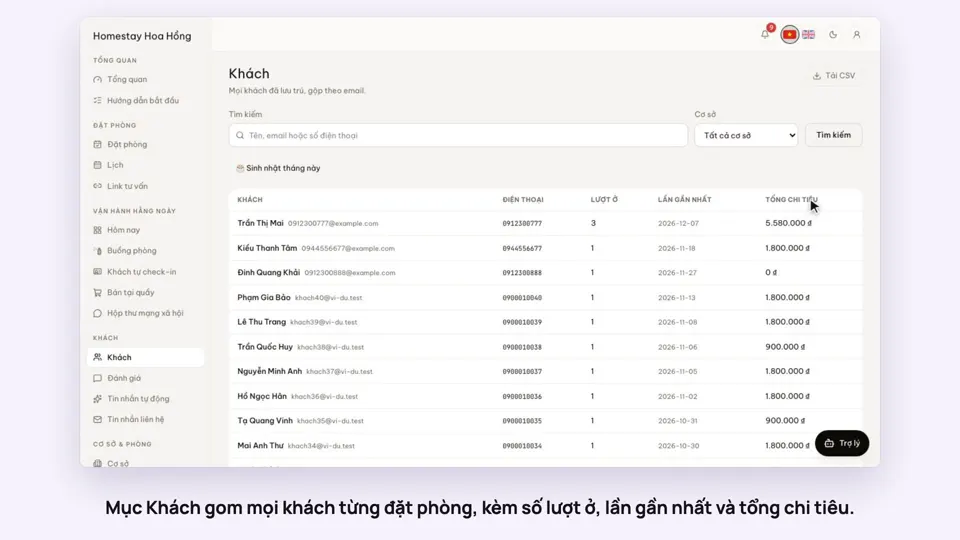 0:31Guest profiles: past stays and notesGuests & alerts
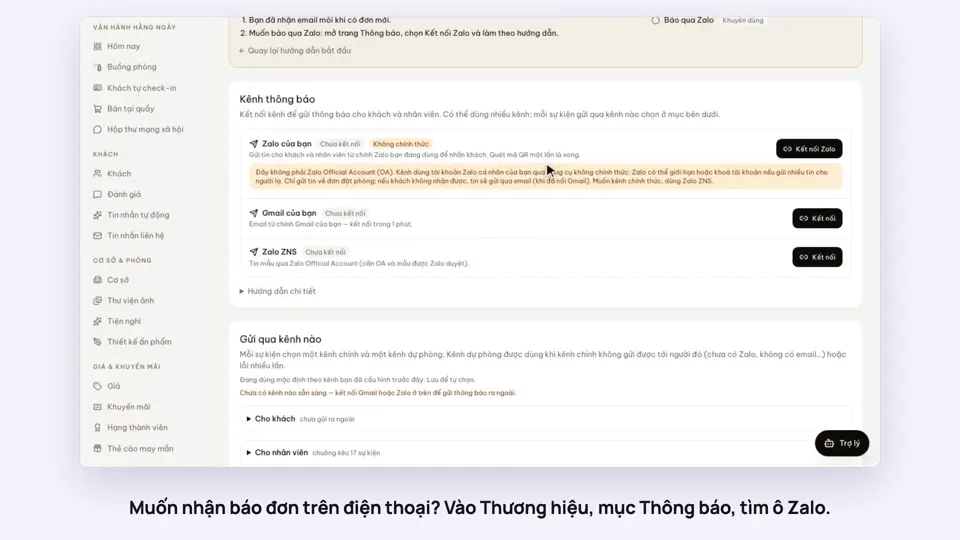 0:38Get booking alerts on ZaloGuests & alerts