

← All how-to videosMore on this topic
Check housekeeping work: pass it or send it back
Choose which work is checked; finished work waits for a check, and the checker passes it or sends it back with a reason.
Narrated in Vietnamese, with Vietnamese captions.
About Housekeeping →In this video
- Want finished work to be checked by someone else? In Housekeeping settings, choose the task types that need checking, then save.
- Create a task of that type and assign it to the person doing it.
- The worker clicks Done: the task moves to Awaiting check, and does not count as done yet. They can tick the checklist and take photos as proof.
- The checker opens the Awaiting check tab. If something is missing, click Redo and give the reason: the task goes back to the worker, with the note.
- The worker sees the note, does the extra work and clicks Done again.
- If it passes this time, click Pass. For room cleaning, the room only turns clean once it is approved.
 0:43Share a view-only calendar, recolour it, see a room’s monthToday & housekeeping
 0:31Block a room for repairs or a friendBookingsToday & housekeeping
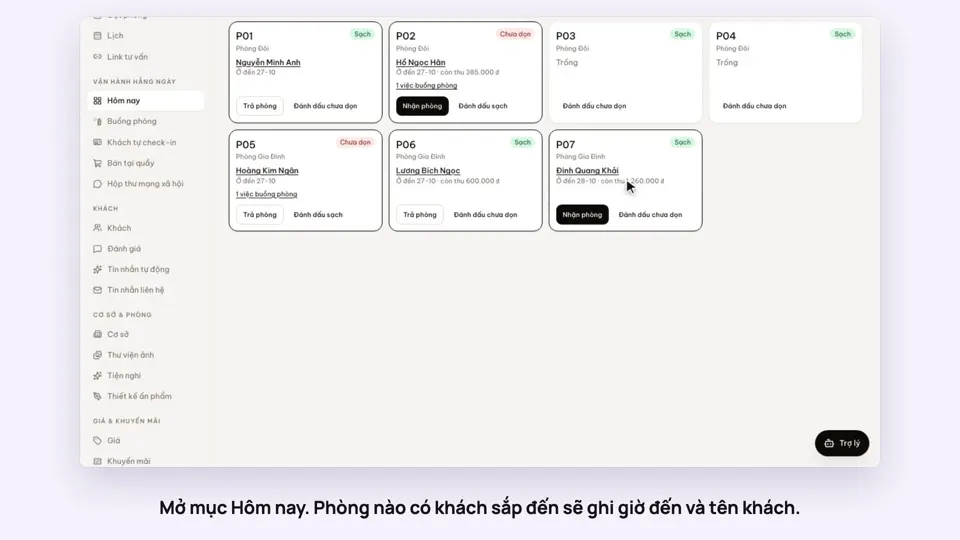 0:34Check guests in and outBookingsToday & housekeeping
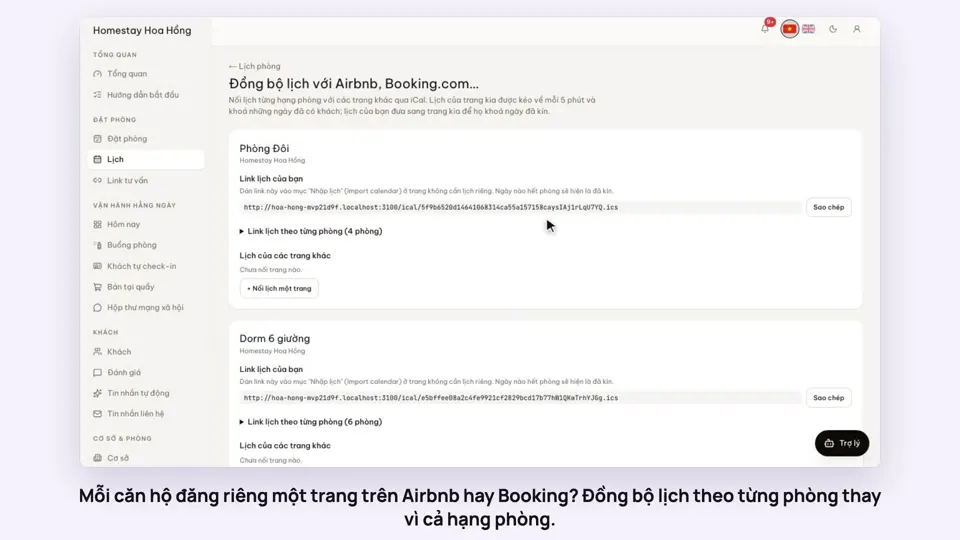 0:36Sync iCal calendars room by roomToday & housekeeping
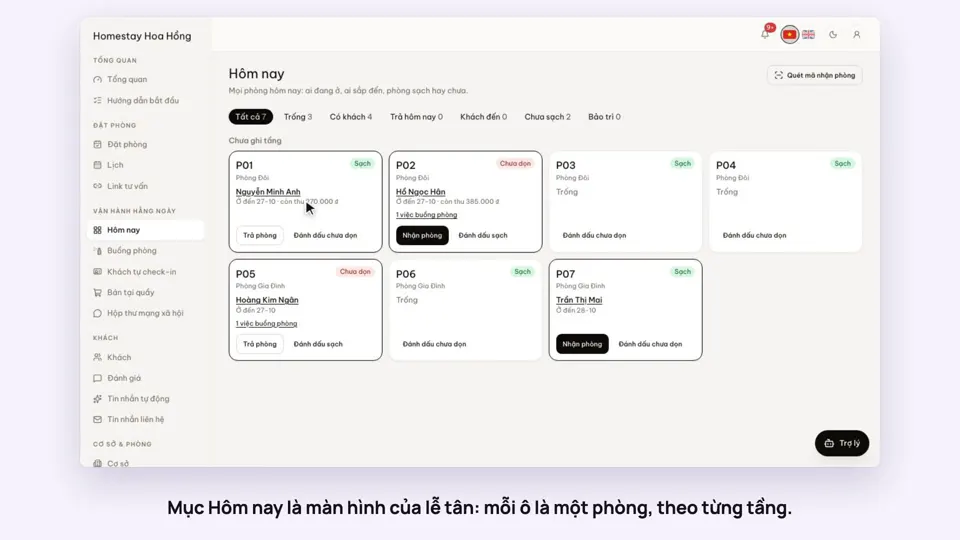 0:30Today’s board: arrivals, departures, rooms to cleanToday & housekeeping
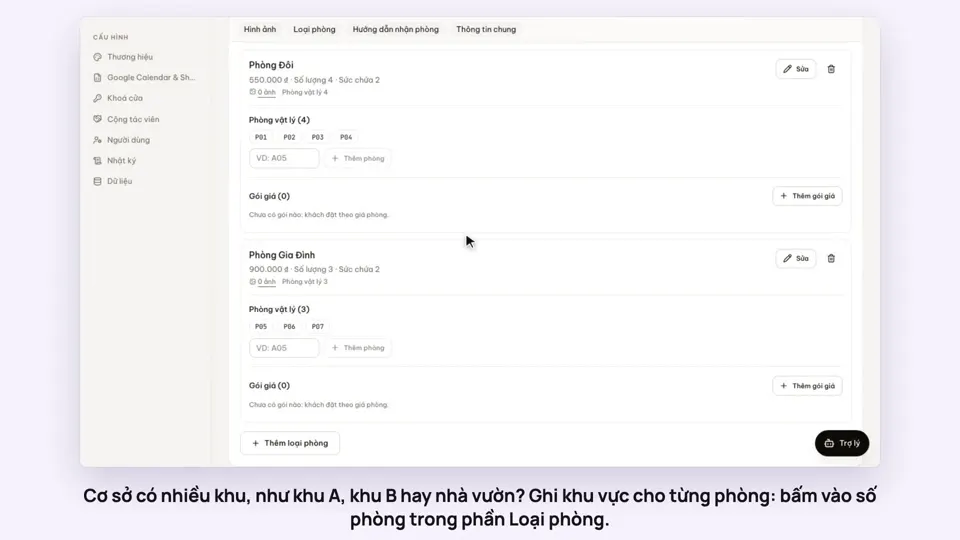 0:29Group rooms by areaToday & housekeeping