

← All how-to videosMore on this topic
Find a booking by name, phone or code
The bookings list: search, filter by status and dates, open one, and download a CSV that opens in Excel.
Narrated in Vietnamese, with Vietnamese captions.
In this video
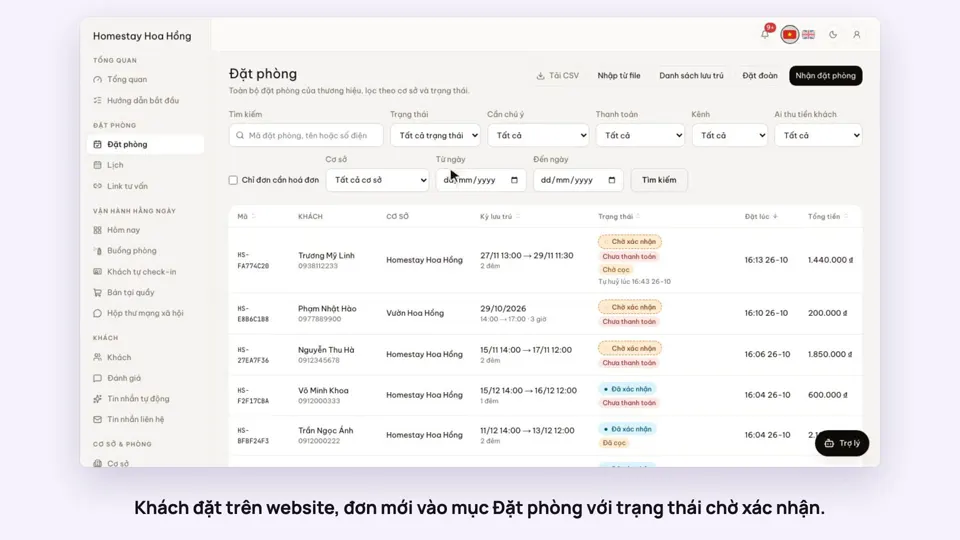
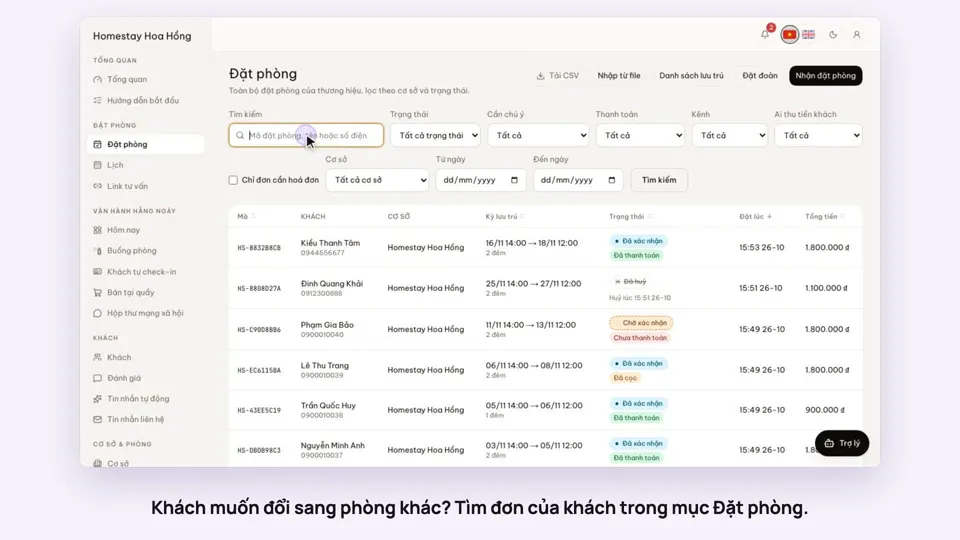
- The Bookings section lists every booking, newest on top, with its status and the amount paid.
- A guest calls: type the guest’s name in the search box and click Search.
- You can also type a phone number or booking code and find it right away.
- To view them by group, filter by status, by payment or by date range.
- Click a row to open the booking details.
- Need to send it to your accountant? Go back to the list and click Download CSV to get a file you can open in Excel.
 0:37Set weekend and holiday pricesGetting startedBookings
 0:41Take a booking from a phone call or a Zalo messageBookings
 0:42Record the OTA, its booking code and commissionBookings
 0:30Confirm a booking made onlineBookings
 0:54Read the room calendar by day, week and rangeBookings
 0:37Move a guest to another roomBookings