

← All how-to videosMore on this topic
Make housekeeping tasks from bookings automatically
Rules that make a task when a booking arrives, at check-in or check-out, or hours before arrival, for the sources, channels and room types you choose.
Narrated in Vietnamese, with Vietnamese captions.
About Housekeeping →In this video
- Tasks that repeat for every booking can be created automatically. For example: when a guest books through an OTA channel, prepare a fruit plate three hours before they arrive.
- Name the rule and choose when to create the task: on a new booking, on confirmation, on check-in or check-out, or before the guest’s arrival time.
- It applies only to bookings from the source, channel or room category you choose; and you can write a checklist for the person doing it.
- Save the rule. From then on, every booking that matches the conditions automatically gets a task for each room, each booking creates it only once, and the rule counts how many tasks it has created.
 0:43Share a view-only calendar, recolour it, see a room’s monthToday & housekeeping
 0:31Block a room for repairs or a friendBookingsToday & housekeeping
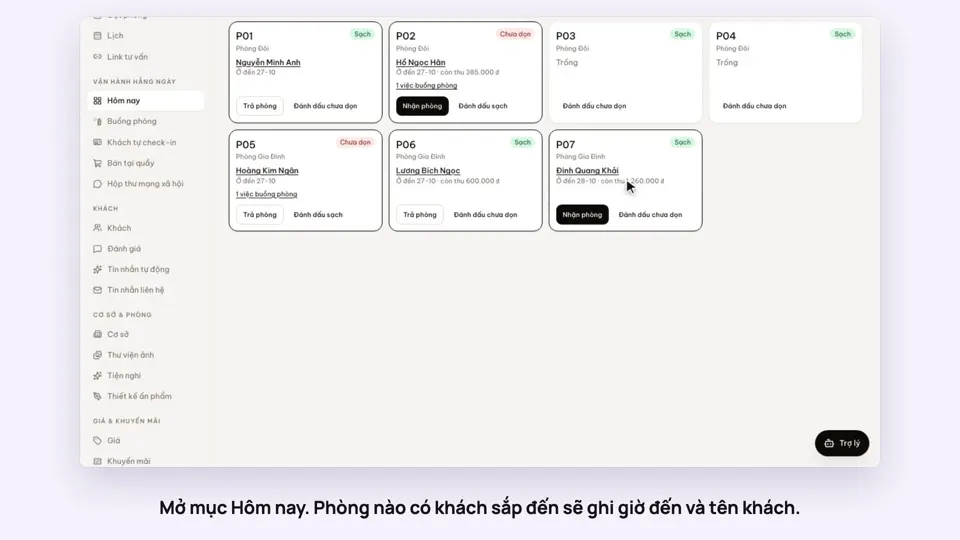 0:34Check guests in and outBookingsToday & housekeeping
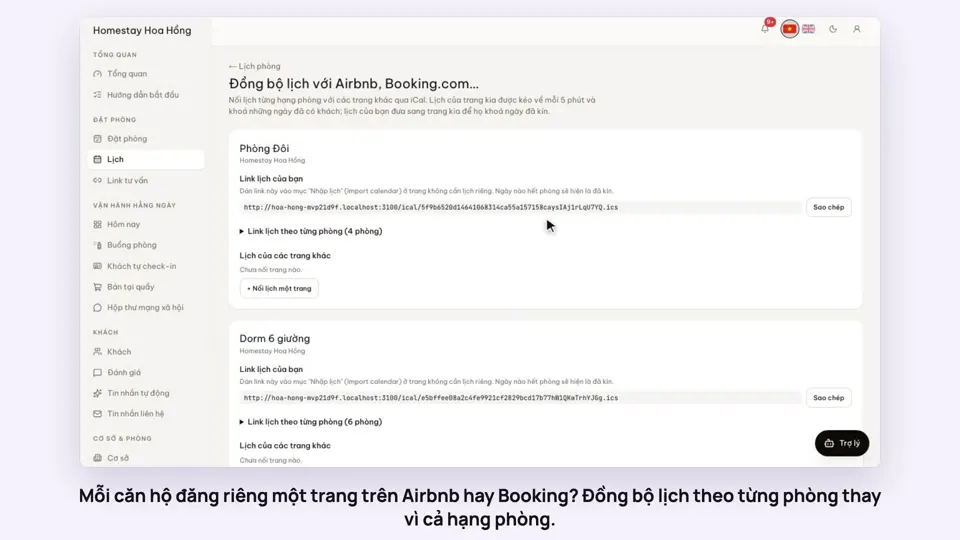 0:36Sync iCal calendars room by roomToday & housekeeping
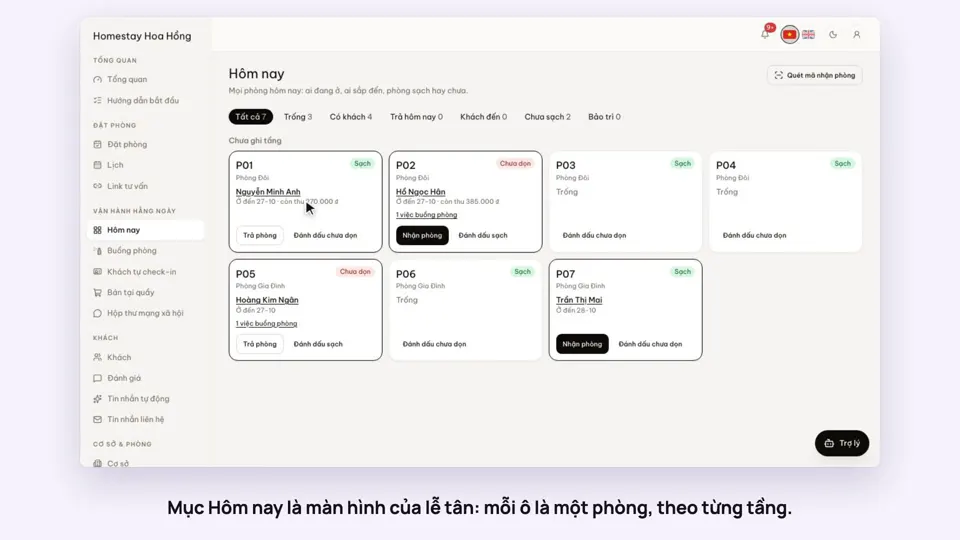 0:30Today’s board: arrivals, departures, rooms to cleanToday & housekeeping
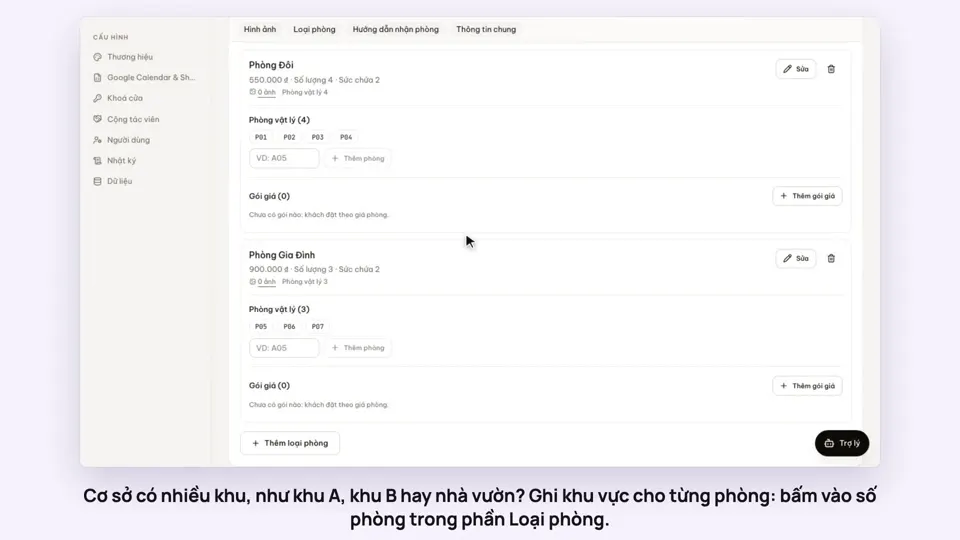 0:29Group rooms by areaToday & housekeeping