

← All how-to videosMore on this topic
Sell drinks and snacks to guests at the desk
Add a product, open a shift with the opening cash, sell two bottles for cash and print the receipt, then close the shift and see the till difference.
Narrated in Vietnamese, with Vietnamese captions.
About Point of sale →In this video
- Before selling, go to Goods and stock to add an item: name, selling price and unit.
- Click Save, and the new item appears in the product list.
- Go to Counter sales. Count the cash in the till, enter the opening cash and click Open shift.
- Click an item to add it to the basket. Click twice for two bottles.
- If the guest pays cash, click Cash. The receipt appears and can be printed on an 80 mm printer.
- Besides cash, you can take a bank transfer with a QR code, charge it to the room bill of a guest who is staying, or record it as debt.
- At the end of the shift, click Close shift and enter the cash you counted. The screen tells you whether it matches, or is over or short.
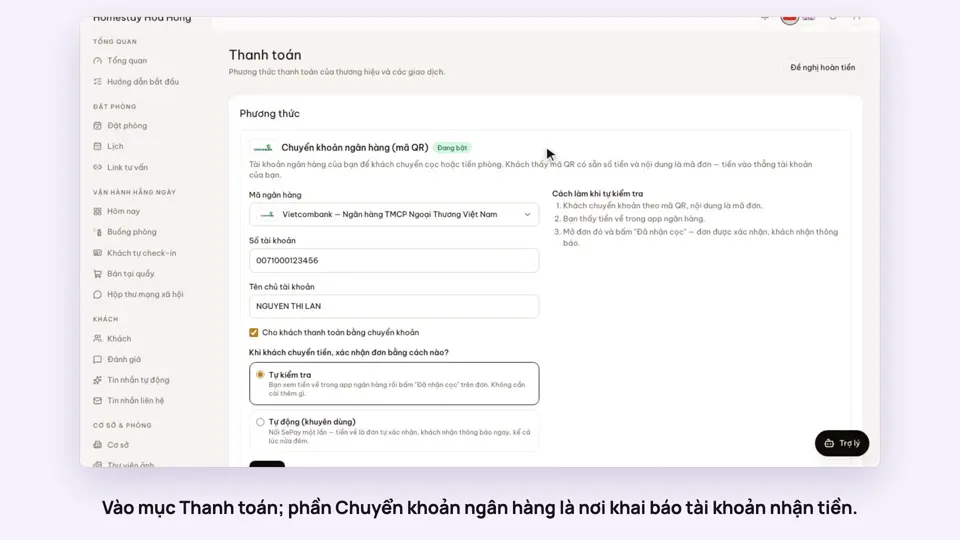 0:30Add your bank account to take payments by QRGetting startedMoney
 0:34Cancel a booking and refund the depositBookingsMoney
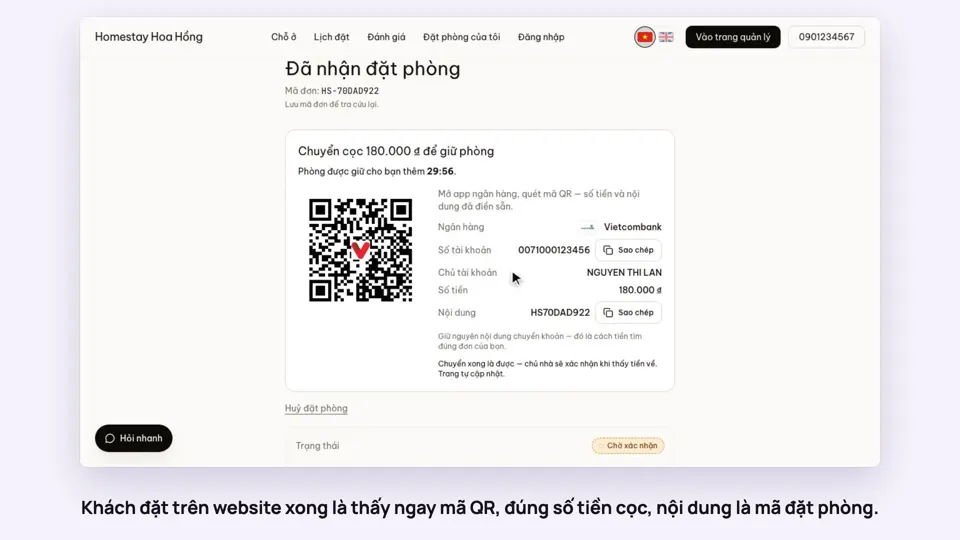 0:27Take a deposit with an exact-amount QRMoney
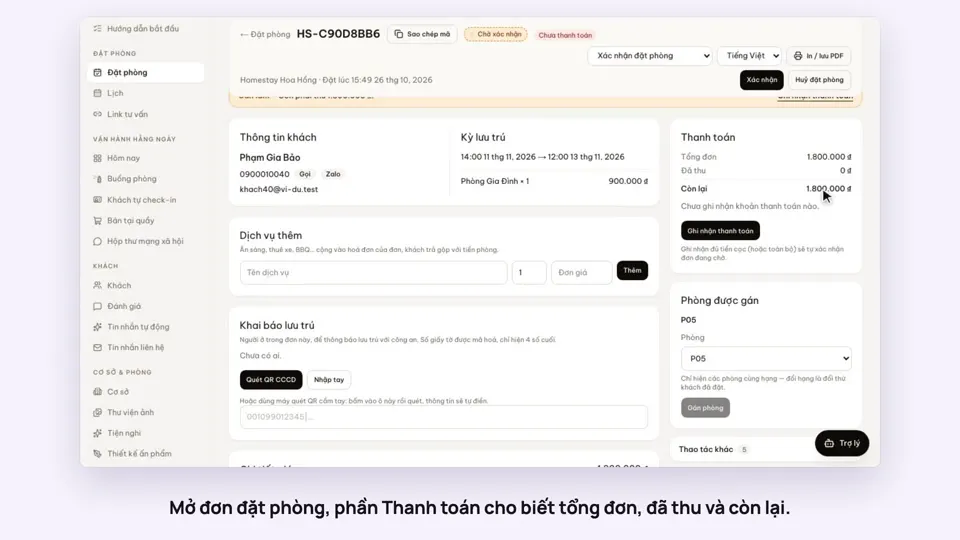 0:30Record cash, transfers and what is still owedMoney
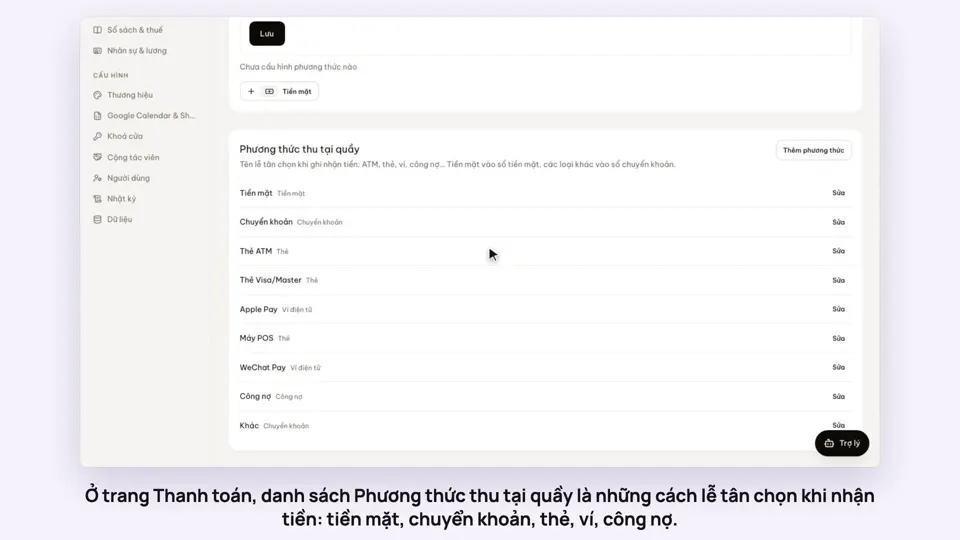 0:47Your payment methods, and guests paying in foreign currencyMoney
 0:58Print a receipt, booking confirmation or registration formMoney