

← All how-to videosMore on this topic
Record cash, transfers and what is still owed
Record a cash or transfer payment and see how much the guest has paid and how much is left.
Narrated in Vietnamese, with Vietnamese captions.
About VietQR payments →In this video
- Open the booking. The Payments section shows the order total, what has been collected and what is left.
- Did the guest transfer a deposit? Click Record payment.
- Pick a method from your property’s list, here bank transfer, then enter the amount and the transaction code if you have one.
- Save the payment. Once the deposit is covered, a pending booking switches to confirmed by itself.
- The balance updates straight away; when the guest pays the rest at check-out, record another payment the same way.
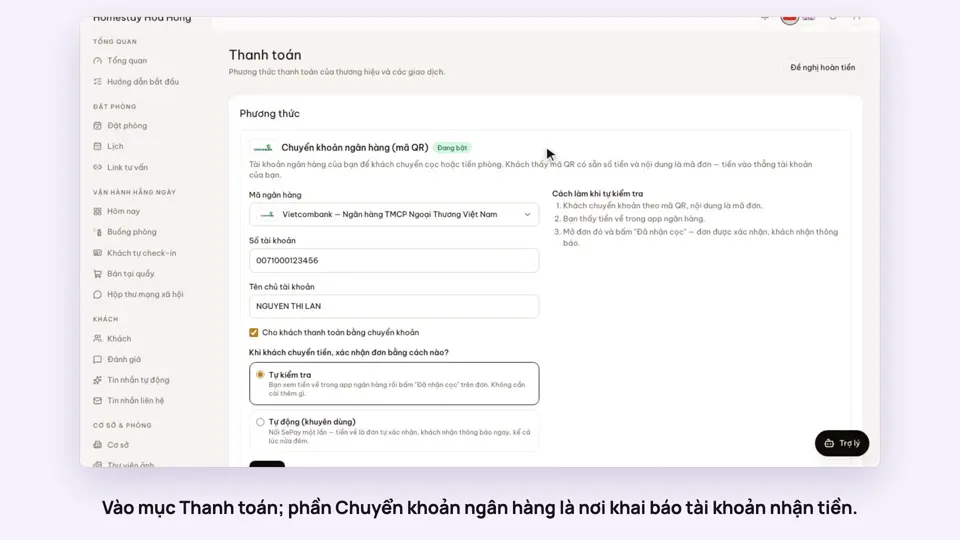 0:30Add your bank account to take payments by QRGetting startedMoney
 0:34Cancel a booking and refund the depositBookingsMoney
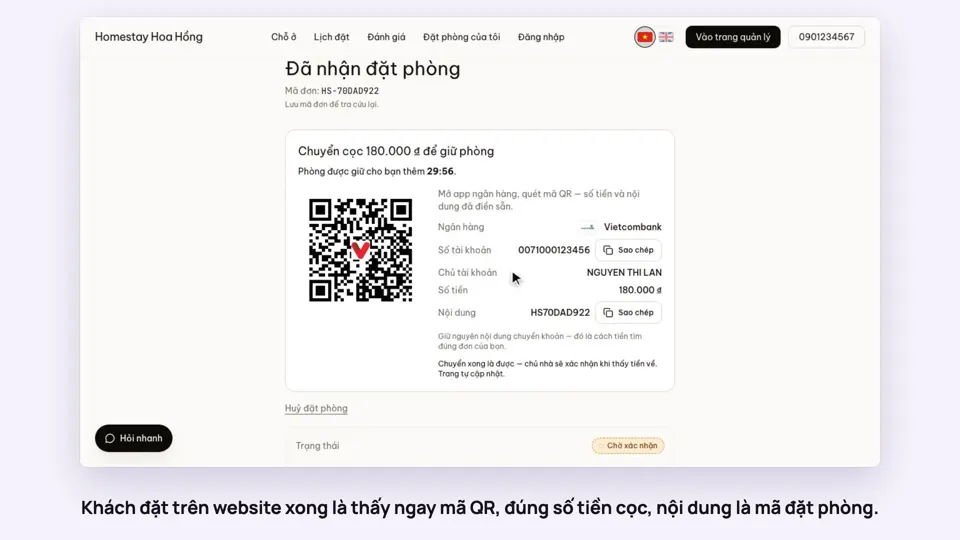 0:27Take a deposit with an exact-amount QRMoney
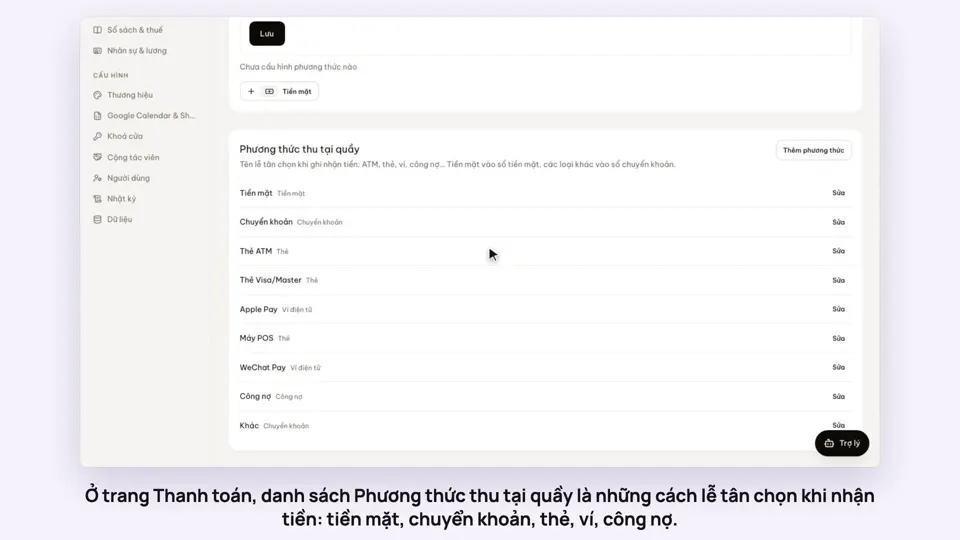 0:47Your payment methods, and guests paying in foreign currencyMoney
 0:58Print a receipt, booking confirmation or registration formMoney
 0:30Keep a guest’s invoice detailsMoney