

← All how-to videosMore on this topic
Print a receipt, booking confirmation or registration form
Pick the paper and the language on the booking: a receipt with a QR for what is owed, an English confirmation, a registration form to sign; print or save a PDF.
Narrated in Vietnamese, with Vietnamese captions.
In this video
- Does the guest need paperwork? Open the guest’s booking in the admin.
- At the top of the page there is a form selector: receipt, booking confirmation or check-in registration form, and you choose to print in Vietnamese or English.
- Choose Receipt, then click Print or save PDF.
- The receipt has your logo, booking code, stay dates, room charge, each payment the guest made and the balance; if you have entered a bank account, it also has a QR code to transfer the missing amount.
- A foreign guest? Choose Booking confirmation and English: the confirmation prints in English.
- The check-in registration form lists the occupants and the house rules, with space for the guest and the receptionist to sign, so the guest can sign on arrival.
- In the print dialog, choose a printer to print on paper, or Save as PDF to send it to the guest via Zalo. You can edit the logo, QR code and footer in Brand, under Print forms.
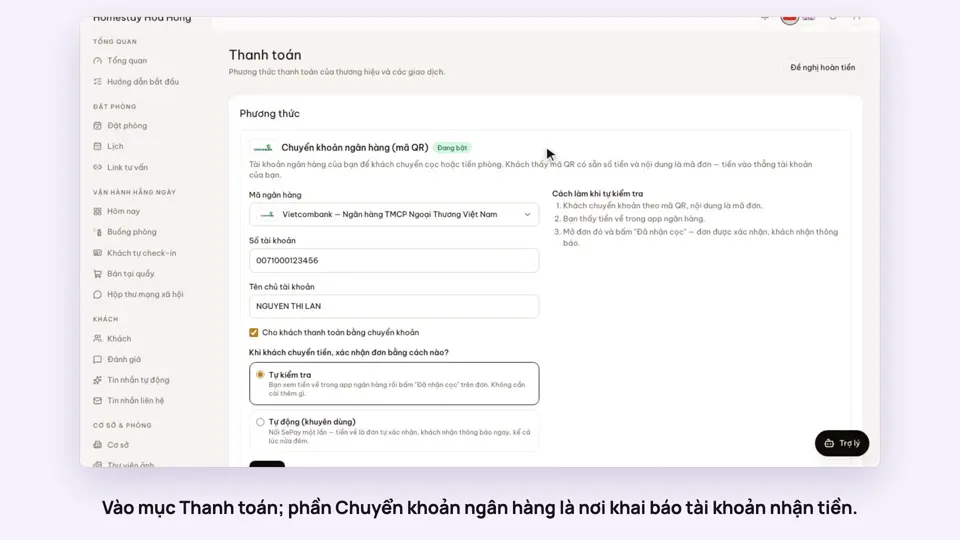 0:30Add your bank account to take payments by QRGetting startedMoney
 0:34Cancel a booking and refund the depositBookingsMoney
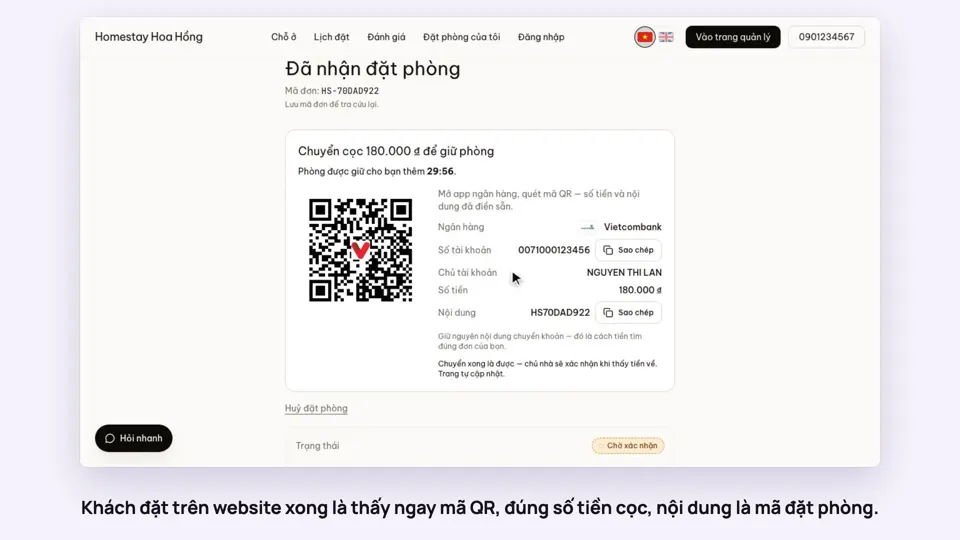 0:27Take a deposit with an exact-amount QRMoney
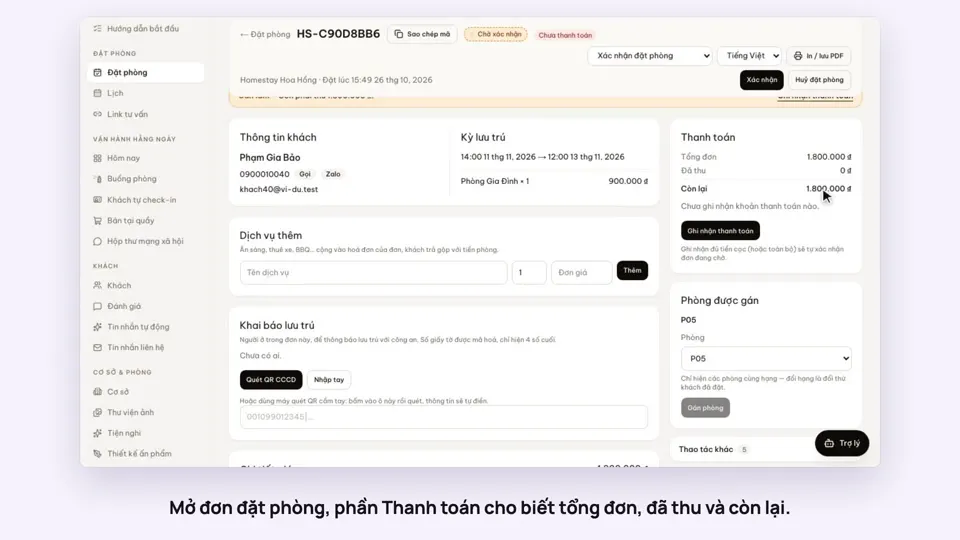 0:30Record cash, transfers and what is still owedMoney
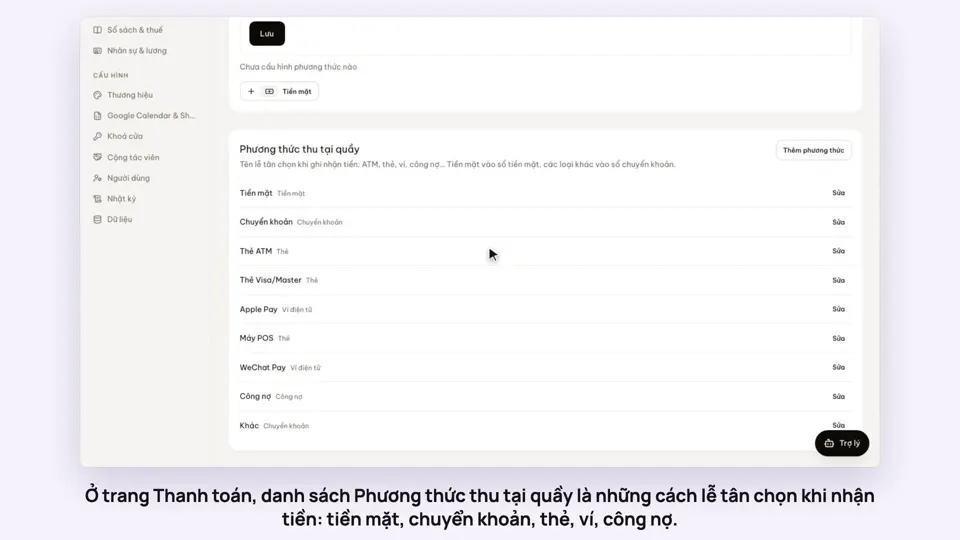 0:47Your payment methods, and guests paying in foreign currencyMoney
 0:30Keep a guest’s invoice detailsMoney