

← All how-to videosMore on this topic
Revenue and occupancy reports
Revenue, occupancy and average rate for any dates and place, bookings by source; download a CSV to open in Excel.
Narrated in Vietnamese, with Vietnamese captions.
About Revenue reports →In this video
- The Reports section shows actual revenue, room occupancy and the average selling price per night.
- Pick the date range you want, for example from today to two weeks ahead.
- The chart shows revenue for each day in the chosen range.
- Below it you see revenue and nights sold by property, and where the bookings came from.
- Need to send it to your accountant? Click Download CSV and open it in Excel for a table of figures.
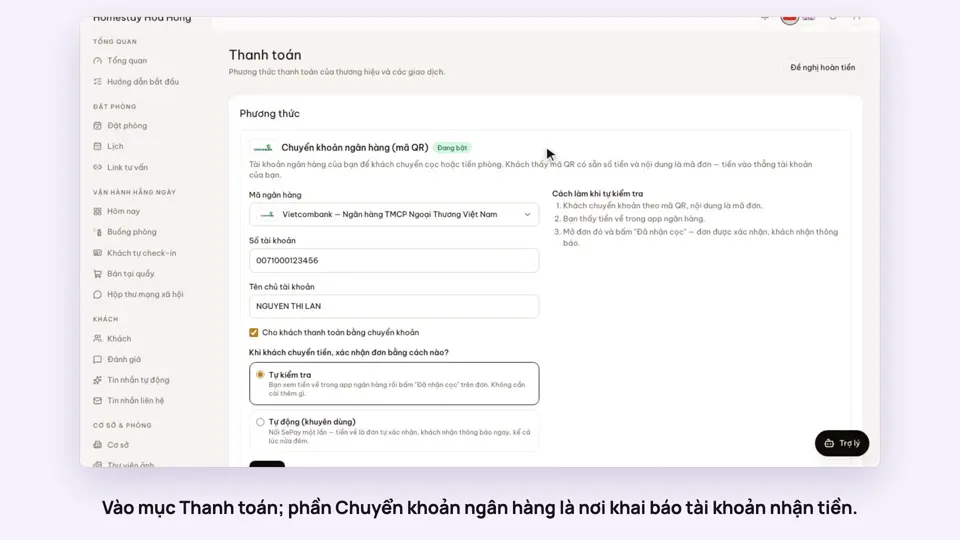 0:30Add your bank account to take payments by QRGetting startedMoney
 0:34Cancel a booking and refund the depositBookingsMoney
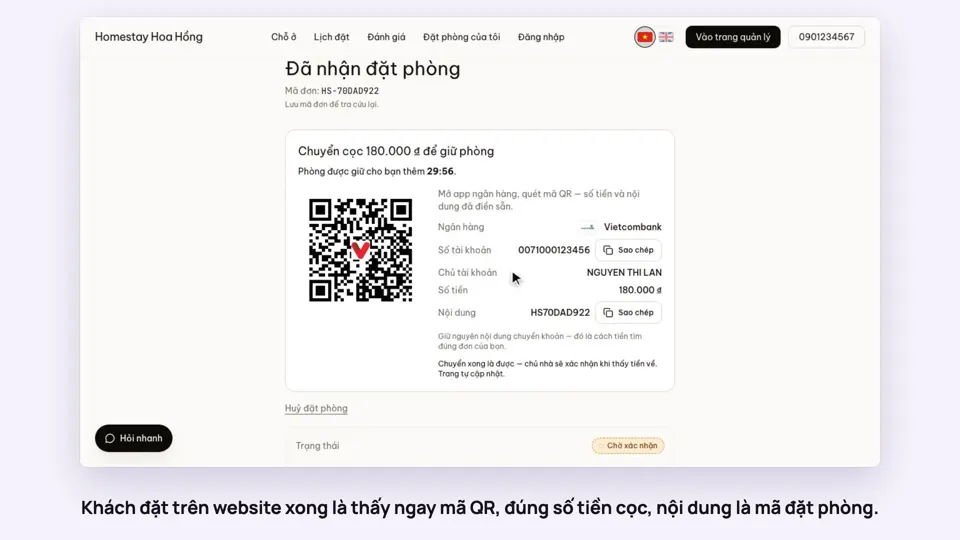 0:27Take a deposit with an exact-amount QRMoney
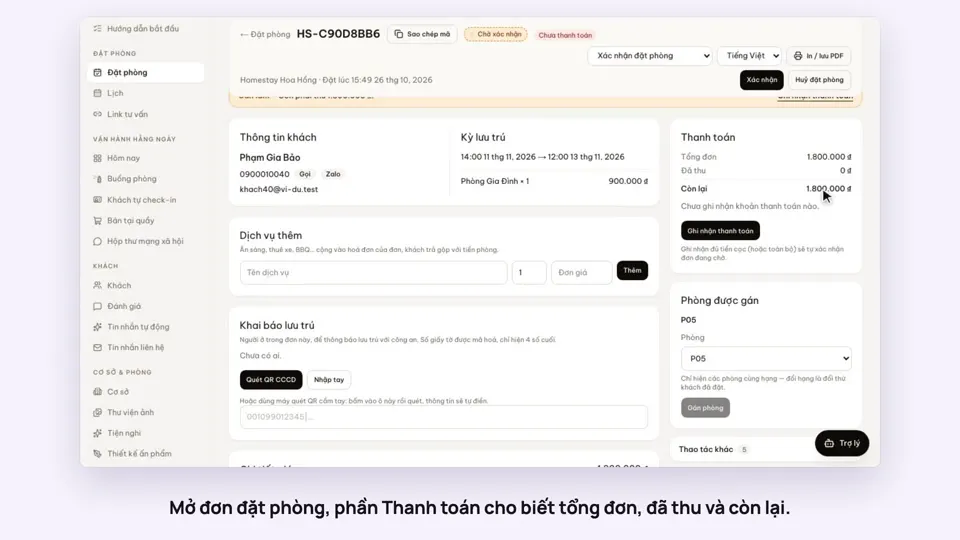 0:30Record cash, transfers and what is still owedMoney
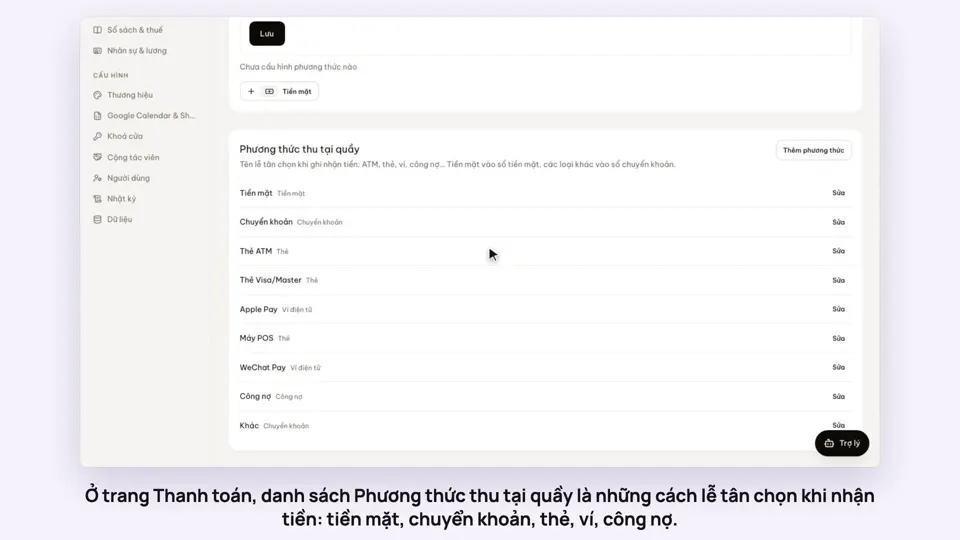 0:47Your payment methods, and guests paying in foreign currencyMoney
 0:58Print a receipt, booking confirmation or registration formMoney