

← All how-to videosMore on this topic
Filter reports by channel and room type, download charts
Filter revenue by source, channel, room type or room, see OTA commission and money by method, and download the chart and the CSV.
Narrated in Vietnamese, with Vietnamese captions.
About Revenue reports →In this video
- The revenue report can be filtered by booking source, OTA channel, category, room type and individual room.
- For example, pick one room type: revenue, occupancy and average selling price are then calculated for that type only.
- The By channel section shows OTA commission and the revenue left after commission, split into OTA, direct, partner and website.
- Payments by method add up cash, bank transfer, card and any methods you created yourself.
- Need to send the report? Download the charts as images, or download a CSV file that matches the filters you selected.
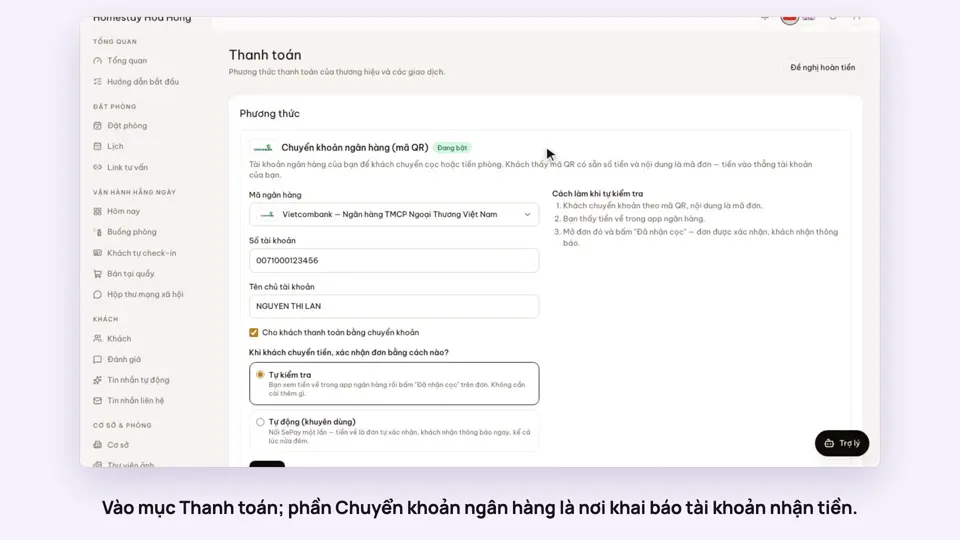 0:30Add your bank account to take payments by QRGetting startedMoney
 0:34Cancel a booking and refund the depositBookingsMoney
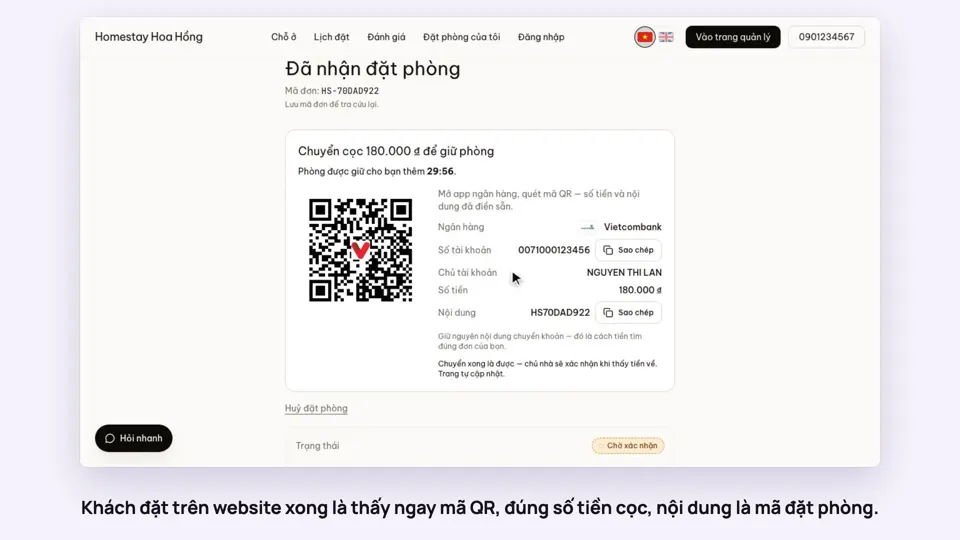 0:27Take a deposit with an exact-amount QRMoney
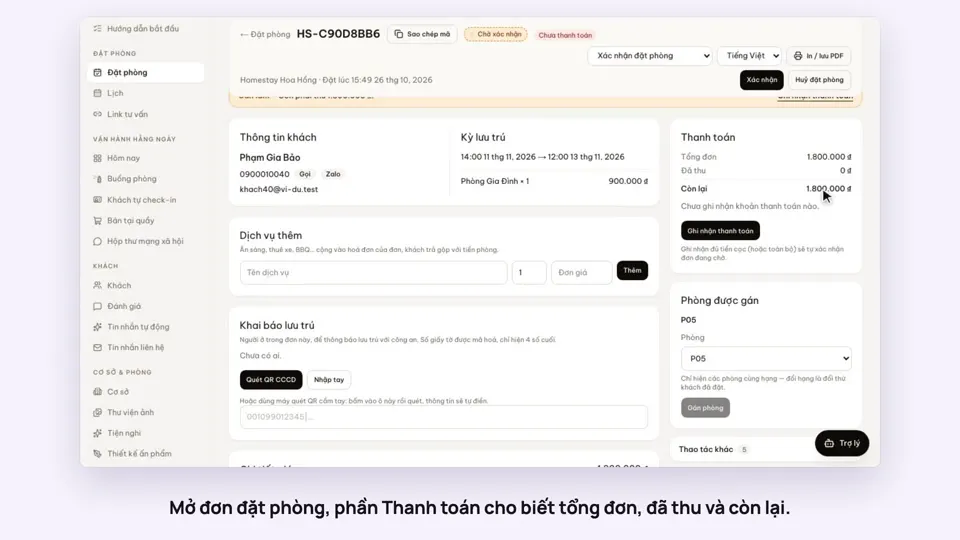 0:30Record cash, transfers and what is still owedMoney
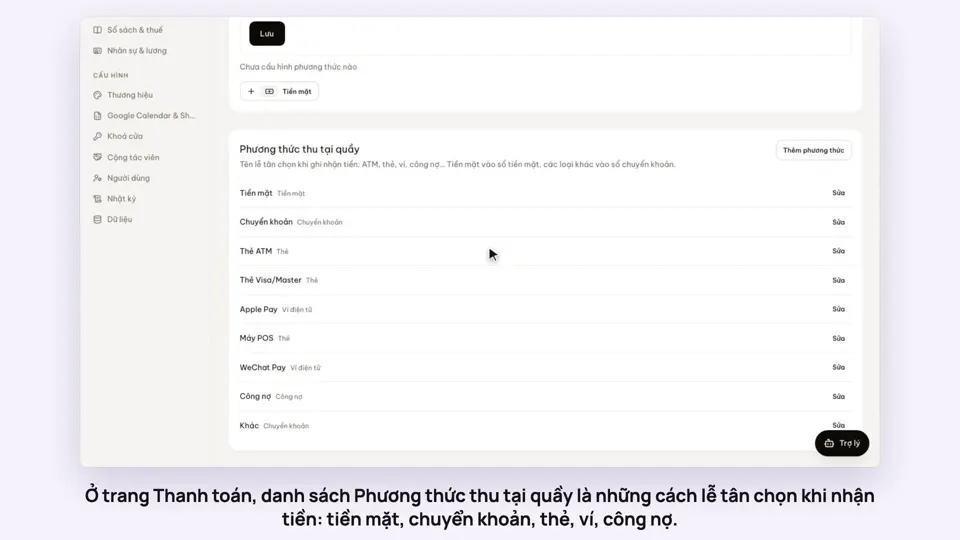 0:47Your payment methods, and guests paying in foreign currencyMoney
 0:58Print a receipt, booking confirmation or registration formMoney