

← All how-to videosMore on this topic
Add extras to a guest’s stay
Add breakfast, a motorbike or laundry to a booking; the total and the balance update themselves.
Narrated in Vietnamese, with Vietnamese captions.
About Extras →In this video
- A guest who is staying orders breakfast or rents a bike? Open the guest’s booking and go to Extra services.
- Type the service name, quantity and unit price; typing 60k or 1.5m both work.
- Click Add, and the service appears in the booking right away with its total.
- Adding a one-day motorbike rental works the same way.
- The booking total and the amount the guest still owes update automatically, so you collect it all at once at check-out.
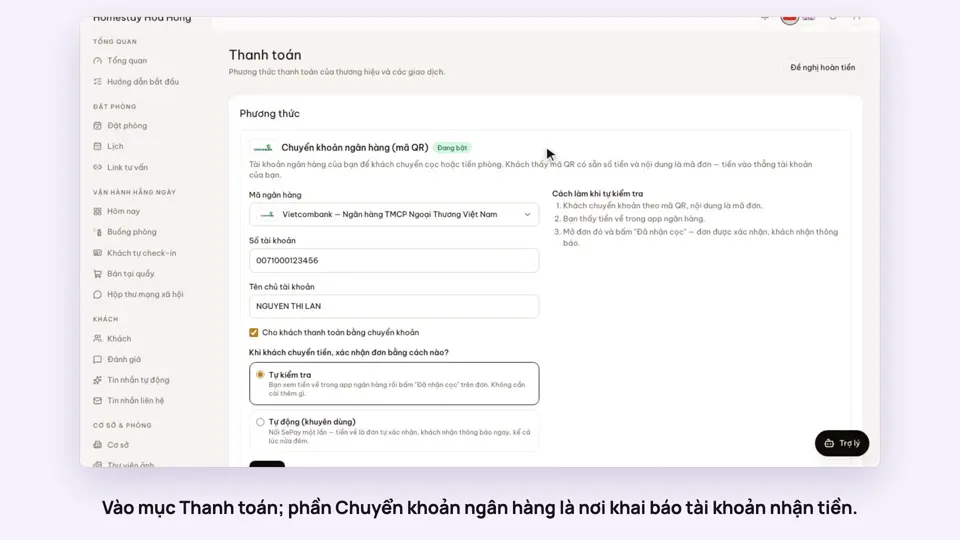 0:30Add your bank account to take payments by QRGetting startedMoney
 0:34Cancel a booking and refund the depositBookingsMoney
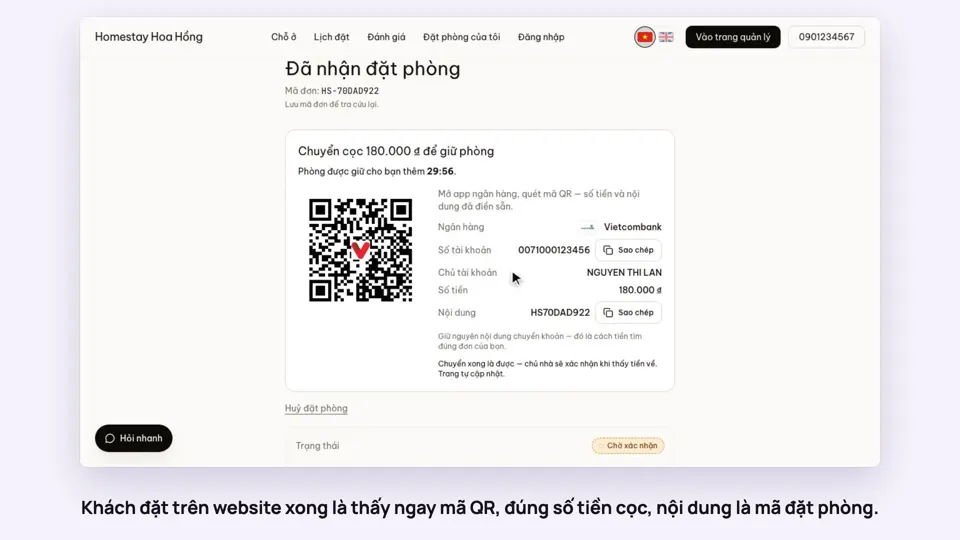 0:27Take a deposit with an exact-amount QRMoney
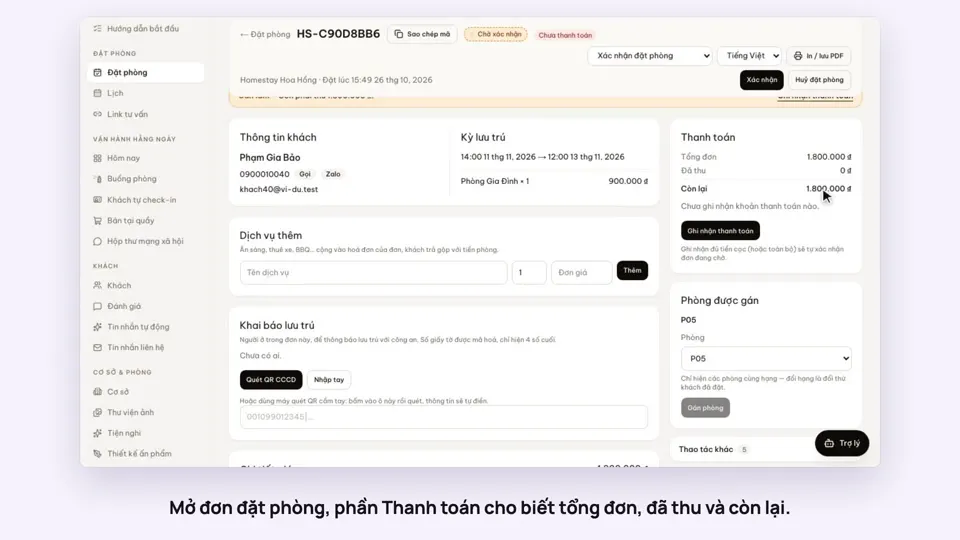 0:30Record cash, transfers and what is still owedMoney
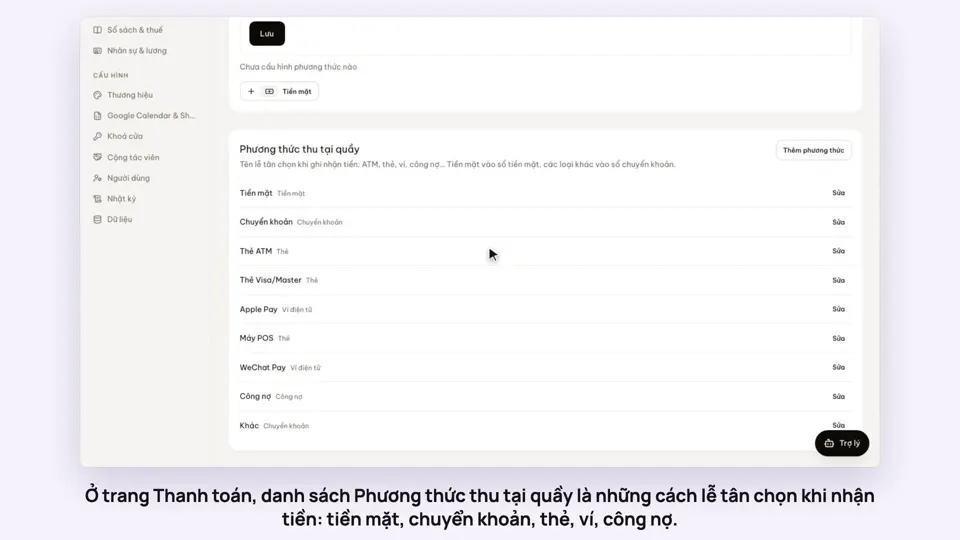 0:47Your payment methods, and guests paying in foreign currencyMoney
 0:58Print a receipt, booking confirmation or registration formMoney