

← All how-to videosMore on this topic
Keep a guest’s invoice details
Company name, tax code and address for the invoice, kept on the booking itself.
Narrated in Vietnamese, with Vietnamese captions.
In this video
- Does the guest need a company invoice? Open the booking, click More actions and go to Invoice details.
- Click Add invoice details and choose Company or Individual.
- Enter the tax code, company name and address exactly as the guest sent them.
- Add the guest’s accountant email, where you will send the invoice.
- Click Save. The details stay in the booking, and when you open it you can issue an e-invoice.
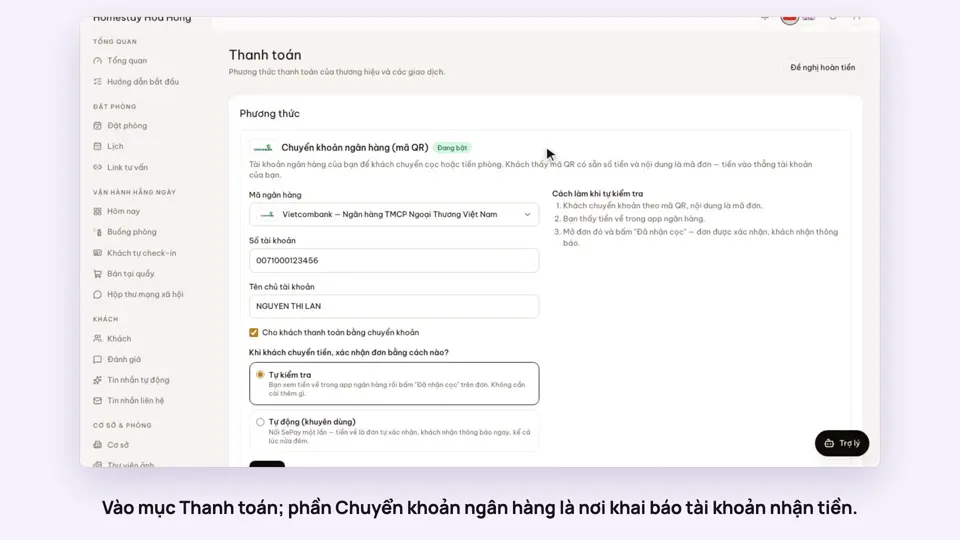 0:30Add your bank account to take payments by QRGetting startedMoney
 0:34Cancel a booking and refund the depositBookingsMoney
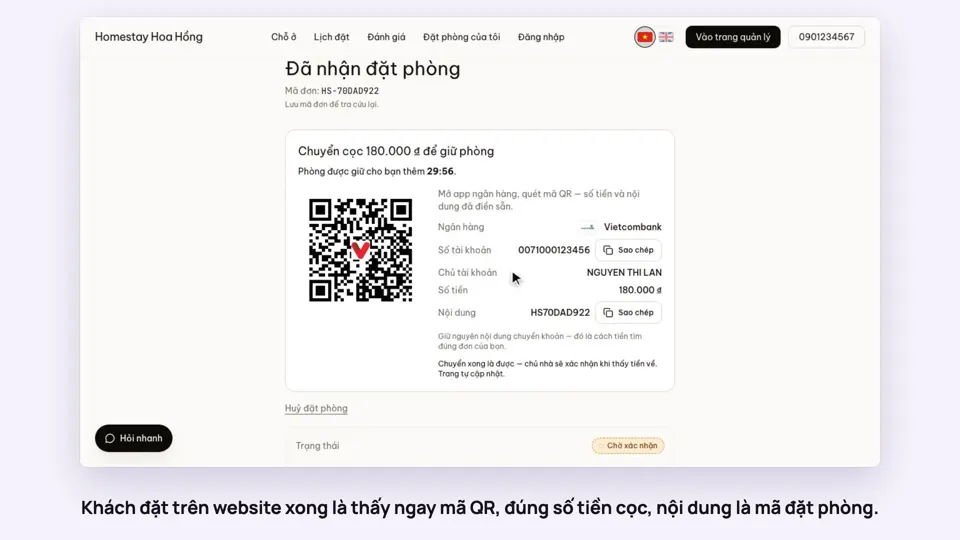 0:27Take a deposit with an exact-amount QRMoney
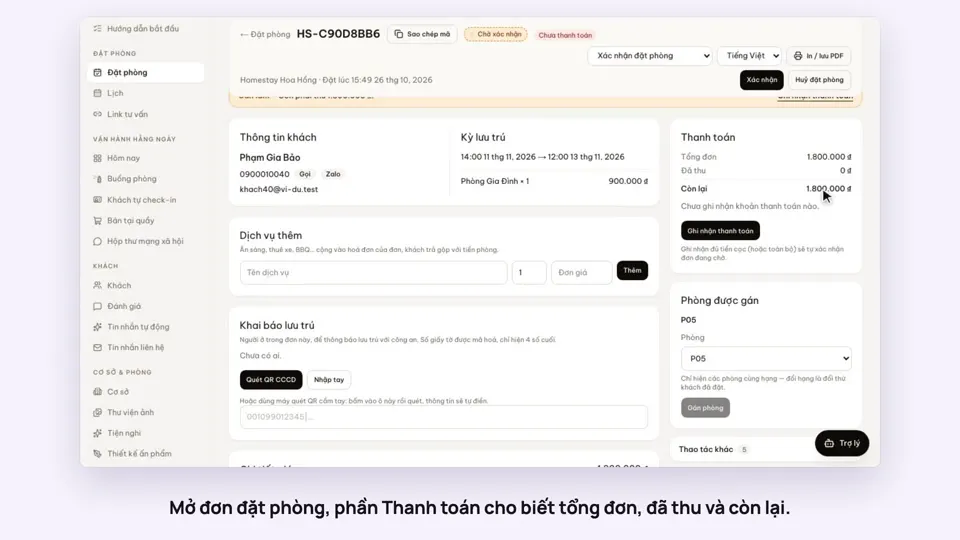 0:30Record cash, transfers and what is still owedMoney
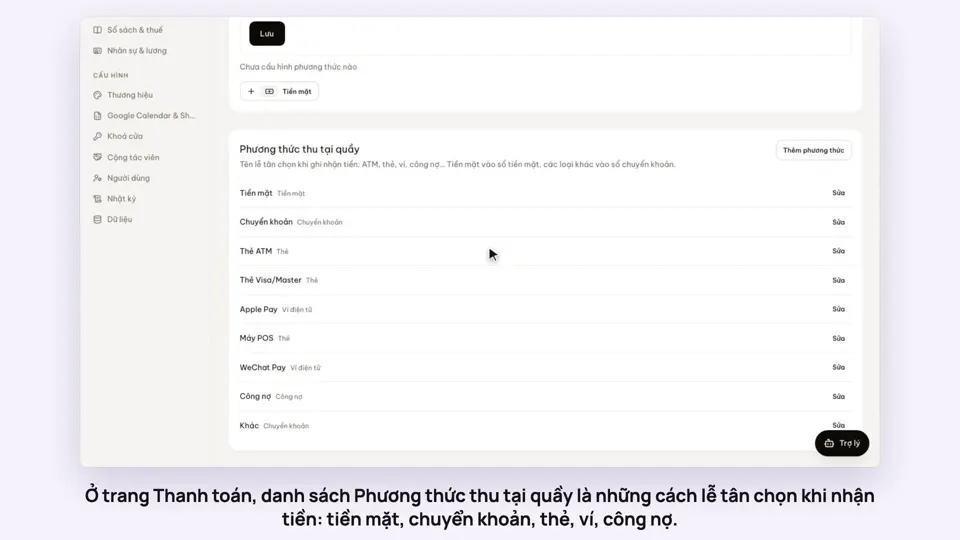 0:47Your payment methods, and guests paying in foreign currencyMoney
 0:58Print a receipt, booking confirmation or registration formMoney