

← All how-to videosMore on this topic
Have payments read aloud
Turn on read-aloud on the desk computer: each payment is spoken with its amount and booking code; a new booking rings the bell.
Narrated in Vietnamese, with Vietnamese captions.
About VietQR payments →In this video
- Is the receptionist busy with a guest? You can let the device read out loud every time money comes in.
- Click the notification bell at the top, then click Read payments aloud.
- The button changes to Reading payments, and the device says a test sentence so you know the speaker works.
- Also turn on the chime, so that a new booking makes the device ring and show a notification.
- From now on, when a guest transfers money, the device reads out the amount and the booking code. This setting is per device, so turn it on at the front desk.
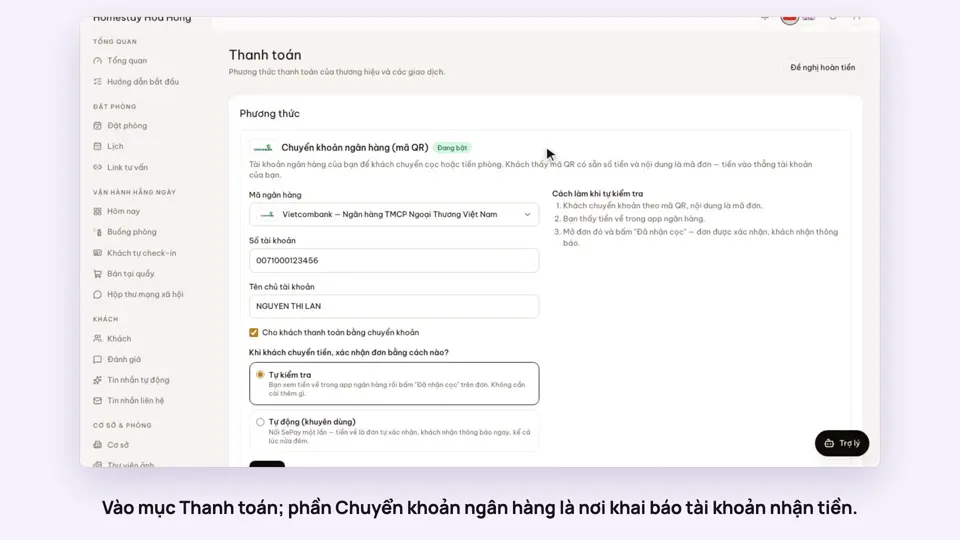 0:30Add your bank account to take payments by QRGetting startedMoney
 0:34Cancel a booking and refund the depositBookingsMoney
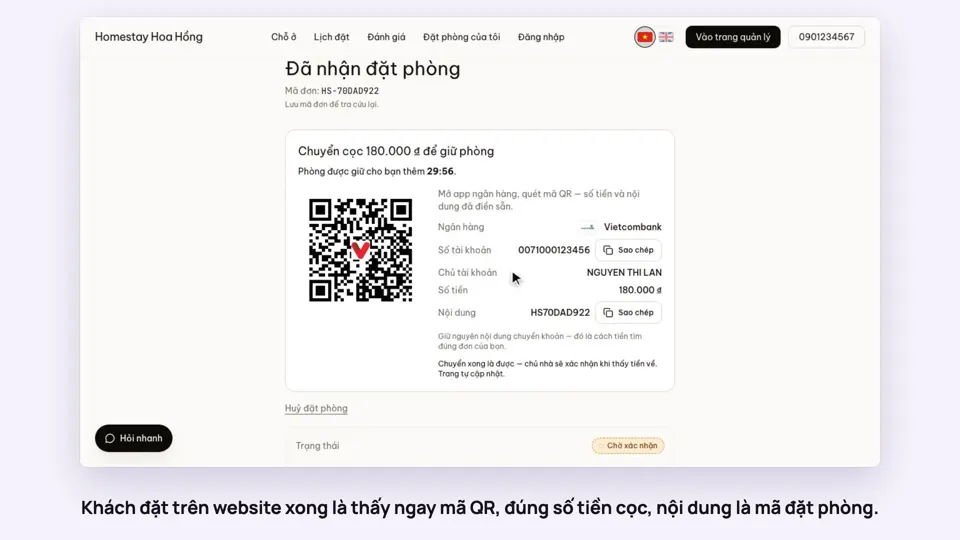 0:27Take a deposit with an exact-amount QRMoney
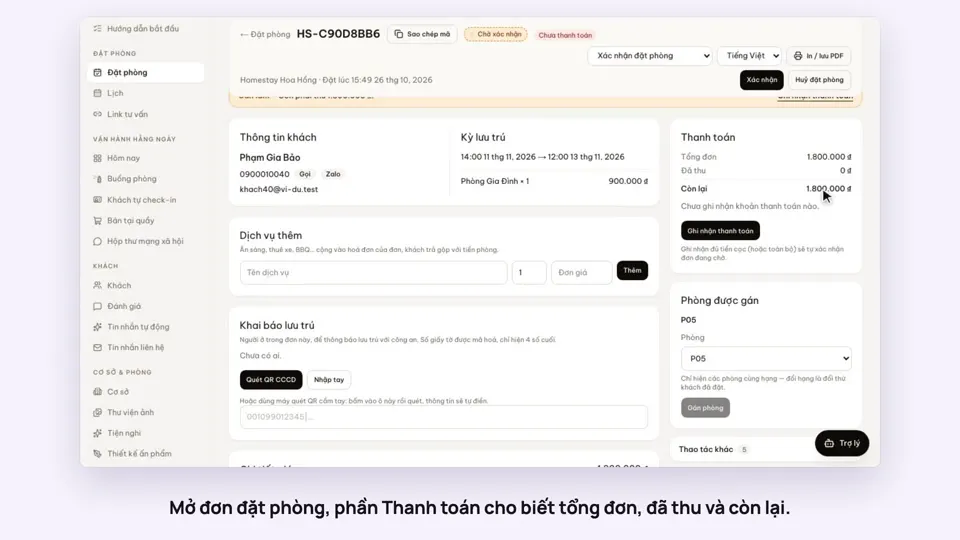 0:30Record cash, transfers and what is still owedMoney
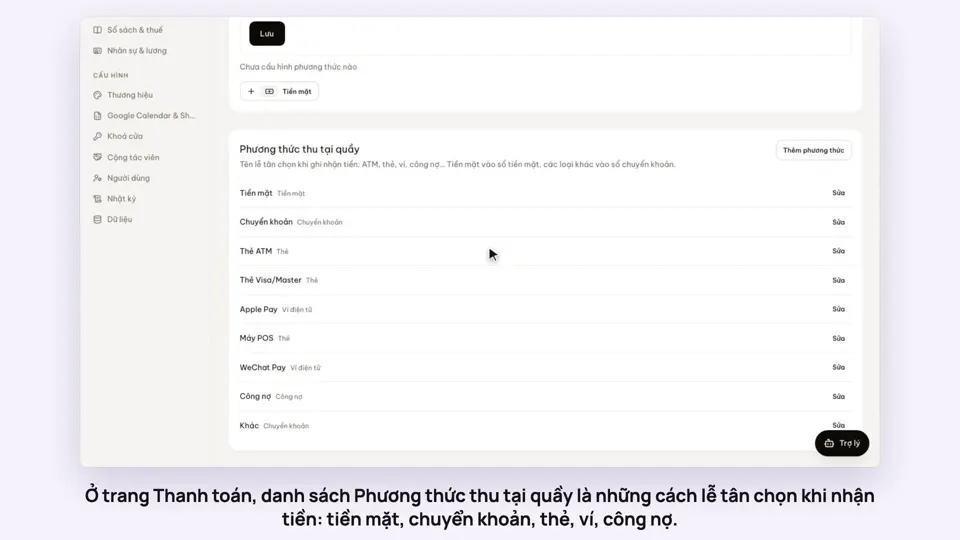 0:47Your payment methods, and guests paying in foreign currencyMoney
 0:58Print a receipt, booking confirmation or registration formMoney